Marketing agency based in Dubai Website Template


A Reusable About Pattern for the Wider Site Structure
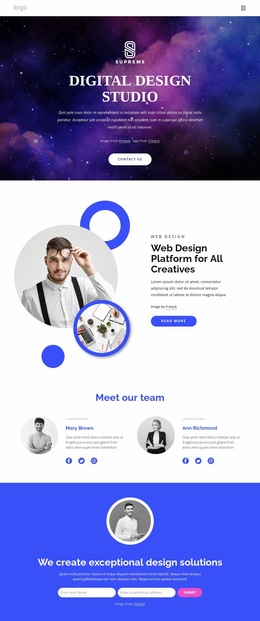
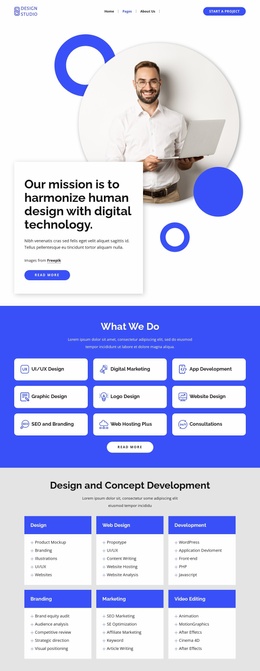
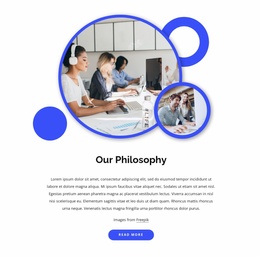
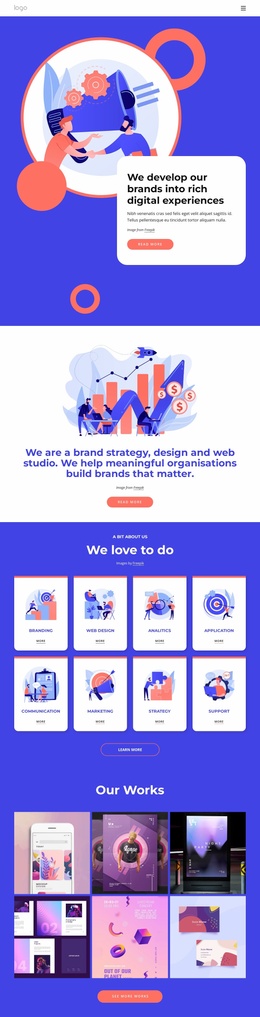
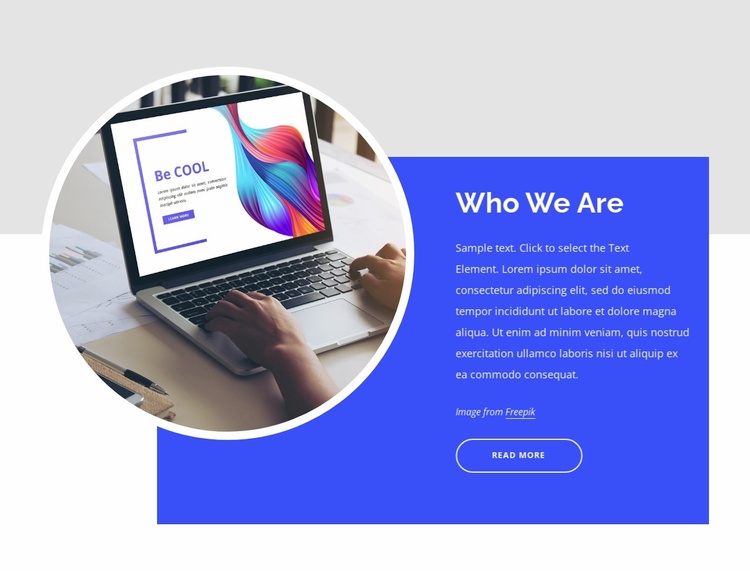
The block provides one stable content area for a broader website project: an introductory “Who We Are” section that combines identity text with a featured image. The heading and supporting paragraph establish the section’s message, while the circular image gives the organization or creative subject a visible point of recognition. The image credit and “Read More” button support that message without expanding the block into a complete page or site-level structure.
Its layout is also repeatable as a section pattern. The circular image sits left of the saturated blue panel and overlaps its edge, while the white heading and paragraph remain grouped inside the panel. A rounded outlined button provides a consistent closing action, and the light gray upper background with white lower background separates the section from adjacent content. This makes the block easy to coordinate with other page areas that may handle services, work examples, testimonials, or contact information.
Within a website template project, the section can be reused or adapted wherever an organization needs a concise introduction. The broader project supplies page relationships and additional content, while this block retains its own visual and editorial job. Its restrained geometry can also serve as a reference for related sections without requiring every page or block to duplicate the same circular image, blue panel, or button arrangement.
Customize with Nicepage
Open this ready-made template in the Website Template Builder and customize it visually in the Nicepage editor. Replace demo content, edit page sections, and adapt the design to your project without rebuilding the template from scratch.
Edit Template Offline
2. Create a new page or select existing
3. Click Add new block, search for id 6043957 and click enter
Edit Template Online
Create Awesome Websites


Free Nicepage Builder
Keywords
Use This Block in a Broader Website Template Project
Treat the Block as One Reusable Site Section
A website project is assembled from multiple pages and sections. The analyzed block provides one reusable content area—such as services, About, testimonials, pricing, gallery, team, or contact—while the rest of the site supplies other page-level functions.
Coordinate the Section With Other Pages
Use the Pages panel to manage the pages of the broader project. The block can remain one consistent section pattern while related pages add deeper information or different content without implying that the Block ID itself contains those pages.
Expand With Matching Designs
When additional pages or sections are needed, Page Design Sets can help locate matching Page and Block Designs. This can extend the visual direction around the existing block while keeping the site's other content areas separate.
This workflow treats the block as a reusable building unit inside a larger Website Template project, not as a complete website foundation on its own.