Professional web design and design Website Template



Edit Template Offline
2. Create new page and search for id 3925874
Edit Template Online
Create Awesome Websites


Free Nicepage Builder
Keywords
Portfolio, Services, and Brand Values Define a Site Foundation
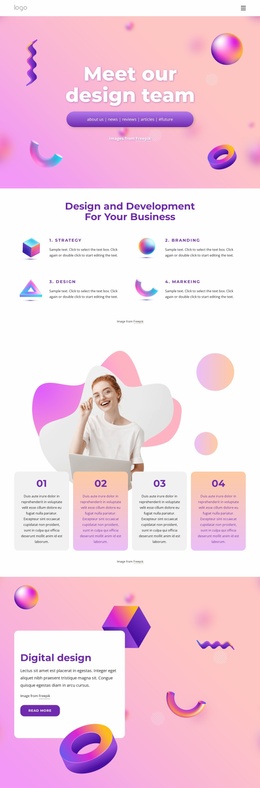
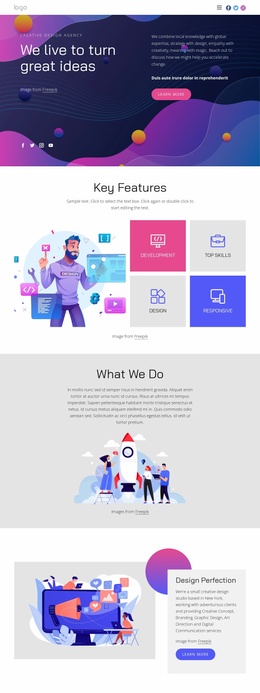
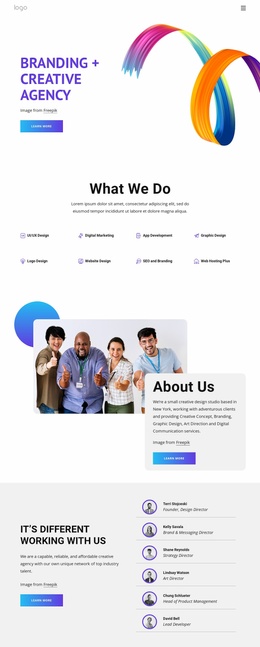
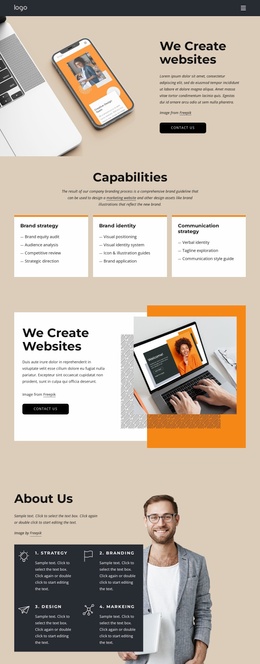
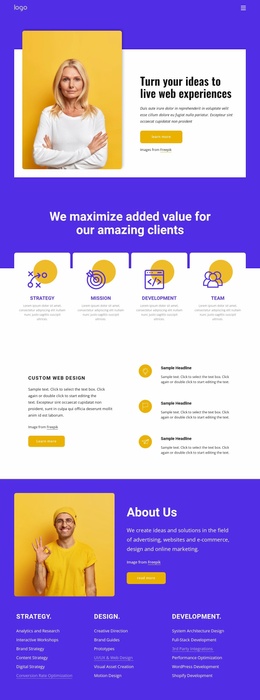
The design already establishes the main content categories a creative agency website would need to grow around. The opening hero introduces website creation and points visitors toward the portfolio, while four capability cards summarize strategy, branding, development, and web design. These broad areas can serve as the starting information architecture for related pages or expanded sections without losing the relationship between the agency’s offer and its work.
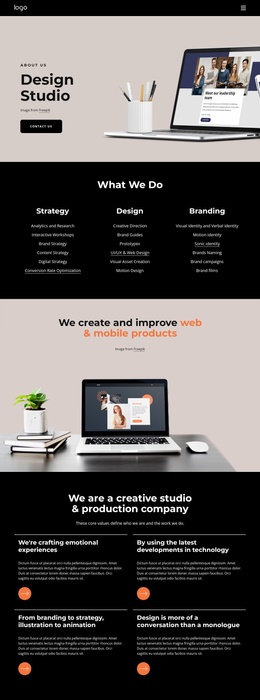
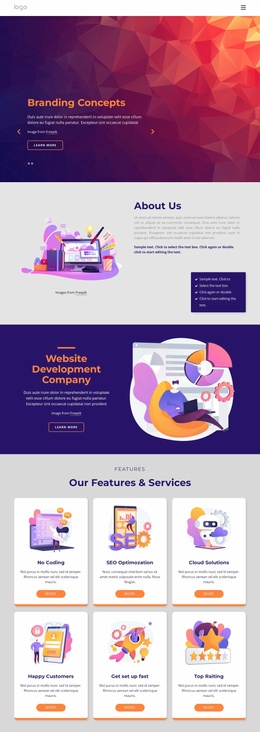
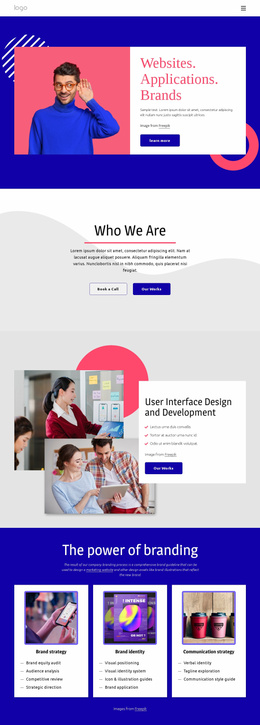
The six-item Portfolio collection provides a defined project category with labels for website design, mobile application, corporate design, responsive design, and digital product. The What We Do block adds a deeper service structure through three columns for strategy, design, and development, including detailed areas such as analytics and research, brand strategy, prototypes, UI/UX and web design, motion design, full-stack development, and third-party integrations. Brand Values and the three branding cards create additional content directions for explaining the agency’s approach and identity work.
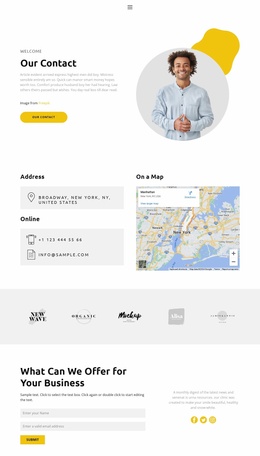
The page also includes project promotion and response content that can support a larger site structure. The construction and renovation section provides a focused promotional area, while the Crafting digital experiences panel and repeated Contact us actions connect the content to inquiry. The closing contact region groups phone, location, and email channels beside an image. As a foundation, the design supplies clear categories for expanding a project rather than only a styled homepage with no defined content paths.
Customize with Nicepage
Open this ready-made template in the Website Template Builder and customize it visually in the Nicepage editor. Replace demo content, edit page sections, and adapt the design to your project without rebuilding the template from scratch.
Build a Complete Website From This Template
Customize the Website Visually
Use this ready-made website template as a starting point for your project and adapt its pages visually in Nicepage. Change content, images, typography, navigation, sections, and other design elements while keeping the website together as a single editable project.
Manage Website Pages in One Project
Use the Pages panel to open, add, duplicate, and manage the pages of your website. Work on individual pages while keeping navigation and the overall site structure accessible from the same project, making it easier to develop a complete website instead of managing separate page files.
Expand the Website With Matching Designs
When you need additional pages or sections, use Page Design Sets to find Page and Block Designs created in the same visual style. Design Sets group matching designs together, making it easier to expand the website with new content while maintaining a consistent look across its pages and sections.
Organize Larger Multi-Page Websites
As the website grows, use Page Folders to organize related pages and keep larger multi-page projects easier to navigate in the editor. This is especially useful for websites with separate service pages, company information, contacts, landing pages, and other content areas.
This workflow makes the template a practical foundation for building and expanding a complete website while managing its pages, content, and visual design within one Nicepage project.