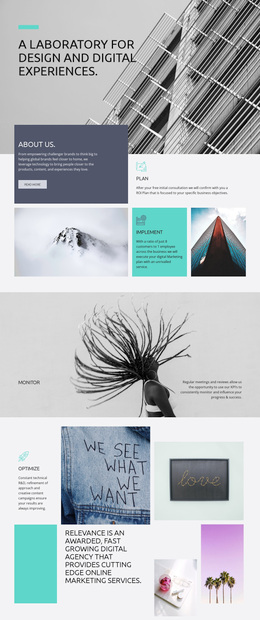
Ambitious people, impactful work Template


Edit Template Offline
2. Create new page and search for id 6078297
Edit Template Online
Create Awesome Websites


Free Nicepage Builder
Keywords
Three Locations and a Direct Form Give the Design Practical Coverage
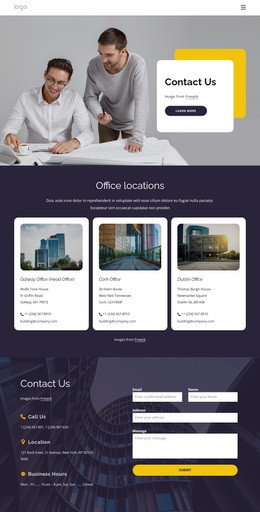
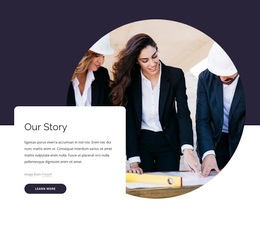
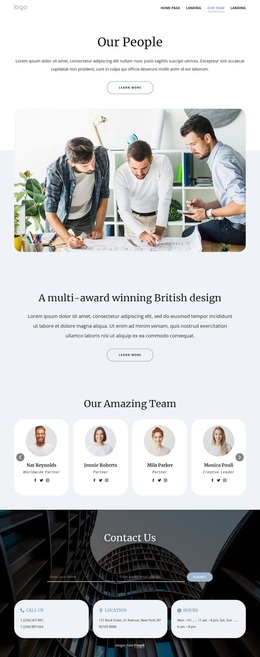
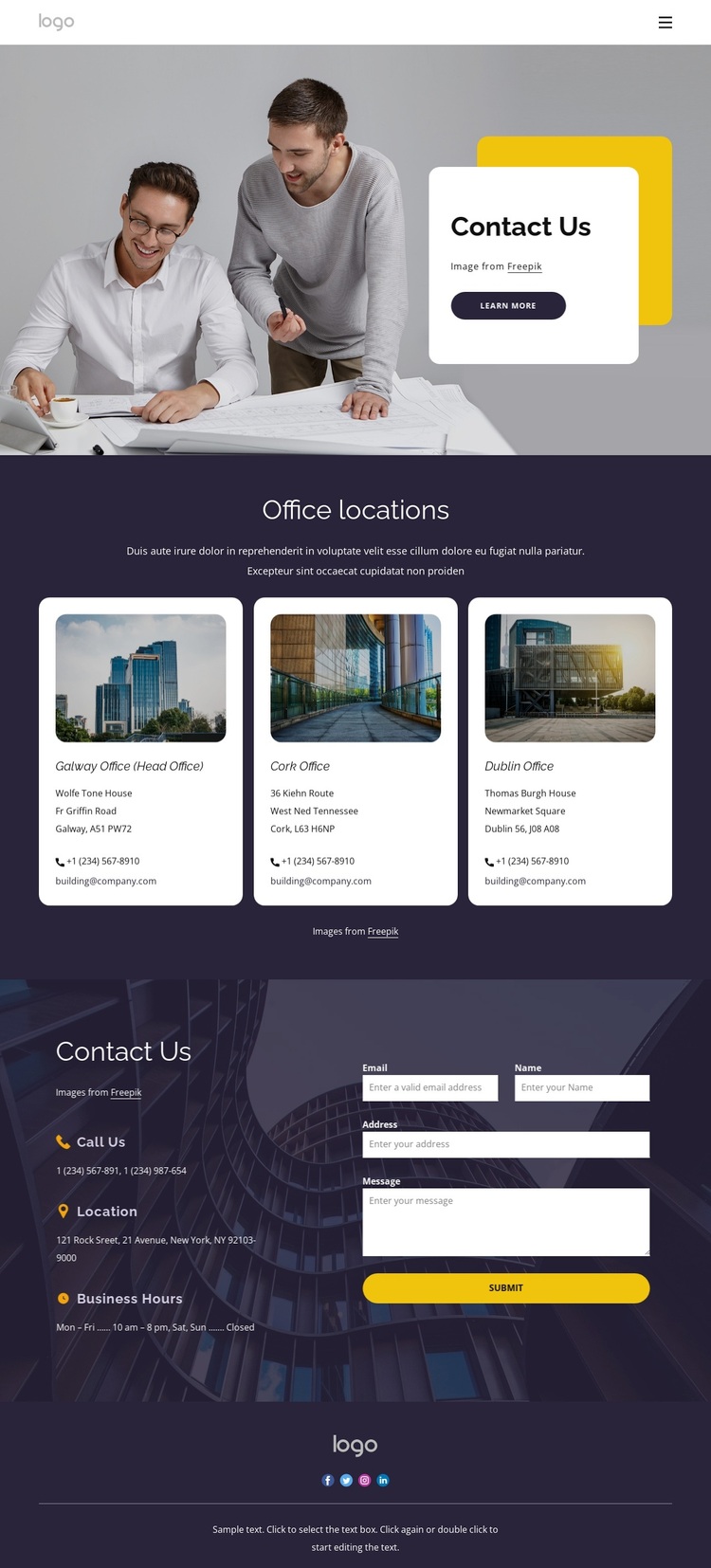
Business photography supplies the first point of distinction in this design, but the page’s strongest choice is how that visual introduction leads into practical contact content. The white rounded Contact Us card creates a focused opening over the image, and its Learn more action gives the hero a clear next step without overwhelming the visitor with details.
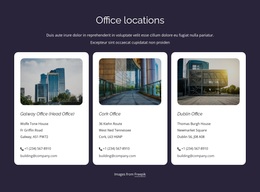
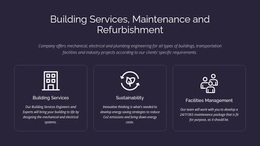
The Office locations section makes the template especially useful for organizations that need to present more than one place of contact. Three repeated cards establish a consistent pattern for office photographs, location names, phone links, and email links. This coverage is more specific than a single generic address block, while the shared card treatment keeps the information easy to compare. The darker section extends that coverage with Call Us, Location, and Business Hours items.
A light contact form completes the choice by giving visitors a direct way to submit an inquiry after reviewing the available offices and contact channels. The form is not isolated from the information architecture; it sits beside the supporting details so the visitor can decide whether to call, use a listed contact link, or send a message. The social footer adds a final connection point, making this a useful option when contact information and response access matter more than extensive service or product content.
Customize with Nicepage
Open this ready-made template in the Template Builder and customize it visually in the Nicepage editor. Replace demo content, edit page sections, and adapt the design to your project without rebuilding the template from scratch.
Start With a Ready-Made Template
Choose a Design for a New Page
Use a ready-made template as a starting point instead of creating every page from a blank canvas. When adding a new page in Nicepage, browse available designs, compare different layouts, and choose an option that already fits the general purpose and visual direction of your project.
Browse Different Page Designs
Explore Page Designs using search, thematic categories, Design Sets, and full-page previews. The collection includes layouts for different subjects and page purposes, making it easier to compare alternatives before selecting a design to customize.
Customize the Selected Template
After choosing a design, create the page and continue editing it visually in Nicepage. Replace the demo content, adjust images, typography, colors, sections, and other elements, and adapt the ready-made layout to your own content instead of rebuilding the design from the beginning.
Explore More Design Directions
If the first option does not match your project closely enough, return to the design collection and compare other templates before committing to a layout. This makes the template library useful not only for faster page creation, but also for exploring different visual approaches and finding a suitable starting point for a new project.
This workflow gives you access to a broad collection of ready-made designs that can be selected, compared, and customized according to the needs of each new page or project.

Design Set (21)
-

-
-
-
-
-
-
-
-
-
-
-
-
-
-
-
-
Free Website Builder SoftwareDownload
-