We will build a better home Template


Edit Template Offline
2. Create new page and search for id 6002028
Edit Template Online
Create Awesome Websites


Free Nicepage Builder
Keywords
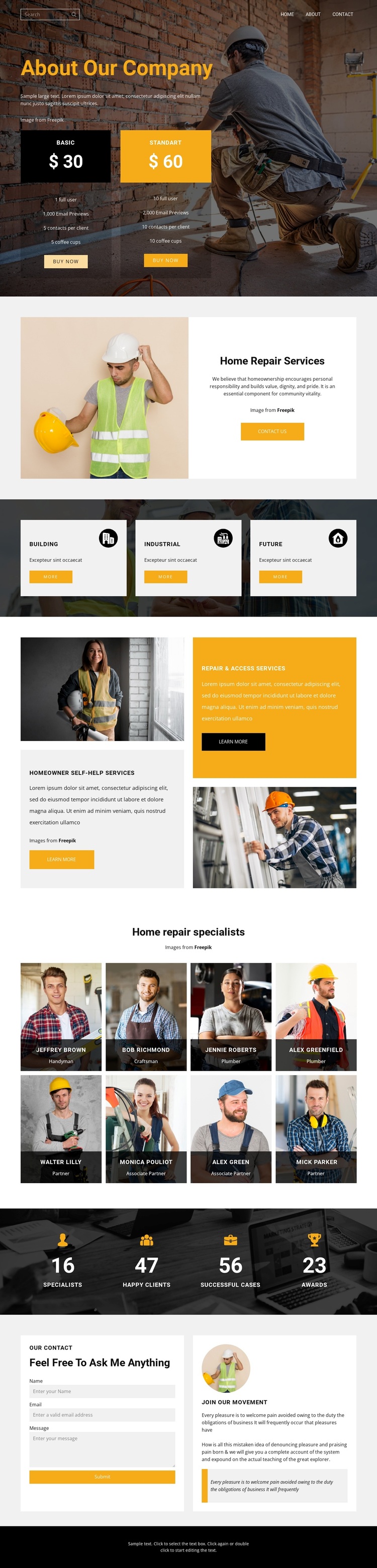
Worker Imagery Meets Broad Home Repair Content Coverage
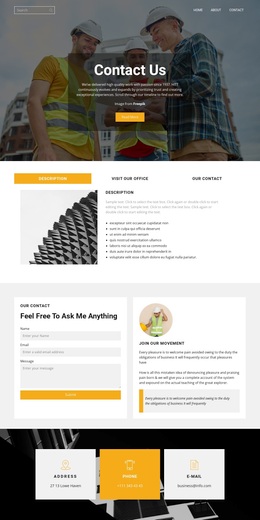
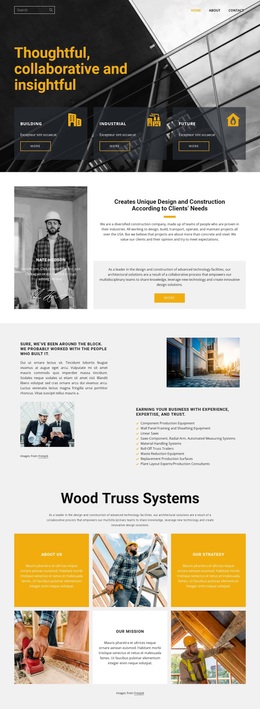
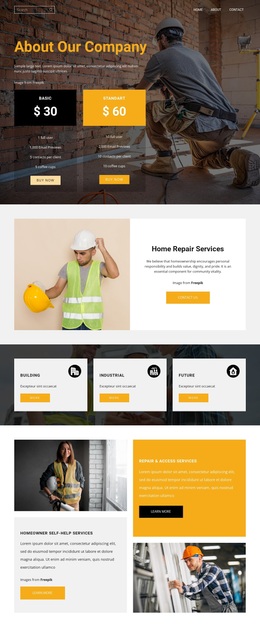
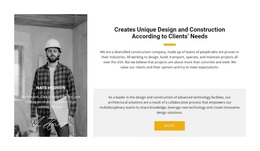
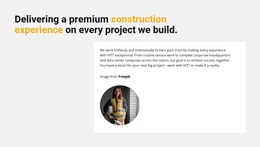
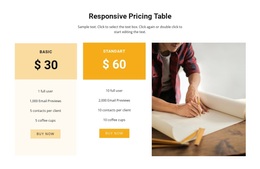
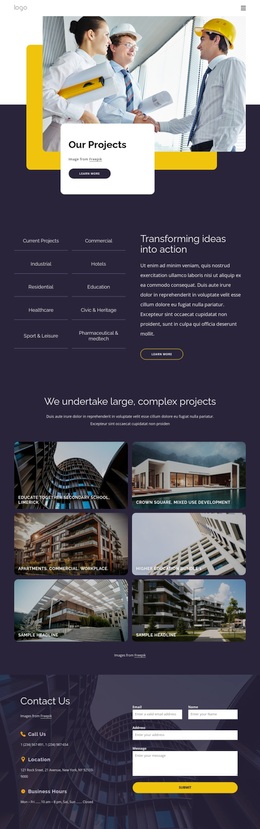
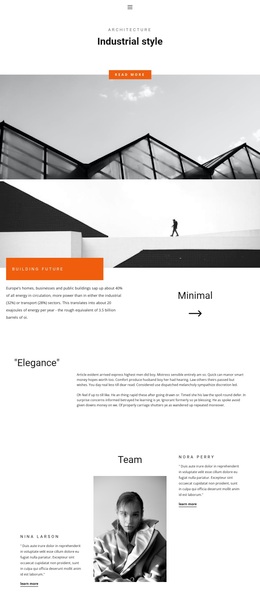
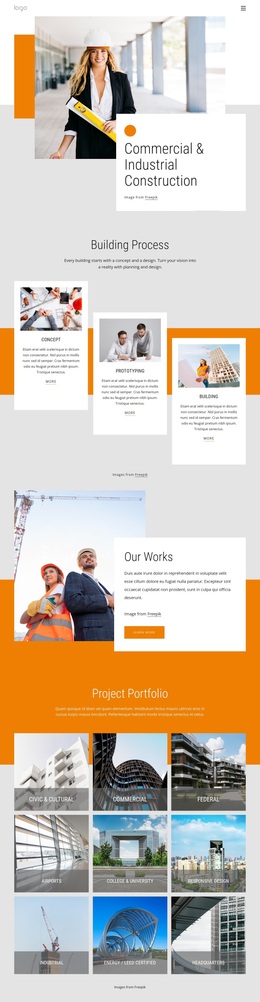
The page combines visual immediacy with a wide range of home repair information. Large photographs of workers, tools, and improvement activity establish the subject before visitors reach the detailed content. The opening company area also includes two pricing options, giving the design more commercial range than a simple profile page. From there, a featured service section and three category tiles provide both a focused introduction and a broader view of Building, Industrial, and Future service directions.
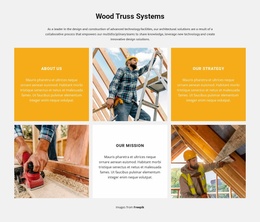
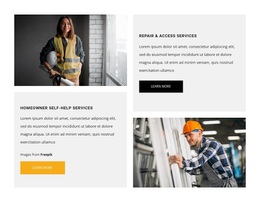
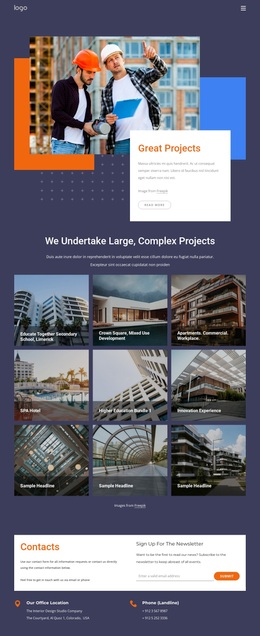
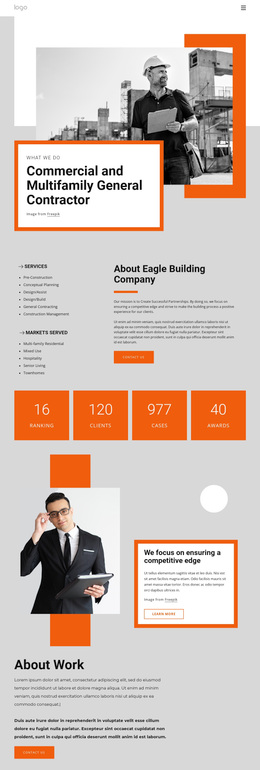
Two alternating panels extend that coverage with Homeowner Self-Help Services and Repair & Access Services. This contrast between category-level content and more specific offerings makes the design useful for a company that needs to explain more than one kind of assistance. The eight specialist cards add a visible team dimension, while the four displayed metrics introduce a compact proof area. These demo values and names show the intended structure only; they should not be presented as verified business facts.
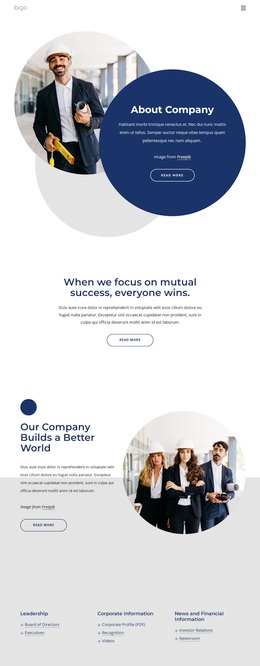
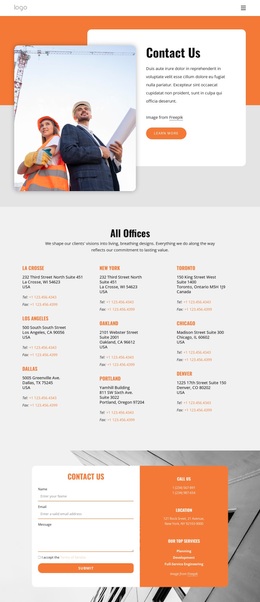
The final contact section completes the selection by giving the design a practical inquiry destination. The combination of imagery, pricing, service categories, specialist profiles, metrics, and contact content makes this a useful option for projects that need a substantial company profile without relying on long uninterrupted text. Its strongest distinction is the way repair activity and organized service coverage share the same bold visual system.
Customize with Nicepage
Open this ready-made template in the Template Builder and customize it visually in the Nicepage editor. Replace demo content, edit page sections, and adapt the design to your project without rebuilding the template from scratch.
Start With a Ready-Made Template
Choose a Design for a New Page
Use a ready-made template as a starting point instead of creating every page from a blank canvas. When adding a new page in Nicepage, browse available designs, compare different layouts, and choose an option that already fits the general purpose and visual direction of your project.
Browse Different Page Designs
Explore Page Designs using search, thematic categories, Design Sets, and full-page previews. The collection includes layouts for different subjects and page purposes, making it easier to compare alternatives before selecting a design to customize.
Customize the Selected Template
After choosing a design, create the page and continue editing it visually in Nicepage. Replace the demo content, adjust images, typography, colors, sections, and other elements, and adapt the ready-made layout to your own content instead of rebuilding the design from the beginning.
Explore More Design Directions
If the first option does not match your project closely enough, return to the design collection and compare other templates before committing to a layout. This makes the template library useful not only for faster page creation, but also for exploring different visual approaches and finding a suitable starting point for a new project.
This workflow gives you access to a broad collection of ready-made designs that can be selected, compared, and customized according to the needs of each new page or project.