Architectural projects Template



Edit Template Offline
2. Create new page and search for id 3653663
Edit Template Online
Create Awesome Websites


Free Nicepage Builder
Keywords
Residential Services and Research Share One Project Story
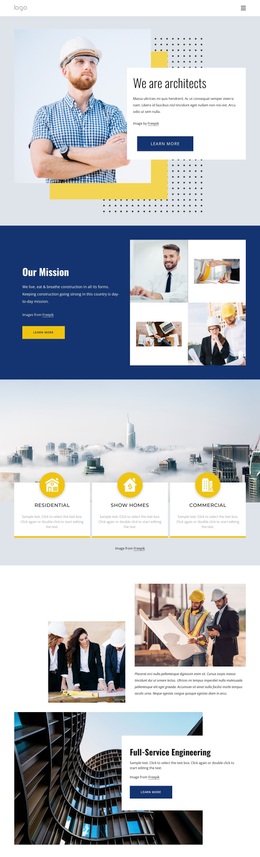
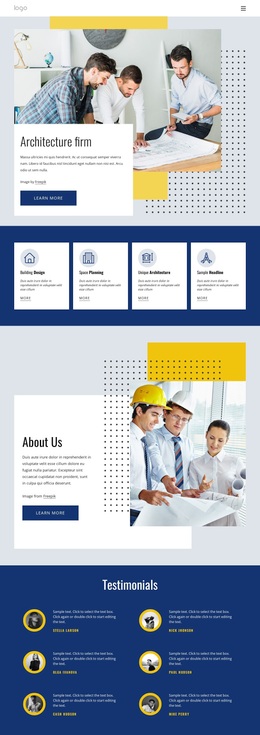
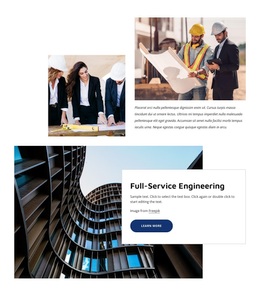
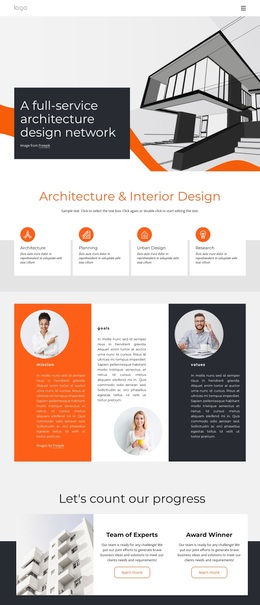
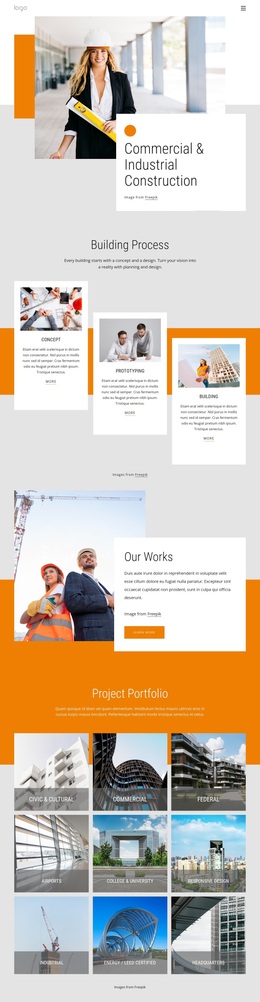
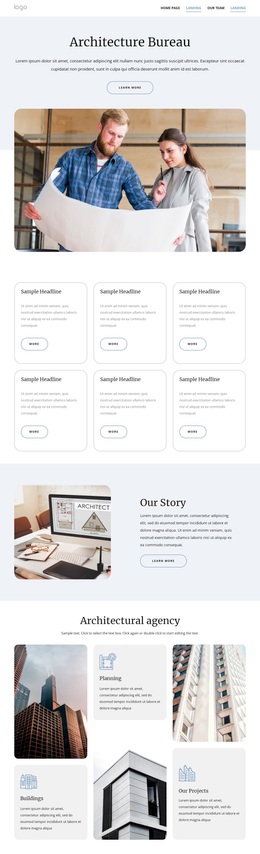
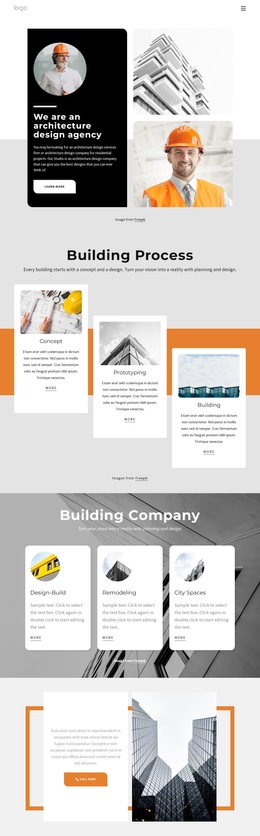
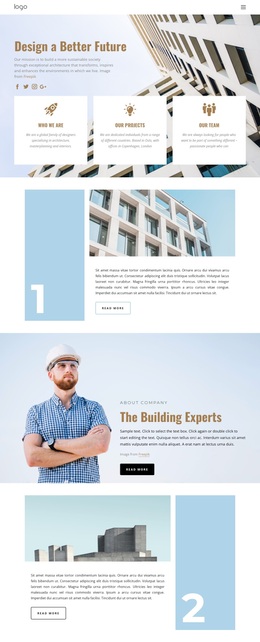
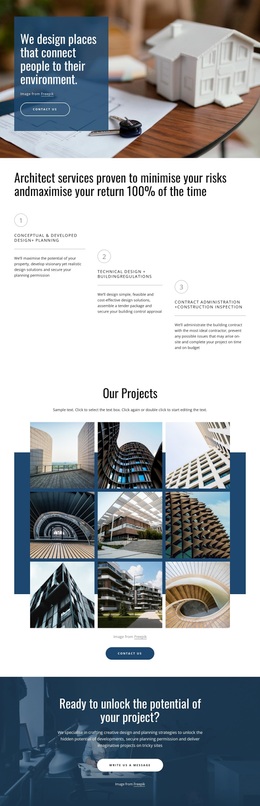
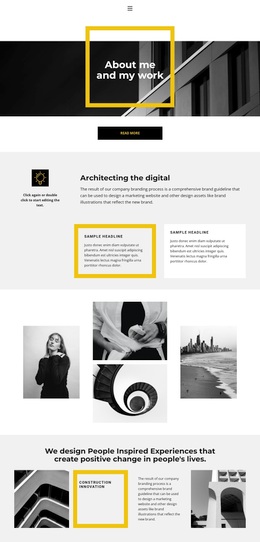
The page is a useful design option when an architecture practice needs to present both recognizable services and broader professional capabilities. Residential and Commercial categories establish the main client-facing scope, while Show Homes adds a third service direction without requiring separate introductory pages. These cards are supported by image-led project content and a Full-Service Engineering feature, so the layout can communicate more than a short list of offerings.
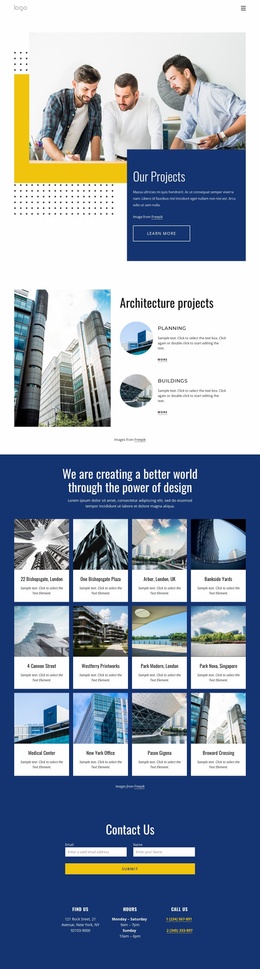
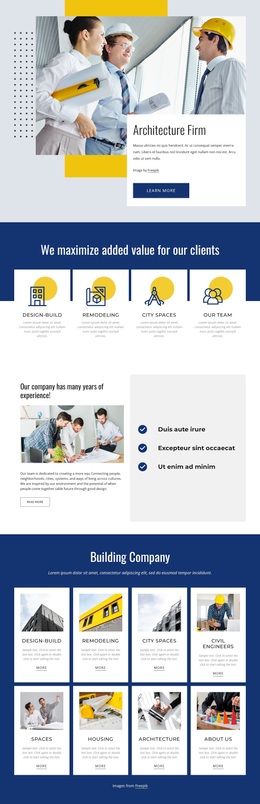
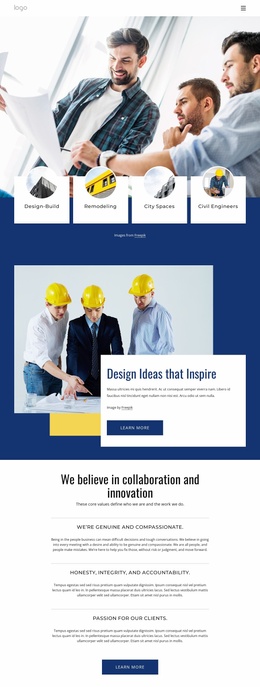
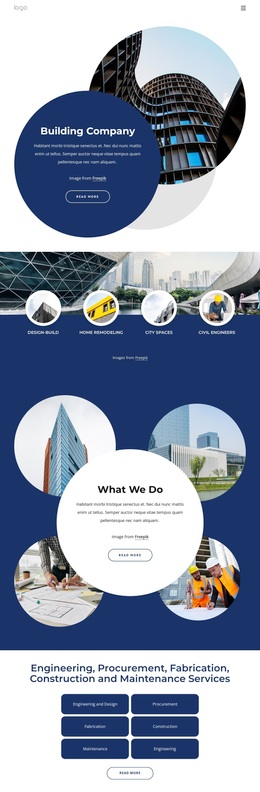
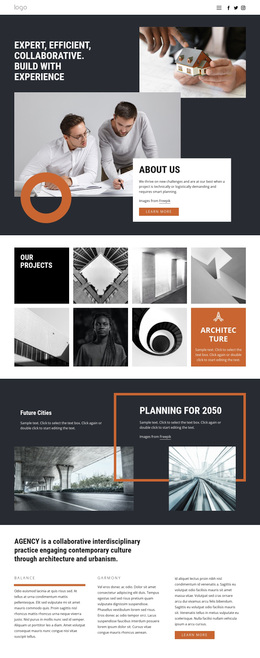
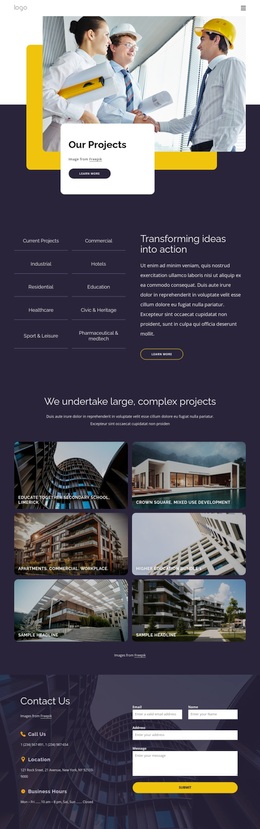
Its most distinctive coverage appears in the relationship between Architectural Design & Research and the portfolio section. Urban planning, Interior design, Landscape design, and Science and technology show the range of subjects associated with the practice. Design-Build, Remodeling, City Spaces, and Civil Engineers then frame the portfolio through project or delivery categories. This combination suits a practice that wants research, design, construction, and engineering to appear as connected parts of one presentation.
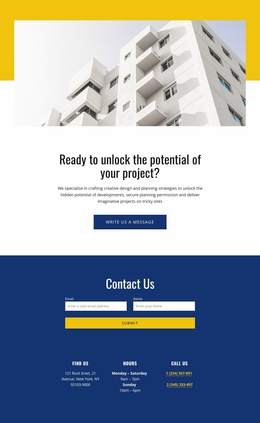
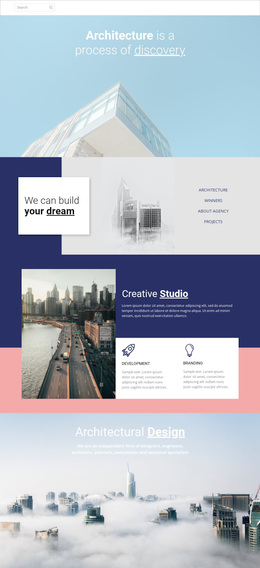
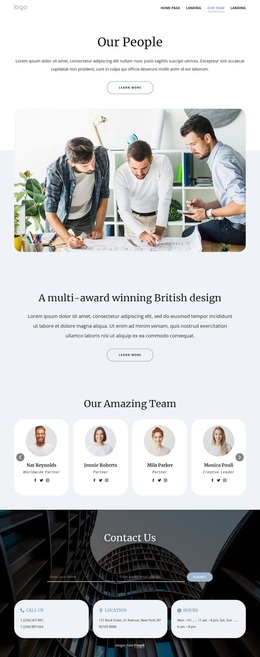
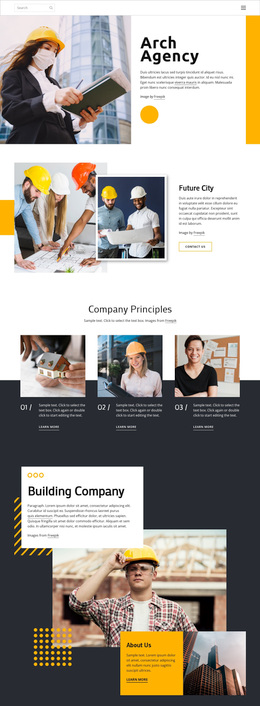
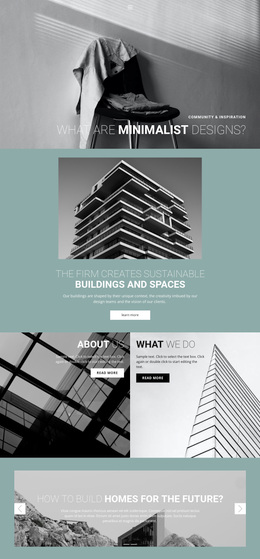
The visual direction reinforces that choice. Blue, yellow, white, and light gray areas provide a recognizable architectural palette, while large photographs and editorial-style overlays give the page an image-led character. The mission section adds a values-oriented pause before the service cards, and the contact area closes with office details, inquiry fields, and Free Consultation content. Together, these relationships make the template a strong starting option for projects that need breadth without losing a clear architecture-focused identity.
Customize with Nicepage
Open this ready-made template in the Template Builder and customize it visually in the Nicepage editor. Replace demo content, edit page sections, and adapt the design to your project without rebuilding the template from scratch.
Start With a Ready-Made Template
Choose a Design for a New Page
Use a ready-made template as a starting point instead of creating every page from a blank canvas. When adding a new page in Nicepage, browse available designs, compare different layouts, and choose an option that already fits the general purpose and visual direction of your project.
Browse Different Page Designs
Explore Page Designs using search, thematic categories, Design Sets, and full-page previews. The collection includes layouts for different subjects and page purposes, making it easier to compare alternatives before selecting a design to customize.
Customize the Selected Template
After choosing a design, create the page and continue editing it visually in Nicepage. Replace the demo content, adjust images, typography, colors, sections, and other elements, and adapt the ready-made layout to your own content instead of rebuilding the design from the beginning.
Explore More Design Directions
If the first option does not match your project closely enough, return to the design collection and compare other templates before committing to a layout. This makes the template library useful not only for faster page creation, but also for exploring different visual approaches and finding a suitable starting point for a new project.
This workflow gives you access to a broad collection of ready-made designs that can be selected, compared, and customized according to the needs of each new page or project.