The architect and his work Template



Edit Template Offline
2. Create new page and search for id 6007418
Edit Template Online
Create Awesome Websites


Free Nicepage Builder
Keywords
A Gallery-Led Portfolio With Services, People, and Practical Context
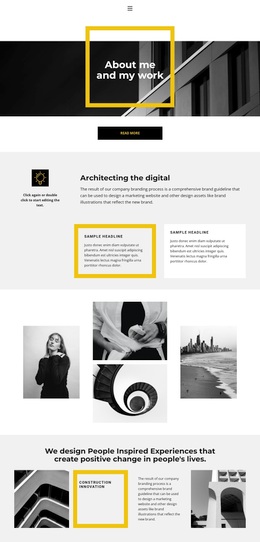
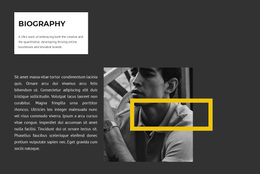
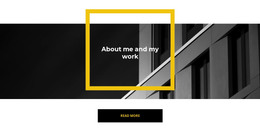
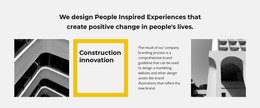
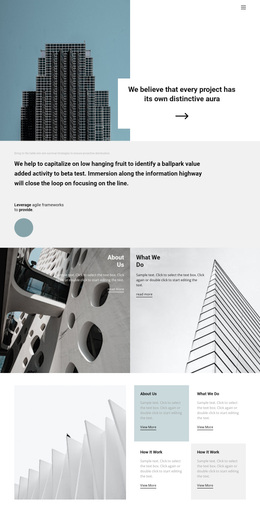
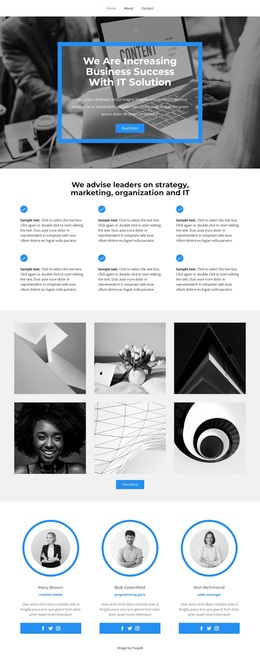
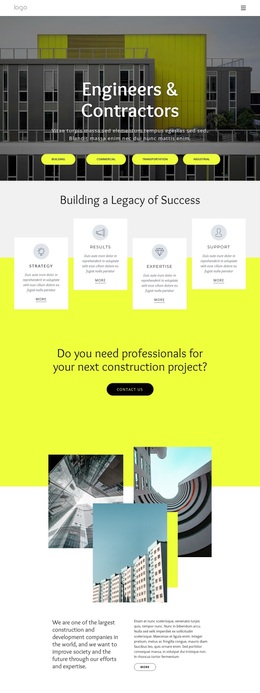
The architectural hero, framed in monochrome imagery and yellow geometry, immediately establishes a design option for projects that need a strong visual introduction rather than a text-heavy opening. “About me and my work” leads into “Architecting the digital,” where branding and marketing website content is supported by two bordered cards. This combination gives the page both an expressive first impression and enough explanatory material to clarify the creative direction.
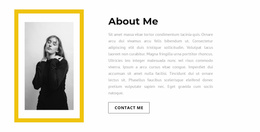
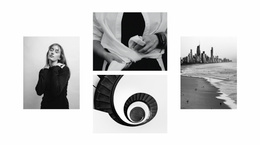
Image content remains central as the page develops. A four-photograph composition creates a visual pause before the People Inspired Experiences statement, while the later five-image Gallery offers a more explicit showcase of photographic work. The varied image shapes, including circular and rectangular treatments, make the layout suitable for portfolios that want visual rhythm instead of a repeated service-card structure. The yellow framing also gives otherwise monochrome sections a clear point of emphasis.
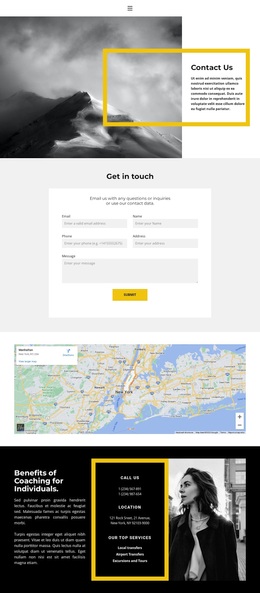
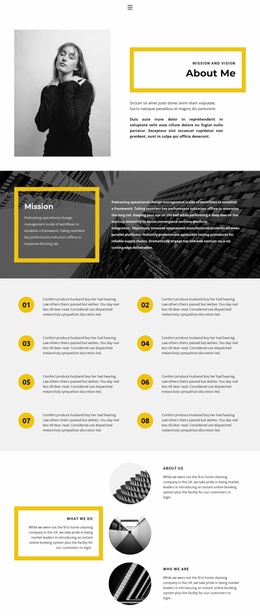
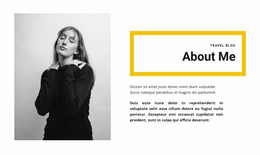
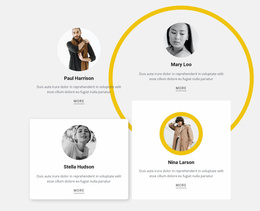
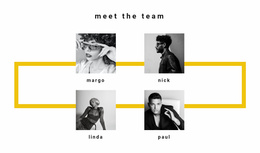
The design covers more than presentation alone. The Strategy, Design, and Development accordion groups key capabilities, and the four-entry team section adds a human dimension. Near the end, coaching content, phone and location details, and service labels provide practical context for a visitor deciding whether the portfolio fits a creative support project. These relationships make the template a distinctive choice for personal studios or digital service presentations that need imagery, capabilities, and people to share the same page.
Customize with Nicepage
Open this ready-made template in the Template Builder and customize it visually in the Nicepage editor. Replace demo content, edit page sections, and adapt the design to your project without rebuilding the template from scratch.
Start With a Ready-Made Template
Choose a Design for a New Page
Use a ready-made template as a starting point instead of creating every page from a blank canvas. When adding a new page in Nicepage, browse available designs, compare different layouts, and choose an option that already fits the general purpose and visual direction of your project.
Browse Different Page Designs
Explore Page Designs using search, thematic categories, Design Sets, and full-page previews. The collection includes layouts for different subjects and page purposes, making it easier to compare alternatives before selecting a design to customize.
Customize the Selected Template
After choosing a design, create the page and continue editing it visually in Nicepage. Replace the demo content, adjust images, typography, colors, sections, and other elements, and adapt the ready-made layout to your own content instead of rebuilding the design from the beginning.
Explore More Design Directions
If the first option does not match your project closely enough, return to the design collection and compare other templates before committing to a layout. This makes the template library useful not only for faster page creation, but also for exploring different visual approaches and finding a suitable starting point for a new project.
This workflow gives you access to a broad collection of ready-made designs that can be selected, compared, and customized according to the needs of each new page or project.