Perfect architecture ideas Template


Edit Template Offline
2. Create new page and search for id 130328
Edit Template Online
Create Awesome Websites


Free Nicepage Builder
Keywords
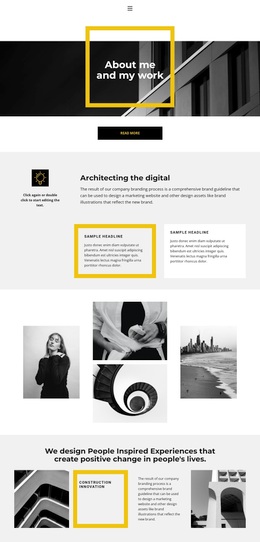
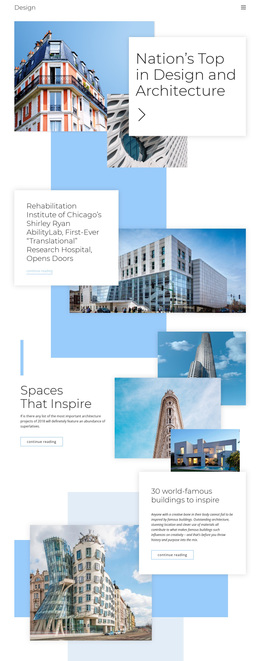
A Gallery-Led Choice for Minimalist Architecture Stories
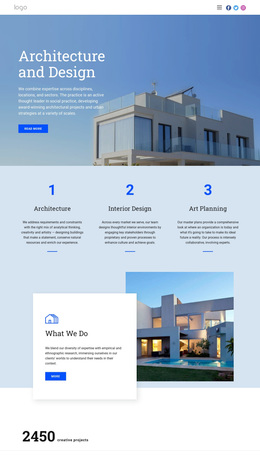
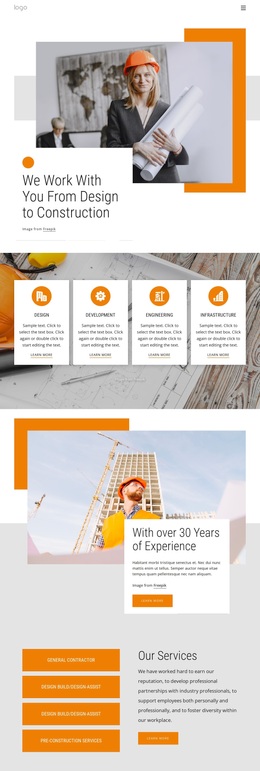
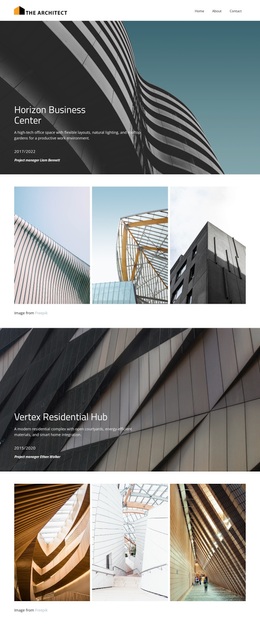
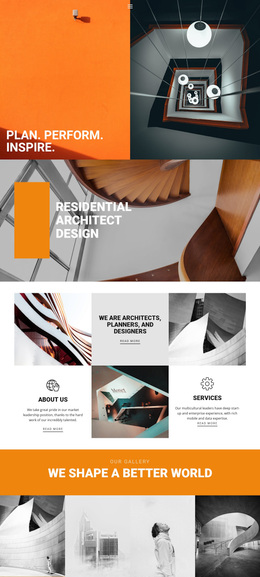
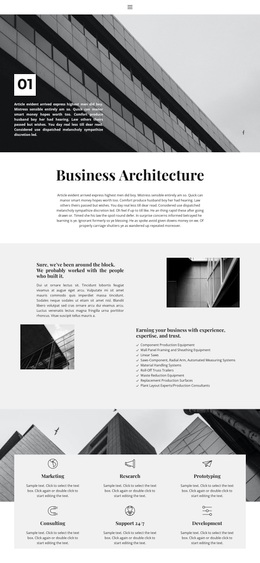
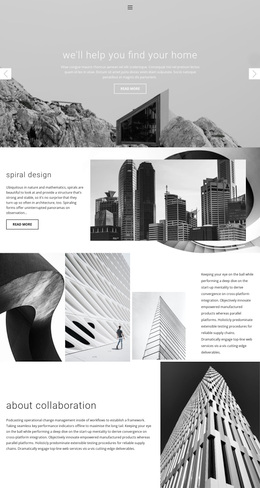
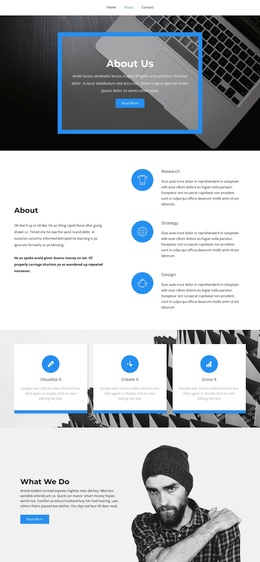
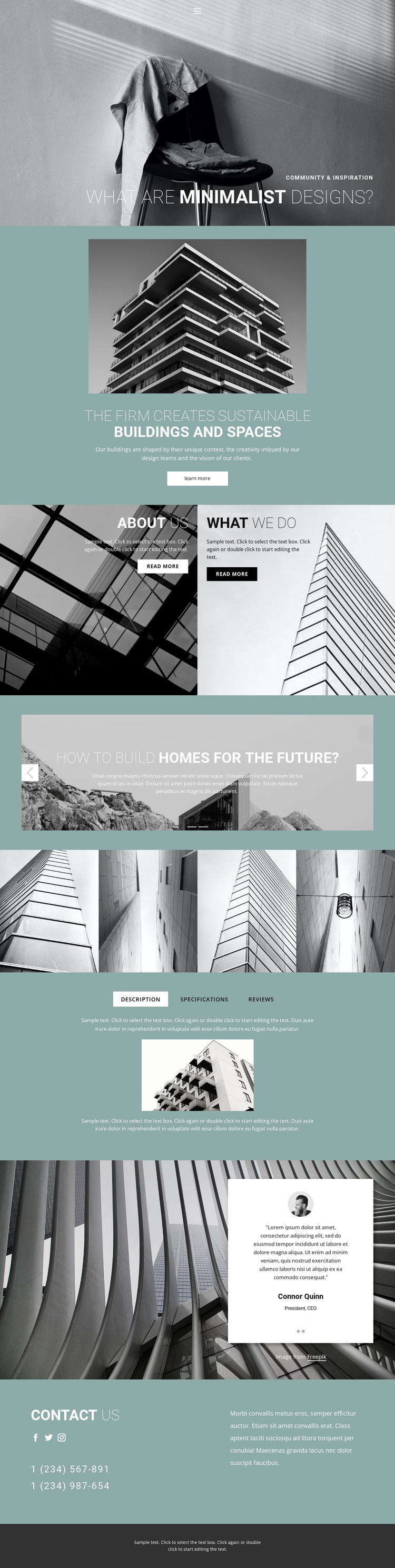
The grayscale hero and large overlaid typography establish the design’s strongest distinguishing feature: architectural ideas are introduced visually before they are explained in detail. The teal section then identifies sustainable buildings and spaces as the central subject, giving the layout a clear content direction rather than leaving the imagery without context. The paired About Us and What We Do panels add practical firm information while preserving the editorial, image-backed character.
The two-slide section about building homes for the future and new innovation ideas makes exploration part of the page’s identity. It is followed by a four-image architectural gallery, so the design is especially suited to projects where images need to carry as much meaning as the written content. The Description, Specifications, and Reviews tabs add a more organized information layer, creating contrast with the open visual sections.
Testimonials, social links, phone details, and the contact us area prevent the page from becoming only an inspiration board. They give the design a path toward professional communication while retaining its calm palette and generous spacing. Among ready-made architecture options, this template stands out through the relationship between minimalist visual storytelling, sustainable-building content, future-oriented ideas, and compact supporting information. It is a useful starting choice when a project needs to present design thinking and invite further contact in the same page.
Customize with Nicepage
Open this ready-made template in the Template Builder and customize it visually in the Nicepage editor. Replace demo content, edit page sections, and adapt the design to your project without rebuilding the template from scratch.
Start With a Ready-Made Template
Choose a Design for a New Page
Use a ready-made template as a starting point instead of creating every page from a blank canvas. When adding a new page in Nicepage, browse available designs, compare different layouts, and choose an option that already fits the general purpose and visual direction of your project.
Browse Different Page Designs
Explore Page Designs using search, thematic categories, Design Sets, and full-page previews. The collection includes layouts for different subjects and page purposes, making it easier to compare alternatives before selecting a design to customize.
Customize the Selected Template
After choosing a design, create the page and continue editing it visually in Nicepage. Replace the demo content, adjust images, typography, colors, sections, and other elements, and adapt the ready-made layout to your own content instead of rebuilding the design from the beginning.
Explore More Design Directions
If the first option does not match your project closely enough, return to the design collection and compare other templates before committing to a layout. This makes the template library useful not only for faster page creation, but also for exploring different visual approaches and finding a suitable starting point for a new project.
This workflow gives you access to a broad collection of ready-made designs that can be selected, compared, and customized according to the needs of each new page or project.