Quality roofing solutions Template



Edit Template Offline
2. Create new page and search for id 6429810
Edit Template Online
Create Awesome Websites


Free Nicepage Builder
Keywords
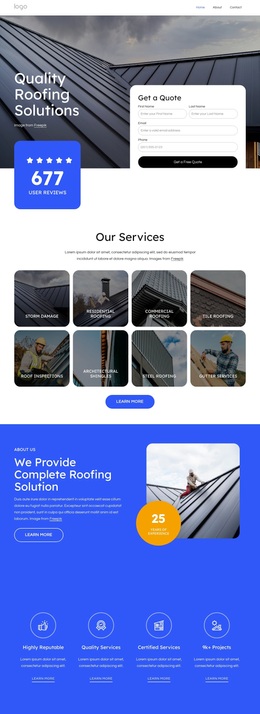
Eight Roofing Categories Support a Broad Service Presentation
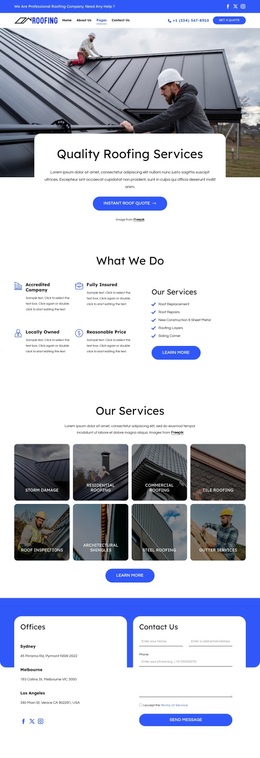
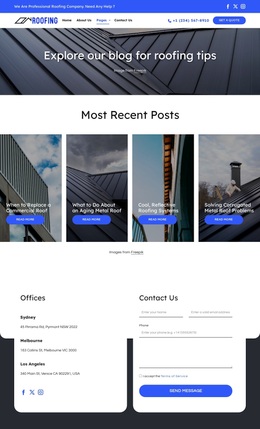
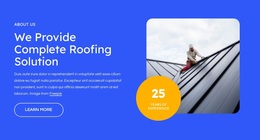
The eight visual service tiles make this design a useful option for a roofing company that needs to show more than one capability at the opening of its page. Storm damage, residential roofing, commercial roofing, tile roofing, inspections, repairs, and gutter services are represented as distinct categories, so visitors can identify the type of work relevant to them without reading through one uninterrupted block of copy. The image-backed treatment also keeps the service overview visually connected to the roofing subject.
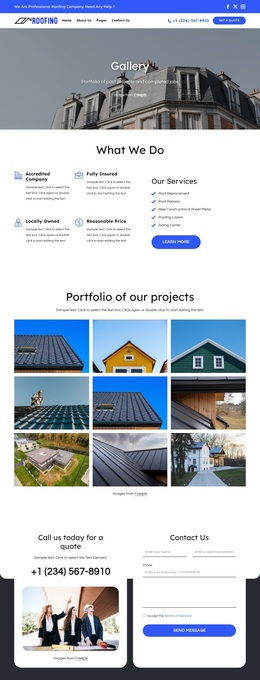
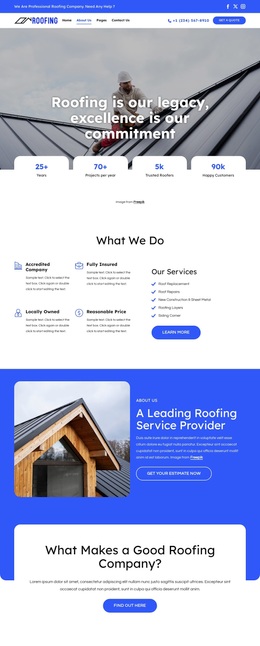
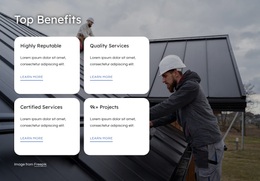
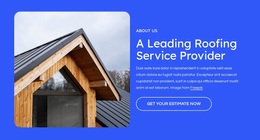
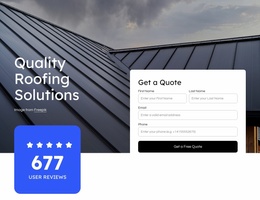
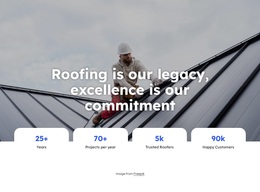
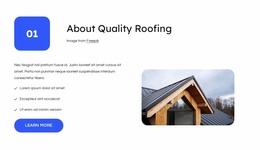
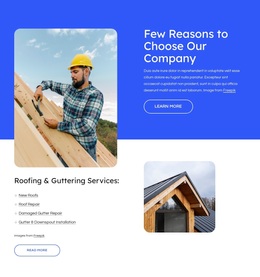
The design adds depth around that central category structure. The hero introduces a quote form and review badge, while the About Us sections use worker and roof imagery alongside experience, priority, and company messages. Four repeated benefit items provide a compact summary of service qualities, and the split Roofing & Guttering Services section gives the list-based information a more detailed place in the page. These relationships make the layout suitable for projects that need both breadth and explanation.
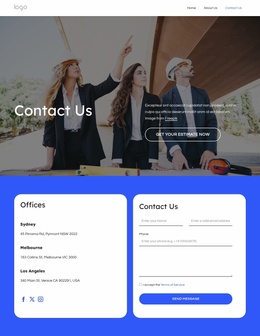
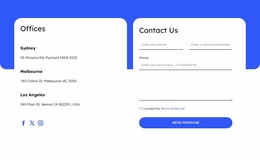
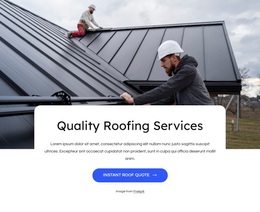
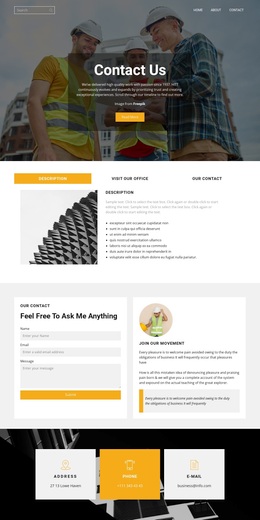
A full-width commercial repair banner gives the template a distinct secondary emphasis, and the three testimonial cards create a clear proof section before the Offices area. Location information, a contact inquiry form, and the Send Message action make the page feel prepared for real service conversations. Compared with a design centered only on one trade or one promotional claim, this option covers service discovery, company context, proof, and contact in a single coherent direction.
Customize with Nicepage
Open this ready-made template in the Template Builder and customize it visually in the Nicepage editor. Replace demo content, edit page sections, and adapt the design to your project without rebuilding the template from scratch.
Start With a Ready-Made Template
Choose a Design for a New Page
Use a ready-made template as a starting point instead of creating every page from a blank canvas. When adding a new page in Nicepage, browse available designs, compare different layouts, and choose an option that already fits the general purpose and visual direction of your project.
Browse Different Page Designs
Explore Page Designs using search, thematic categories, Design Sets, and full-page previews. The collection includes layouts for different subjects and page purposes, making it easier to compare alternatives before selecting a design to customize.
Customize the Selected Template
After choosing a design, create the page and continue editing it visually in Nicepage. Replace the demo content, adjust images, typography, colors, sections, and other elements, and adapt the ready-made layout to your own content instead of rebuilding the design from the beginning.
Explore More Design Directions
If the first option does not match your project closely enough, return to the design collection and compare other templates before committing to a layout. This makes the template library useful not only for faster page creation, but also for exploring different visual approaches and finding a suitable starting point for a new project.
This workflow gives you access to a broad collection of ready-made designs that can be selected, compared, and customized according to the needs of each new page or project.

Design Set (26)
-

-
-
-
-
-
-
-
-
-
-
Free Website Builder SoftwareDownload
-
-
-
-
-
-