
Contractor Website Templates
Housing developers check delivery history; public agencies may require verified qualifications; and trade partners look for contacts in their department. Contractor website templates provide dedicated routes to each audience within a coordinated company website.

























































More Website & HTML Templates for Contractor

















More Website Templates from Architecture & Building Category
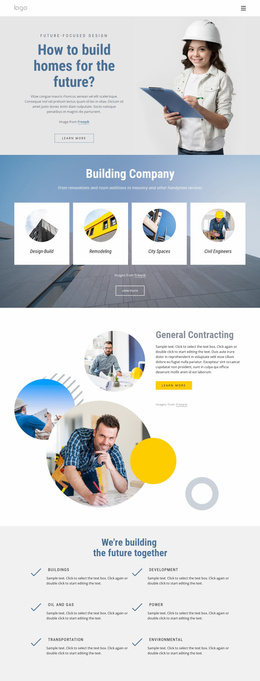

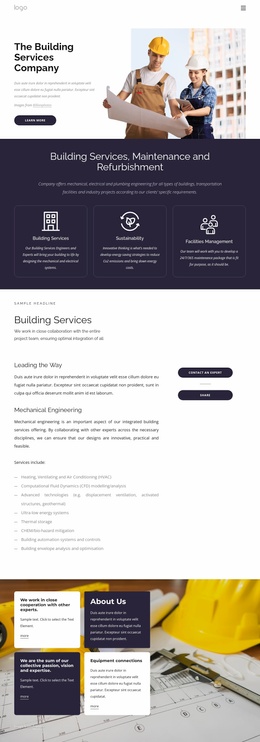






Other Architecture & Building Website Templates
Multipurpose Contractor Website Templates
A remodeling company that took its first jobs last spring and a builder with decades of commercial work need very different online spaces. Contractor website templates offer ready designs with sections for services, finished projects, and estimate requests. You adjust the look, fill it with your own photos and descriptions, and add sections as the business grows.
What a Full Contractor Site Usually Covers
While browsing designs, see whether the ready layouts cover what clients tend to look for:
- A Home layout introduces the company, highlights the main services, and points people toward recent work.
- Service sections need space for detail, so a roofer can give roof replacement and gutter repair their own entries.
- A projects area should offer an overview plus a layout for individual jobs, since a full home renovation needs more room than a card can give.
- A contact area holds the estimate request form and the regions you serve, with licenses or reviews close by.
Not every contractor needs the full set. A handyperson who just started may only want services and a contact form, and a large template would leave empty sections to fill. A firm doing residential and commercial work will want separate entries for each trade and a portfolio sorted by type. An About section also makes sense for a company with a long track record.
Consistent Navigation Through Every Section
People rarely read a contractor website in order. Someone might open the roof replacement entry, move on to a similar finished job, and then go looking for a phone number. The menu and the links between services and projects should make those moves easy. A shared header and footer keep navigation and contact details where visitors expect them. Nicepage's Theme Settings control global colors and fonts, keeping the service entries and portfolio looking like the same company. On phones, the menu should fold into something people can open with a quick tap.
Expanding When the Business Grows
A contracting business seldom stays the same for long. A new specialty, a second service area, and a busy season of finished jobs all need a home. A good template lets you duplicate an existing service entry so the new work matches the rest. Larger firms may eventually want divisions, a careers section, or supplier information, so it helps when the design can absorb them. As a final test, write down the services you offer today and the ones you plan to add. Then see whether the ready layouts and menu can carry both lists without awkward workarounds.