International construction services company Template



Edit Template Offline
2. Create new page and search for id 5825900
Edit Template Online
Create Awesome Websites


Free Nicepage Builder
Keywords
Four service categories connect visual storytelling with company detail
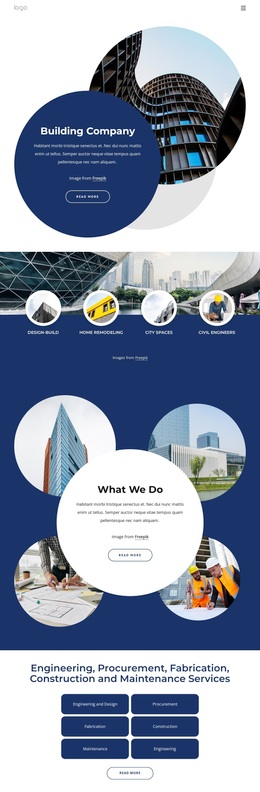
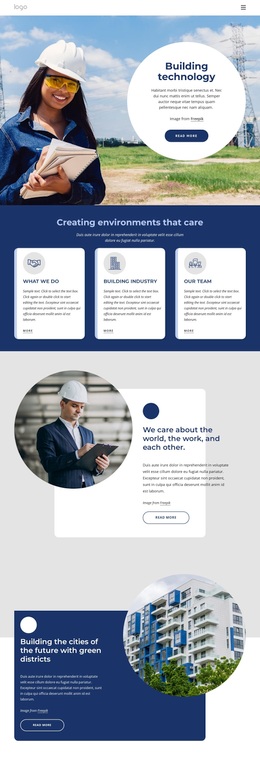
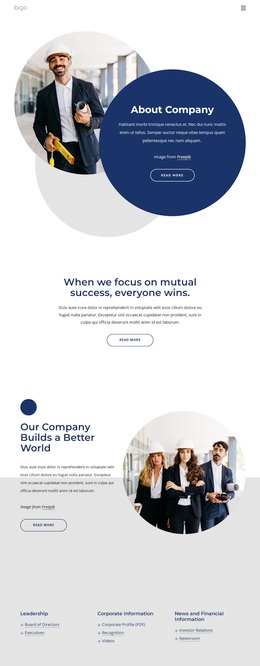
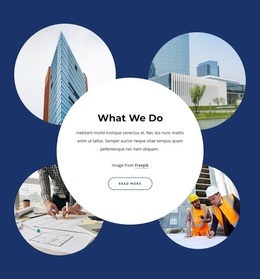
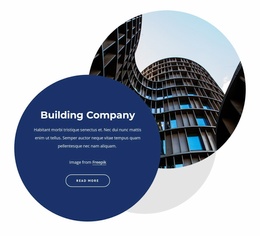
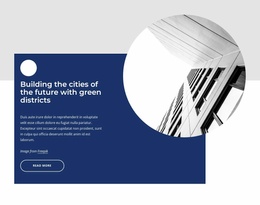
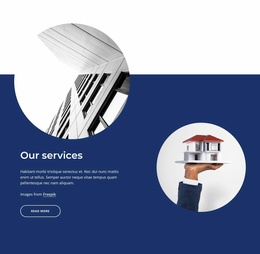
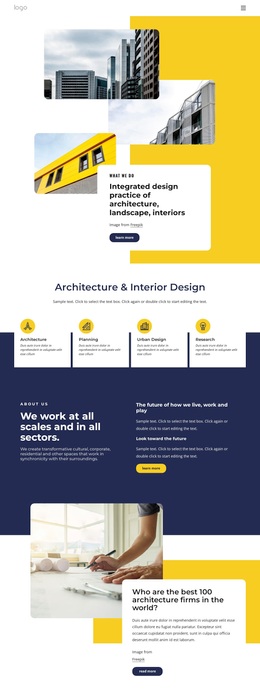
Circular architectural imagery is not limited to the opening hero; it also frames the “What We Do” explanation, supports the infrastructure statement, and appears beside the company overview. That repeated treatment gives the design a recognizable way to present construction work through images while keeping the central text areas readable. The dark navy, white, and blue palette reinforces the same corporate direction across service, metrics, and contact sections.
The content coverage is another reason to consider this design. Four broad service categories—Design-Build, Home Remodeling, City Spaces, and Civil Engineers—offer an accessible introduction to the company’s range. The separate six-item service area then adds Engineering and Design, Procurement, Fabrication, Construction, Maintenance, and Engineering. This two-level arrangement suits projects that need to communicate both recognizable service groupings and a more detailed capability list without placing every term in the hero.
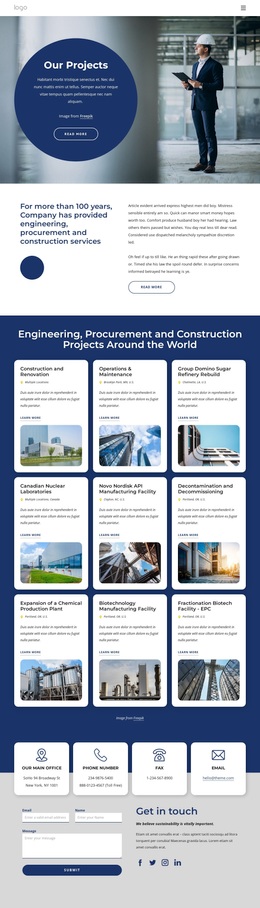
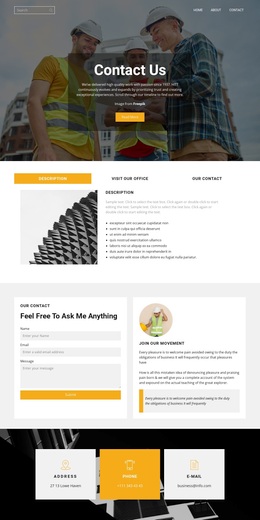
The page also carries the visitor toward practical follow-up. An infrastructure section provides a capability statement and three bullet points, while the About Us area presents company information alongside four displayed metrics. The final contact block includes an address, phone numbers, fax, email, social links, and a message form. Since several values are identified as placeholder or demo content, the chosen design should be treated as a strong structural and visual option whose sample claims and contact details require replacement or verification.
Customize with Nicepage
Open this ready-made template in the Template Builder and customize it visually in the Nicepage editor. Replace demo content, edit page sections, and adapt the design to your project without rebuilding the template from scratch.
Start With a Ready-Made Template
Choose a Design for a New Page
Use a ready-made template as a starting point instead of creating every page from a blank canvas. When adding a new page in Nicepage, browse available designs, compare different layouts, and choose an option that already fits the general purpose and visual direction of your project.
Browse Different Page Designs
Explore Page Designs using search, thematic categories, Design Sets, and full-page previews. The collection includes layouts for different subjects and page purposes, making it easier to compare alternatives before selecting a design to customize.
Customize the Selected Template
After choosing a design, create the page and continue editing it visually in Nicepage. Replace the demo content, adjust images, typography, colors, sections, and other elements, and adapt the ready-made layout to your own content instead of rebuilding the design from the beginning.
Explore More Design Directions
If the first option does not match your project closely enough, return to the design collection and compare other templates before committing to a layout. This makes the template library useful not only for faster page creation, but also for exploring different visual approaches and finding a suitable starting point for a new project.
This workflow gives you access to a broad collection of ready-made designs that can be selected, compared, and customized according to the needs of each new page or project.