Roof replacement and repair Template



Edit Template Offline
2. Create new page and search for id 6429907
Edit Template Online
Create Awesome Websites


Free Nicepage Builder
Keywords
Roofing imagery and service coverage make this a focused company-page choice
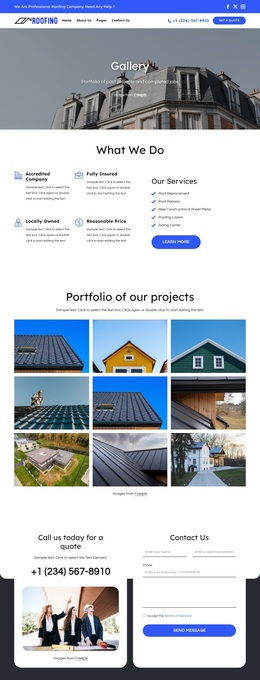
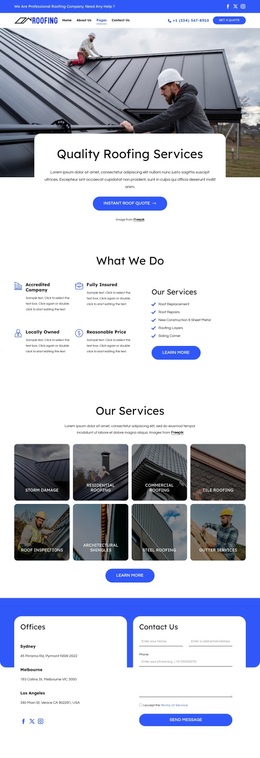
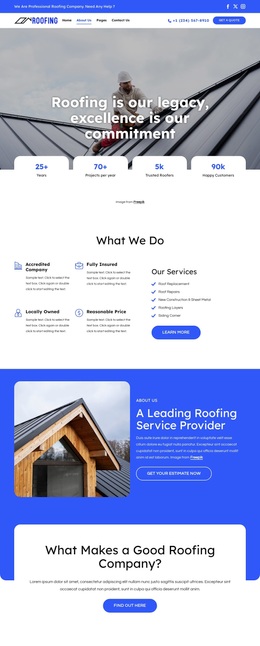
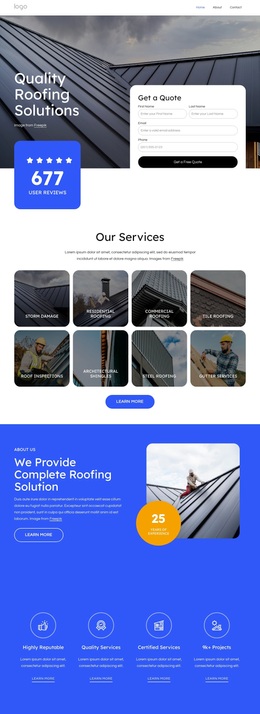
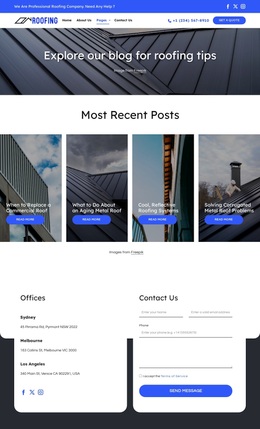
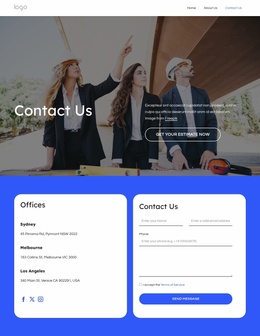
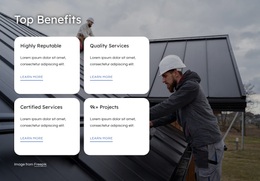
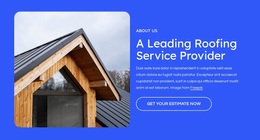
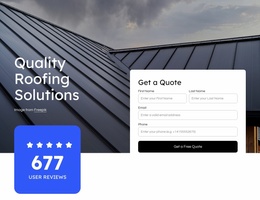
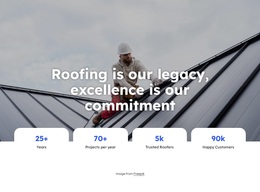
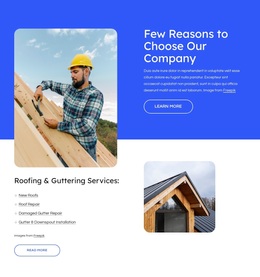
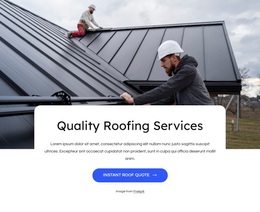
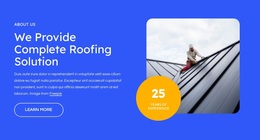
Large roofing photographs carry much of the page’s initial message, beginning with the hero statement and continuing through the quality-services gallery and benefits section. That image-led emphasis makes the design a strong option for a roofing company that needs visitors to understand the trade and its visible work before reading detailed explanation. The blue-and-white palette keeps the presentation tied to a service-company context, while rounded cards make qualifications and supporting information easy to separate.
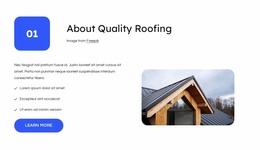
The content coverage is another distinguishing factor. The services area names roof replacement, roof repairs, new construction and sheet metal, roofing layers, and siding, then places those offerings beside qualities such as accreditation, insurance, local ownership, and reasonable pricing. A company introduction, four tabs for warranties, quality, values, and respect, and a benefits section extend the story beyond a basic service list. Together, these parts give the design room to present both practical work and the standards associated with it.
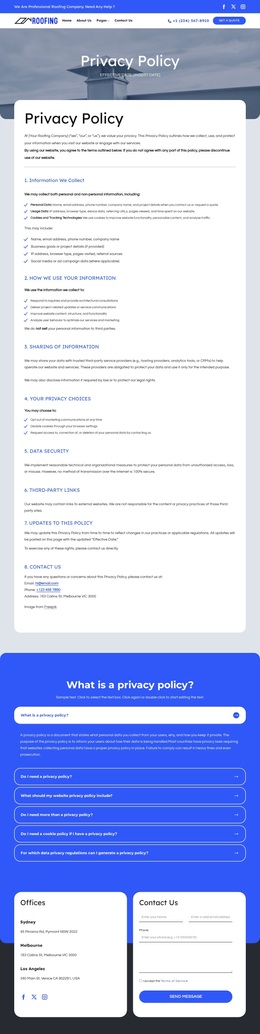
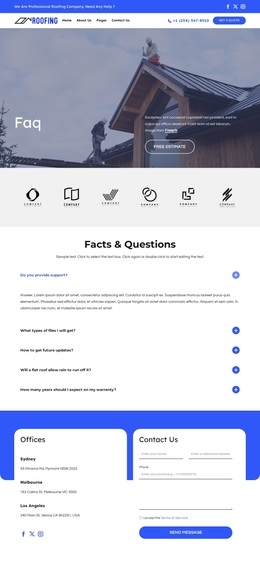
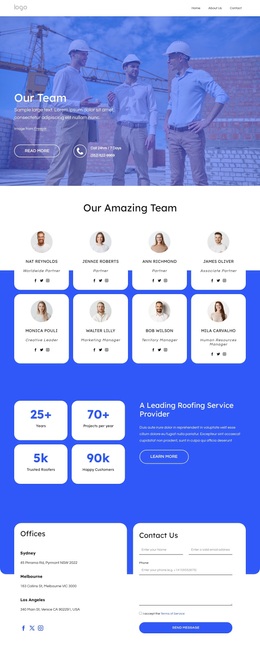
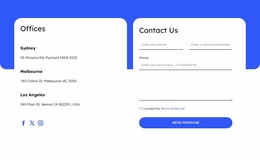
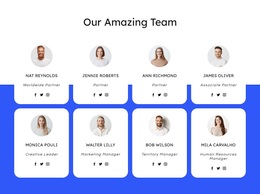
The page also supports a more personal company presentation through eight team-member cards and three office listings. Quote, estimate, learn-more, and message actions create several response points without changing the page’s main subject. Because the sample names, metrics, addresses, and contact values are structural demo content, they can be replaced while the underlying choice remains useful: the template is suited to projects that need service coverage, company credibility, people, locations, and inquiry content in one coordinated roofing presentation.
Customize with Nicepage
Open this ready-made template in the Template Builder and customize it visually in the Nicepage editor. Replace demo content, edit page sections, and adapt the design to your project without rebuilding the template from scratch.
Start With a Ready-Made Template
Choose a Design for a New Page
Use a ready-made template as a starting point instead of creating every page from a blank canvas. When adding a new page in Nicepage, browse available designs, compare different layouts, and choose an option that already fits the general purpose and visual direction of your project.
Browse Different Page Designs
Explore Page Designs using search, thematic categories, Design Sets, and full-page previews. The collection includes layouts for different subjects and page purposes, making it easier to compare alternatives before selecting a design to customize.
Customize the Selected Template
After choosing a design, create the page and continue editing it visually in Nicepage. Replace the demo content, adjust images, typography, colors, sections, and other elements, and adapt the ready-made layout to your own content instead of rebuilding the design from the beginning.
Explore More Design Directions
If the first option does not match your project closely enough, return to the design collection and compare other templates before committing to a layout. This makes the template library useful not only for faster page creation, but also for exploring different visual approaches and finding a suitable starting point for a new project.
This workflow gives you access to a broad collection of ready-made designs that can be selected, compared, and customized according to the needs of each new page or project.

Design Set (26)
-

-
-
-
-
-
-
-
-
-
-
Free Website Builder SoftwareDownload
-
-
-
-
-
-