
Entrepreneur Website Templates
A consultant's portfolio, service details, and founder story work best as related pages. With entrepreneur website templates, visitors can follow a consistent navigation path from the offer they need to a relevant inquiry form.
























































Other Architecture & Building Website Templates
Advanced Entrepreneur Website Templates
A founder preparing a product launch and a coach building a personal brand might type the same search, yet they need different designs. The founder wants a quick product explanation and a place to collect early signups, while the coach relies on trust built through experience and client stories. Entrepreneur website templates cover both cases, so start with your business model before judging colors or fonts.
Matching Layouts to Business Models
Nicepage splits this collection into Pages and Blocks, so a template is not always a finished multi-page site. A few common models point toward different choices:
- A startup testing an idea often does best with one page, a sharp headline, and a waitlist form, since extra pages give visitors more places to wander off.
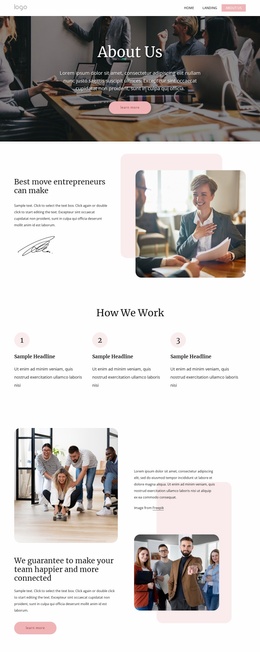
- A consultant or coach needs services, a short bio, and proof of past work, though a portfolio grid helps only with real projects to fill it.
- A product business or small brand puts the product first with a clear button to order or book a demo, leaving the founder story further down.
- An established company with several offers fits a multi-page layout where each product line gets its own space.
Testing a Design With Your Real Pitch
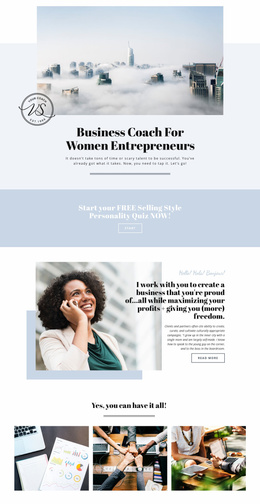
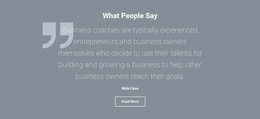
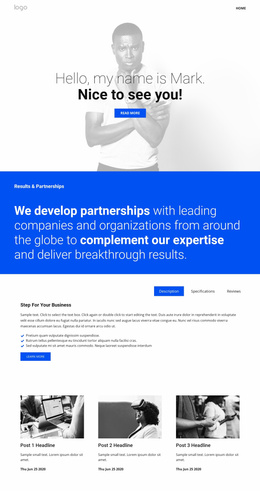
The first screen does much of the selling, so picture your own headline and offer in place of the demo text. Some templates open with a large portrait that suits a personal brand, while others give the space to a product shot or a bold promise. Testimonials, pricing, and FAQ sections appear in many designs but vary by template, so confirm which ones your offer needs.
Open the demo on a phone and make sure the main button stays easy to reach, since early visitors often arrive through links shared on social media. Theme Settings in Nicepage control global colors and fonts, so the right structure with the wrong palette is an easy fix.
Menus, Forms, and Narrowing the Shortlist
A founder who sells two products and consults on the side can use the Menu Element to link those sections, whereas a single launch needs only a few menu items. The contact form is worth a similar check. A waitlist may get by with an email field, but a consultant might ask about budget and timeline. Use the Contact Form Element to add and adjust fields and submission settings for the requests you expect.
When two or three candidates remain, compare them against what you sell and the first action you want from a visitor. The design that fits both with the least rearranging usually makes a better base than the one with the most striking demo.