
Watch CSS Templates
Smartwatch catalogs need clear relationships between model imagery, specifications, features, colors, and product variants. CSS-focused templates provide a reusable styling base for these recurring components while leaving room for targeted visual rules.
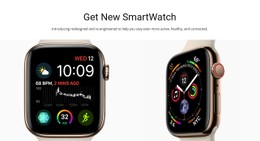
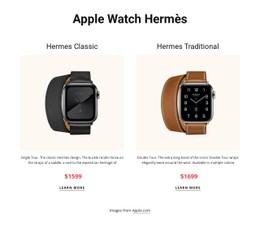



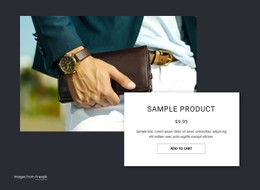
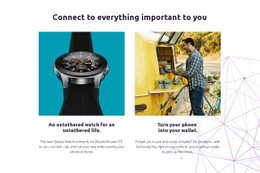





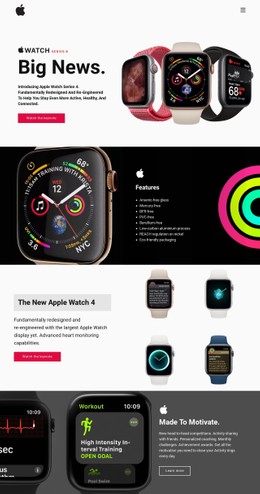
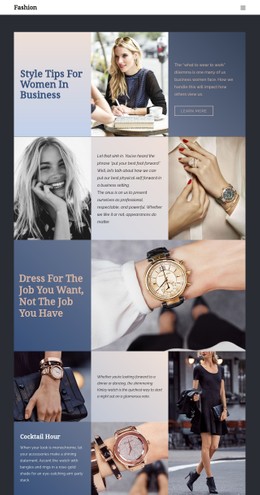
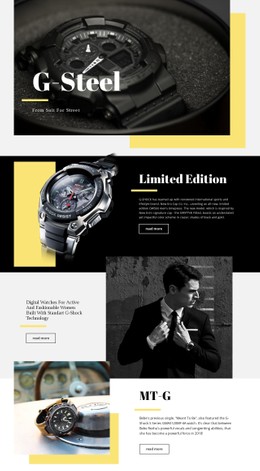

More Website & HTML Templates for Watch

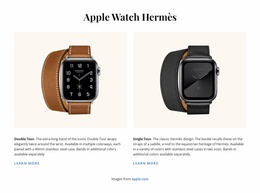
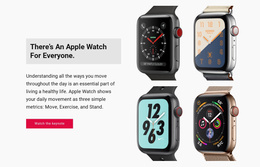
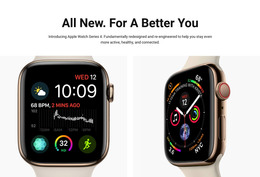





More CSS Templates from Technology Category









































Other Technology CSS Templates
Customizable Watch CSS Templates for Store and Product Styling
Watch CSS templates decide how a watch store looks before the first model goes on sale. Catalog cards arrive pre-styled, and so does the model page behind each one. Even the image boxes are shaped around dial photography. Adding a new reference then comes down to photos and specs.
Shop Layouts Styled Out of the Box
Whatever the design's mood, the styling usually covers the same core layouts:
- A product grid where every card keeps the dial shot, model name, and price in the same spots.
- A model page where the gallery gets most of the room, and the buy button stays easy to spot.
- Spec rows with muted labels and thin dividers, so figures like power reserve scan at a glance.
- Collection filters styled as small chips for movement type or case size.
Good templates also style the small visual states shoppers notice, like a Sale badge tucked into a corner or a ring around the selected strap swatch. Nicepage's Grid Element keeps those cards aligned, and shared rules ensure a fresh collection looks finished.
Why Dial Photos Need Special Treatment
Hands-in-watch photos are usually set at 10:10 to frame the logo, with the strap running vertically through the frame. A wide image box shrinks such a watch into a small circle lost in space, so square or slightly tall frames work better.
A bigger test comes when two different watches share one grid. An automatic diver sells on its dial and needs a generous photo with little text. A smartwatch sells on battery life and sensors, so its card carries a compact spec row. A solid watch CSS template provides consistent padding and type scaling, which keeps the catalog looking even.
On a phone, the grid drops columns, and the spec row wraps under the price. Nicepage's Responsive Modes let you fine-tune card sizes for tablets and phones separately.
Custom CSS for Limited Editions
Some watches refuse to fit the standard card. A numbered limited edition may deserve its own badge, and a lume shot of glowing hands looks like a black hole in a white grid. Nicepage supports custom rules for individual elements, pages, or the whole site. The Custom CSS controls handle such cases with a dedicated class, a hover that swaps in a wrist shot, or a dark card for lume photos.
Shared rules pay off again when it is time for a new look. Moving to a darker palette for the holidays means editing a few colors, and the whole store follows along.