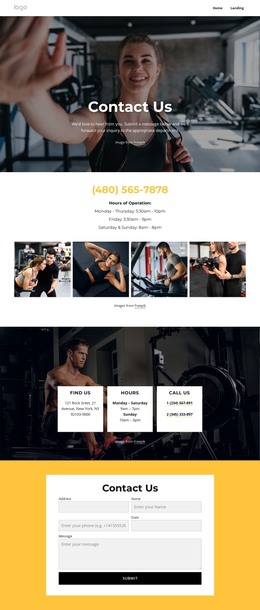
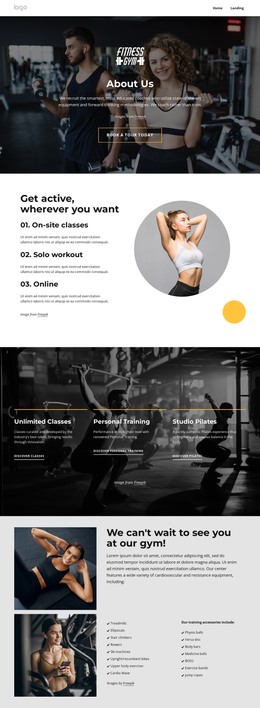
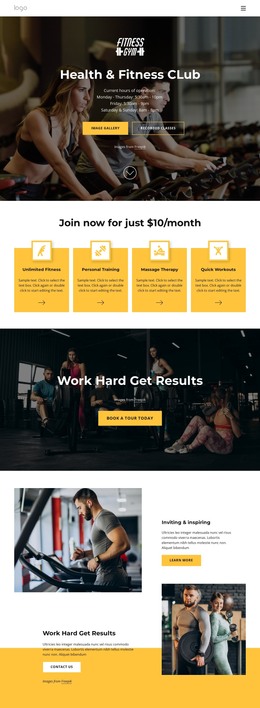
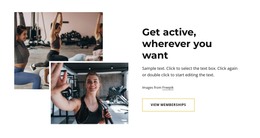
Unlimited fitness, yoga, swimming, boxing HTML Template


Six Workout Formats Form a Ready-Made Static Section
The centered “Formats” heading introduces a complete content area for presenting several workout options together. Beneath it, six image-backed cards create a consistent two-row grid with three columns in each row. The first row moves from Strength & Pilates to Cycling Revolution and Punch, Kick & Fly!, while the second row continues with Strength & Cardio, Total Body, and Personal Training. This sequence gives the section a broad training overview without requiring each format to occupy a separate page area.
Each card uses the same internal relationship: a dark, vertically oriented workout image carries the visual focus, while a title and short supporting description sit near the bottom. A thin horizontal line separates the image-led area from that text treatment, helping the six cards read as related units. The sharp rectangular edges, white background, and generous outer spacing keep the grid orderly around the darker photographs.
Inside a static HTML page, this block can function as a ready-made fitness formats section. The containing page can supply navigation, introductory material, booking content, or contact details, while this section remains focused on comparing workout categories. Its repeated structure also makes it suitable for a consistent static presentation when the project needs several offerings visible at once without adding complex interaction.
Customize with Nicepage
Open this ready-made template in the HTML Builder and customize it visually in the Nicepage editor. Replace demo content, edit page sections, and adapt the design to your project without rebuilding the template from scratch.
Edit Template Offline
2. Create a new page or select existing
3. Click Add new block, search for id 4929506 and click enter
Edit Template Online
Create Awesome Websites


Free Nicepage Builder
Keywords
Use This Block in a Static HTML Page
Start With a Ready-Made Section
A block provides one prepared content area that can be combined with other sections to build a static HTML page. Customize its text, images, spacing, colors, and other elements in the Nicepage editor while keeping the block focused on its own purpose, such as services, testimonials, pricing, contact information, or visual presentation.
Export the Containing HTML Project
When the page or website that contains the block is ready, use HTML Export to create the files required for a static HTML project. The export applies to the containing page/site rather than turning one individual block into a complete website by itself.
Reuse the Section Within the Project
The same block design can be adapted as one content section within a larger static site. Other Blocks can provide navigation, introductions, portfolios, forms, footers, and additional page content while this section keeps its own verified content and layout role.
This workflow makes the block useful as a ready-made section inside a static HTML implementation, with export and deployment handled at the page or website level.