
Mp3 Player Website Templates
A new listener may hear a single without knowing where to find the album, performers, or live shows. With MP3 player website templates, a label can provide distinct pages for releases, artist stories, concert details, and inquiries.











More Website Templates from Music & Entertainment Category





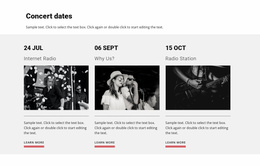




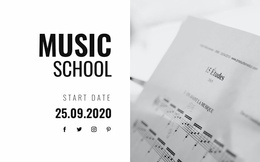

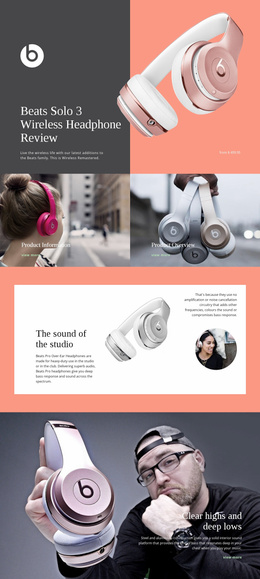














Other Music & Entertainment Website Templates
Modern MP3 Player Website Templates
People visit a music site to listen, so MP3 player website templates should get visitors to a playing track quickly. A strong template ties each player to its recording's details and links every song to its release. One recording can live in a single section. A label catalog, an audio portfolio, or a podcast archive needs pages that show where each track belongs.
Pages Built Around Listening
In a typical catalog, the player turns up in a few places:
- The homepage, with a featured track ready to play and a link to its release.
- Release pages, where each song in the tracklist gets its title and its own player.
- Track pages, saved for songs that need lyrics, credits, or a story behind them.
- Artist pages that gather a performer's playable releases.
Together they form the catalog. A playlist that plays songs in sequence is a separate feature, and grouping releases won't create one. In a regular multipage design, a song also stops when the visitor opens another page, so a release's tracks belong together on a single page. In Nicepage, each spot is a block with an Audio Element, joined to the rest by links you add.
Following One Visitor Between Releases
The quickest test is to walk the route a curious listener would take:
- Start the featured track on the homepage.
- Follow its link to the release and find the remaining songs.
- Play another one there or jump to the artist's earlier work.
If any step sends you hunting through the menu, the layout needs work. Menu items like Albums and Artists help people find recordings, while the player's buttons only control the currently loaded track. A songwriter with a handful of recordings can keep them all on one listening page. Even there, a single and the album named after it can look identical in a list, so each release should say what it is. A label with hundreds of tracks also needs to be grouped by artist or series. As the catalog grows, Nicepage Page Folders keep release pages grouped in the Pages Panel, though visitors still rely on the links you build.
Extras Tied to Every Track
Artist bios and show dates can stay, as long as they lead back to the recordings. A bio helps most when it names releases a visitor can play right there. A shows page makes sense when live recordings appear alongside the dates they were recorded. In a podcast archive, each episode page can carry its player and a summary. If each of these extras leads a visitor back to something playable, the website keeps doing what people came for.