
Nightclub Website Templates
Guests need quick access to upcoming DJ sets, admission details, and VIP options. Nightclub website templates provide venue teams with a cohesive set of pages for events, galleries, contact information, and consistent navigation.
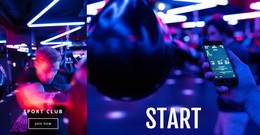
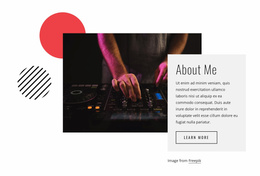
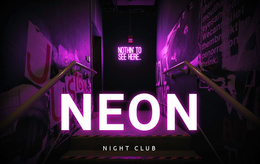


More Website Templates from Music & Entertainment Category
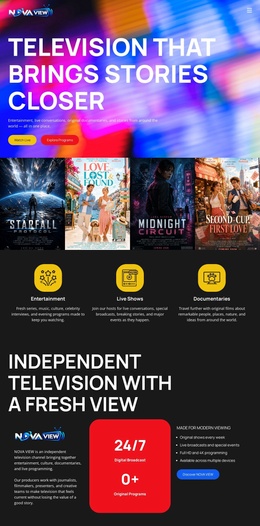

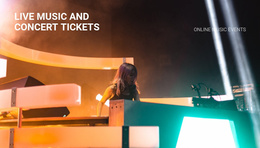
Other Music & Entertainment Website Templates
Ready-to-use Nightclub Website Templates
Nightclub website templates come in two broad shapes, and it pays to know which one you need before the visuals win you over. A one-page promo works for a single launch party or a festival weekend. A club with a weekly program needs linked pages for events, table bookings, and visit details. The same goes for a venue about to open or a promoter crew running a regular series. A template may include ticket buttons and request forms, but ticket sales and table reservations are handled by the services the club connects to.
Which Pages Your Venue Needs
Designs in this category vary, so check how a demo handles these parts of a club site:
- A home page that names the next event and points straight to the program or the tables.
- An events area that starts as a card list and can grow into separate pages for big guest sets.
- A VIP page with room for table types and the minimum spend, plus a clear way to send a request.
- A visit page for the address, hours, and door rules, which barely changes while the events turn over weekly.
Dance floor photos help too, as long as the gallery never pushes the date out of view.
When One Long Scroll Stops Working
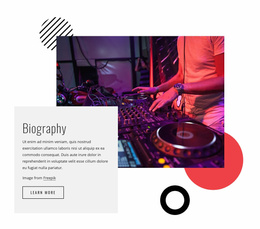
Picture a striking one-page template built around a huge DJ photo, perfect for a single warehouse party. A venue with five different nights a week is another story. The design may still be lovely, yet five lineups and the table packages end up competing for a single scroll. With linked pages, someone who taps the link in Saturday's Instagram story lands on that night's page, then moves on to the tables or the address. Later, summer terrace nights or private parties can each get a page without crowding the menu.
Test Menus and Edits Before Committing
Nicepage puts the Website Menu in a shared Header or Footer, so the same navigation follows guests to every page. The official Menu Element guide explains how items connect to pages and how to reorder them as sections get added. Click through the demo on a phone, where plenty of nights out get planned. From any event page, the VIP request and the address should each be a tap or two away. Then swap the headliner and the date to see whether the layout holds. With Theme Settings holding colors and fonts steady, a house night and a disco party still look like the same club. The template worth keeping could run the club's whole season, with every new promo night fitting into pages regulars already know.