
Musician Website Templates
Fans want the next concert date, while venue organizers need performance details and a booking contact. These musician website templates organize shows, releases, biographies, and press resources into separate but connected pages.
-
-

-
-
-
-
-
-
-
-
-
-
-
-
-
-
-
Customize Any TemplateDownload
-
-
-
-
-





More Website Templates from Music & Entertainment Category

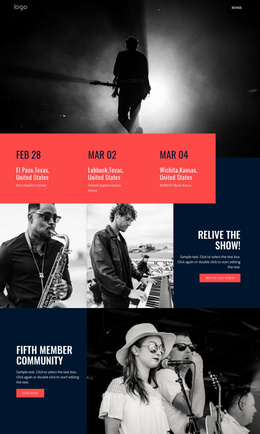
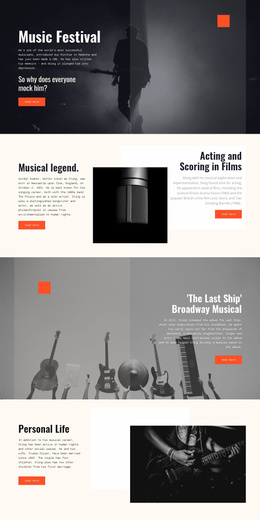


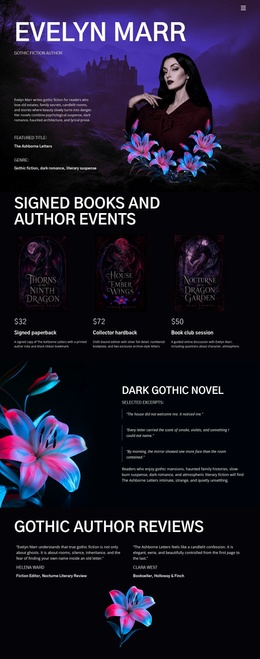
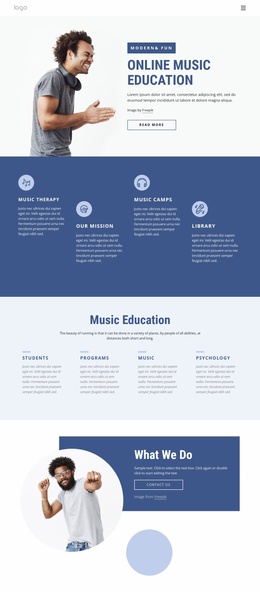
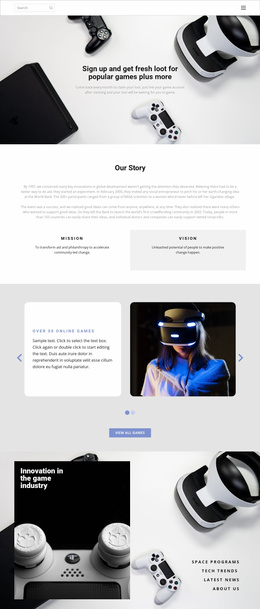
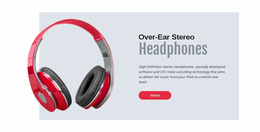
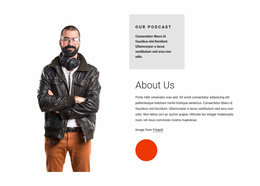
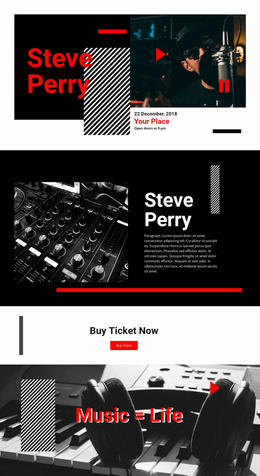
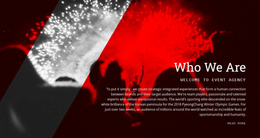
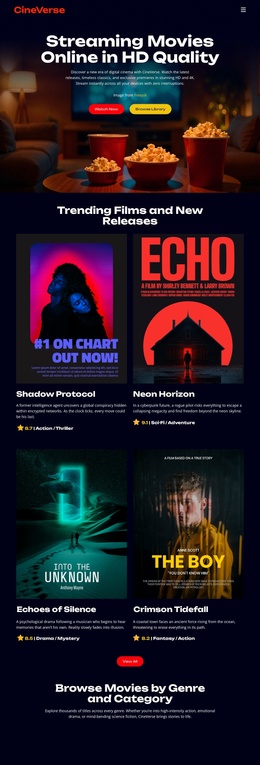
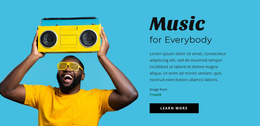
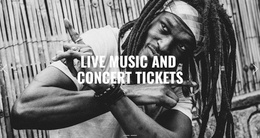

Other Music & Entertainment Website Templates
Ready-to-Use Musician Website Templates for Artists Who Record, Tour, or Teach
A social feed can announce tonight's show, but it rarely gives a listener the whole discography or a studio client an easy way to get in touch. Musician website templates offer one home for the music and for professional inquiries. The pages that home needs depend on the job, since a band, a producer, and a teacher each attract different visitors.
Planning Pages Around a New EP
An independent musician might release an EP this spring, play local dates, and take session work on the side. For that year, a sensible page set could look like this:
- Home, which introduces the artist and puts the EP up front.
- Releases, where the EP joins earlier singles with links to listen or buy.
- Shows, listing confirmed dates with links to the ticket seller.
- Contact, which keeps booking and session requests apart from fan mail.
Someone who finds the EP can move on to the bio or the next date, and a promoter is never far from Contact. Swap Shows for a lessons page and the plan suits a teacher, while a touring band may add a press kit. Until there is more to show, a debut single can live on one page.
Comparing Demos Before You Commit
A good homepage tells a stranger who the artist is and what to do next, whether that means playing a release or checking dates. Look for blocks that can hold a player, a video, or links to Spotify and Apple Music, since not every design has all three. Nicepage's Menu Element ties the pages together, and its Contact Form can collect a proposed date and venue from a booker. That form starts a conversation and will not confirm a booking on its own. Then follow a visitor's route through the demo on a phone:
- Open the homepage and reach the newest release.
- Find the next show and its ticket link from the menu.
- Tap through to the contact form and see where a booking request goes.
Space for Next Year's Album
Many artists launch a site with a bio and two singles. A year later it may need room for an album and live videos. Theme Settings keep colors and fonts consistent as pages are added. Put two designs side by side, one built around recordings and another around live shows. For a session player, the first usually wins, since studio clients go straight from credits to the contact form. The second suits a touring band, keeping the next show and booking route close to the homepage.