Modern Football Team Website Template


Edit Template Offline
2. Create new page and search for id 6627711
Edit Template Online
Create Awesome Websites


Free Nicepage Builder
Keywords
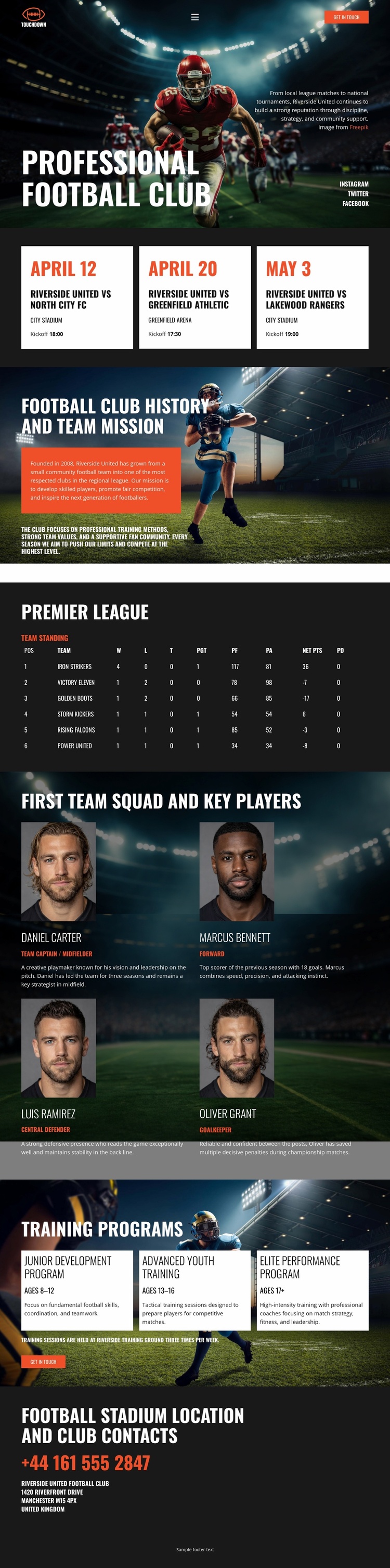
Fixtures, Squad, and Training Establish the Club’s Main Site Areas
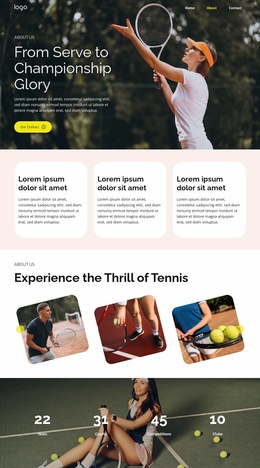
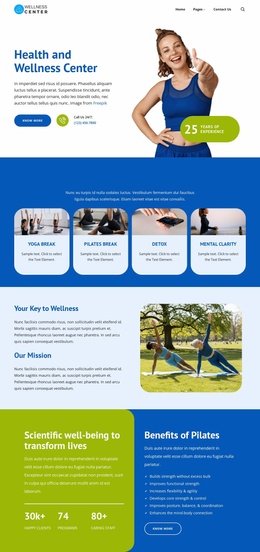
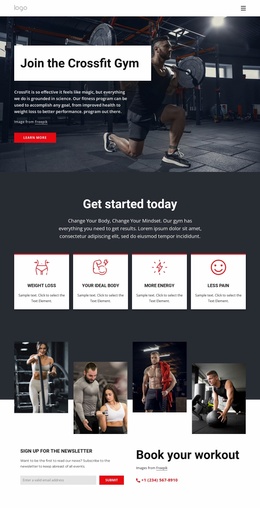
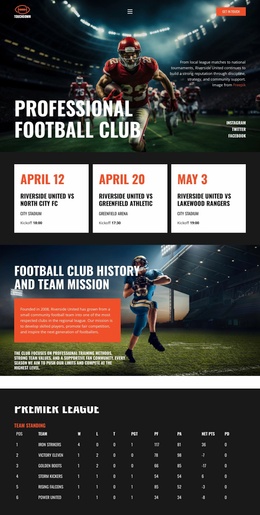
The design already identifies several major content categories that can anchor a broader football website. The hero and ticket action establish the club’s public entry point, while the three fixture cards define a match-focused area for upcoming competition information. History and mission content provides an institutional foundation, and the Premier League standings table introduces a separate performance-oriented category. These regions are useful starting points for a site structure because they address identity, current activity, and league context in different ways.
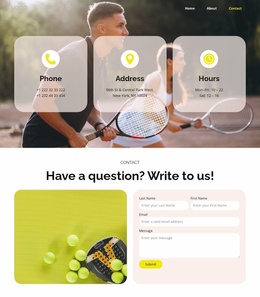
The four first-team player profiles create a people-focused area that can support squad presentation, while the three training program cards define development content for junior, advanced youth, and elite performance pathways. The closing stadium contact section adds a practical location and communication destination. Although the analysis confirms one page rather than a complete multi-page set, these existing areas could form the visual and informational foundation for additional club pages as the project expands.
The dark stadium imagery, red accents, bold condensed type, and recurring cards can help related pages remain recognizable as the site grows. Match information, squad content, training descriptions, history, and contact details would each have an established relationship to the original design instead of being added without a visual or organizational starting point. Nicepage’s Pages panel can support broader page management when additional club content is created, but it is not evidence that those extra pages already exist in this template.
Customize with Nicepage
Open this ready-made template in the Website Template Builder and customize it visually in the Nicepage editor. Replace demo content, edit page sections, and adapt the design to your project without rebuilding the template from scratch.
Build a Complete Website From This Template
Customize the Website Visually
Use this ready-made website template as a starting point for your project and adapt its pages visually in Nicepage. Change content, images, typography, navigation, sections, and other design elements while keeping the website together as a single editable project.
Manage Website Pages in One Project
Use the Pages panel to open, add, duplicate, and manage the pages of your website. Work on individual pages while keeping navigation and the overall site structure accessible from the same project, making it easier to develop a complete website instead of managing separate page files.
Expand the Website With Matching Designs
When you need additional pages or sections, use Page Design Sets to find Page and Block Designs created in the same visual style. Design Sets group matching designs together, making it easier to expand the website with new content while maintaining a consistent look across its pages and sections.
Organize Larger Multi-Page Websites
As the website grows, use Page Folders to organize related pages and keep larger multi-page projects easier to navigate in the editor. This is especially useful for websites with separate service pages, company information, contacts, landing pages, and other content areas.
This workflow makes the template a practical foundation for building and expanding a complete website while managing its pages, content, and visual design within one Nicepage project.