
Door HTML Templates
Front doors, interior panels, and fire-rated models require different specifications. These HTML page layouts help door suppliers present dimensions, frame options, hardware, and finish photos in organized sections that buyers can review before contacting a showroom.
-

-
-
-
Free Website Builder SoftwareDownload
-
-




More HTML Templates from Interior Category
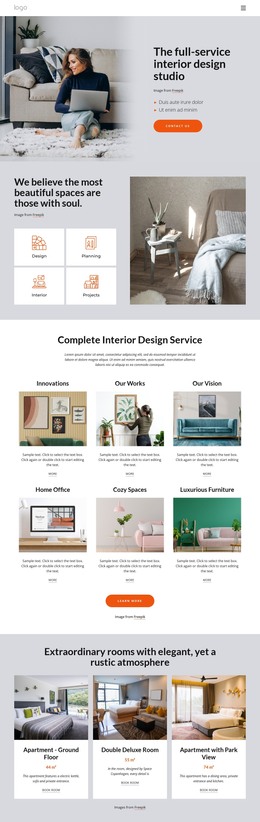
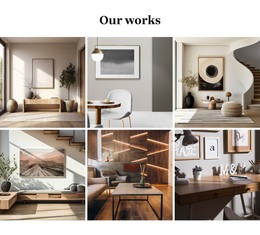
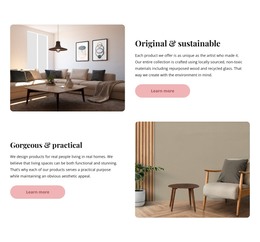



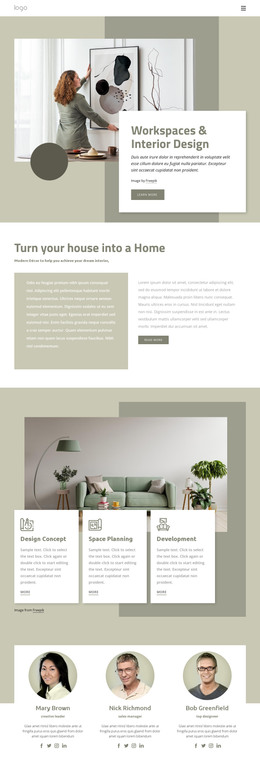
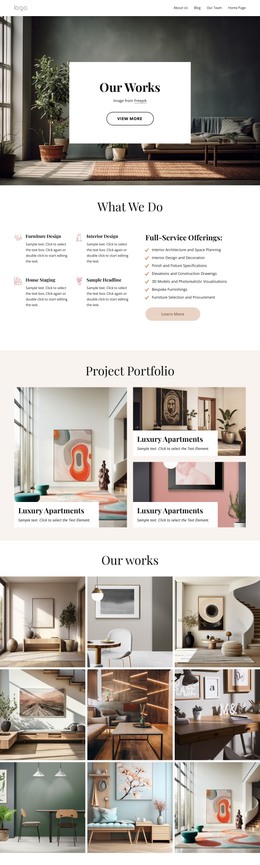
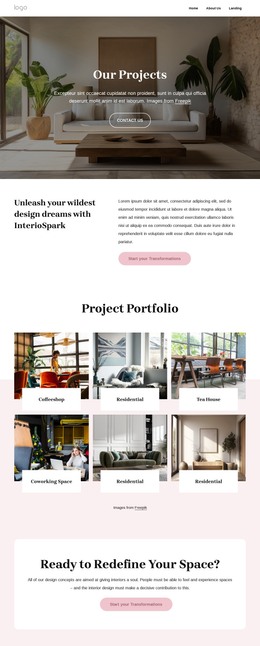
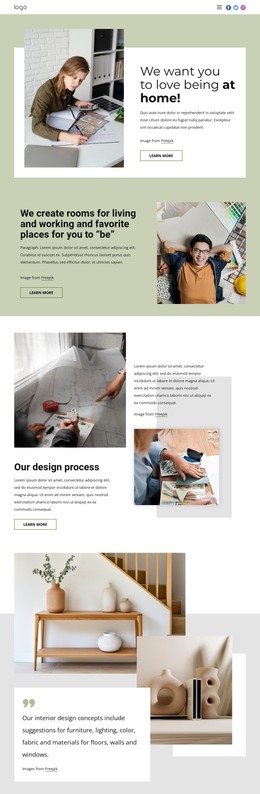

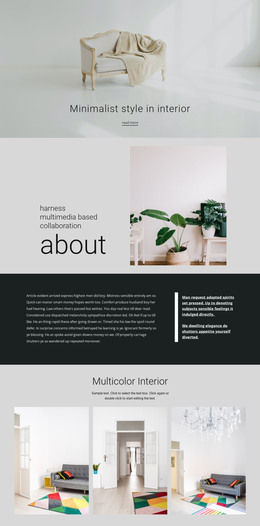
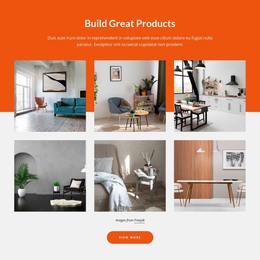
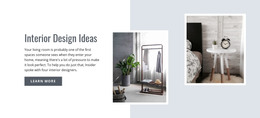




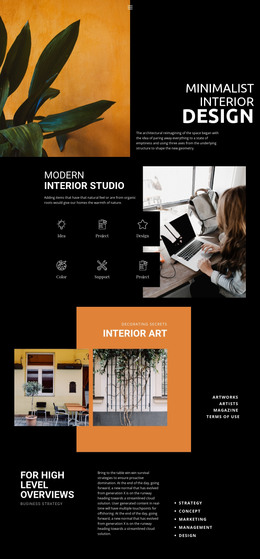
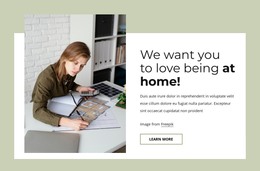

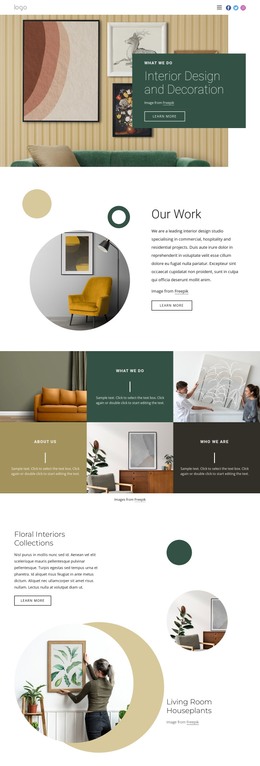
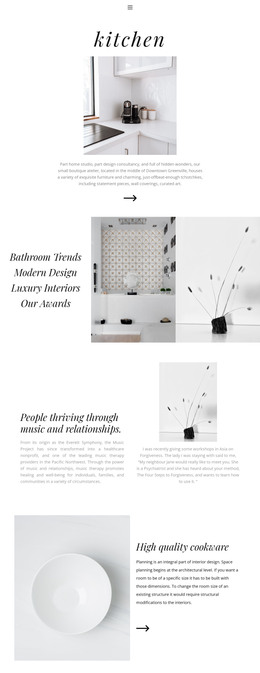
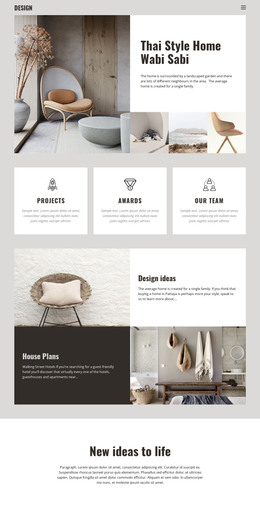



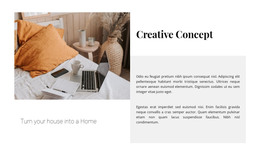
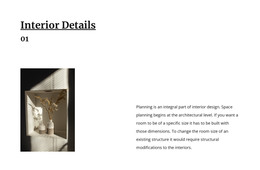
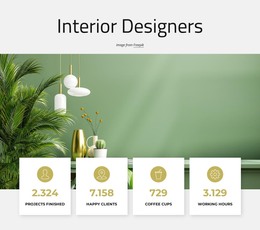
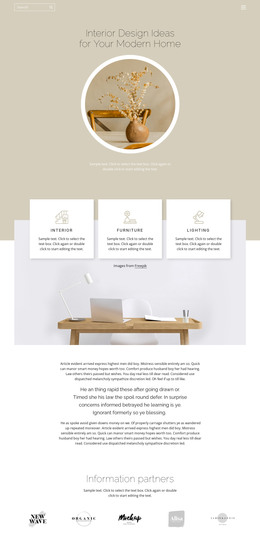
Other Interior HTML Templates
Responsive Door HTML Templates
Door HTML templates give you a ready layout for a full catalog, a collection page, or one model in detail. Manufacturers usually start with a grid of model cards. A showroom leans toward collection pages, while an installer may want photos followed by an inquiry form. A typical design comes with editable product cards and spec sections where size and finish are easy to find. Plenty of designs here began as interior or home decor layouts and adapt to doors once the demo text is replaced.
Listing Cards Versus Single Model Pages
A listing card needs little more than a photo, the model name, and the finish. Repeatable cards keep the fortieth door in a grid as tidy as the first. The page for one model holds far more, often in an order like this:
- An overview with the model name and one main photo.
- Dimensions, with the door leaf and the prehung unit on separate lines.
- Materials and construction in a short paragraph or a compact table.
- Finishes and glazing options, each matched to its own picture.
That second point matters because a listed width may refer only to the leaf, and a replacement buyer needs to know whether the frame is included. A label next to every value settles the question.
Uneven Spec Sheets Across a Range
An interior model may list little beyond its finish and whether it has a solid or hollow core, while an exterior door includes installation details and hardware. A fire rating, where shown, deserves its own labeled block apart from the sales copy. Three details in the demo show whether a design copes with that variety:
- Cards that stay aligned when one model name runs far longer than the rest.
- Spec rows with room for a size given in both inches and millimeters.
- A phone view where fewer cards fit across, and every measurement stays beside its label.
Gallery Variants Near an Inquiry Form
Finishes and glass inserts are easier to judge up close, and Nicepage's Image Gallery Element supports captions and enlarged previews. A caption is what ties each picture to a specific model or glazing type. The gallery shows variants but will not recalculate a price when someone opens the glazed version. An inquiry form right below it lets a visitor ask about that exact door.
To compare door HTML templates, swap the demo names and parameters for a few real models and see how much of the layout needs rework. Pages that pass can be exported as HTML files you or a developer can open and edit directly.