
Cozy HTML Templates
Cozy businesses need more than a warm visual mood when their site moves into HTML. A useful template should keep service cards, image sections, testimonials, and contact content in reusable, clearly structured markup.
-
-

-
-
-
-
-
-
-
-
Free Website Builder SoftwareDownload
-
-
-
-
-
-
-
-
-
-
-
-
-

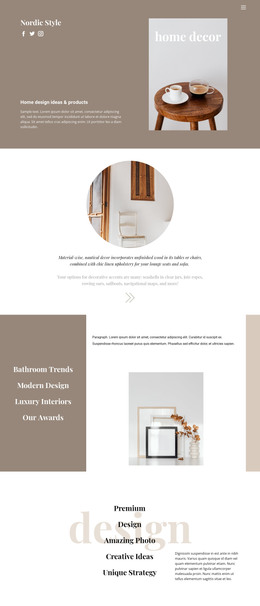
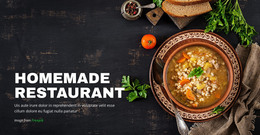
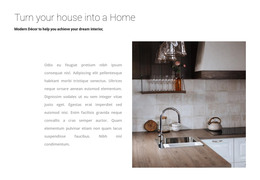

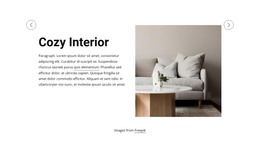
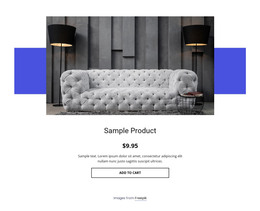
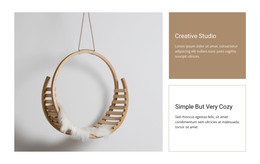
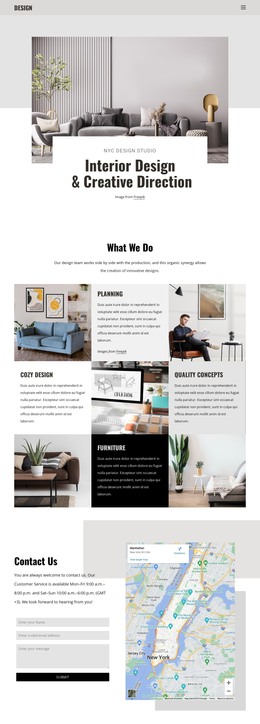
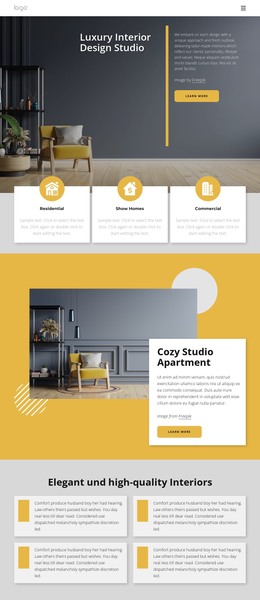
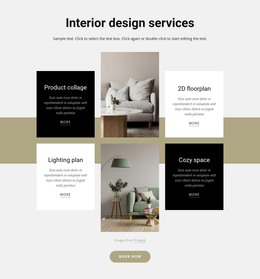
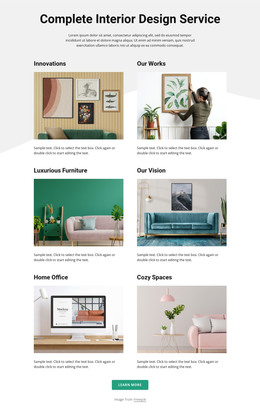

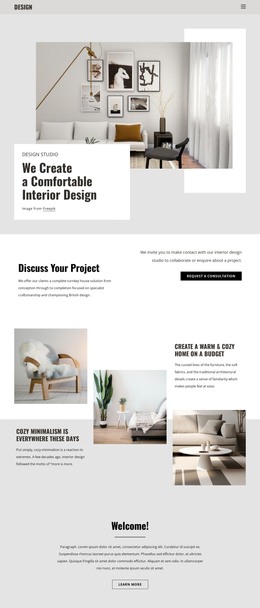
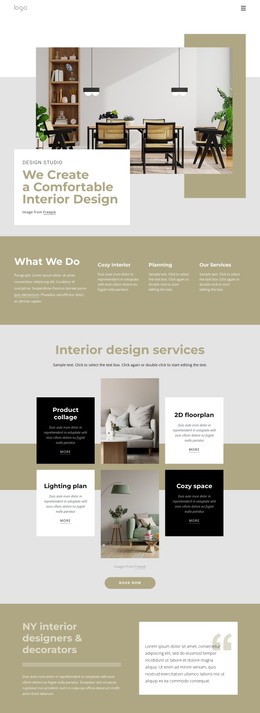
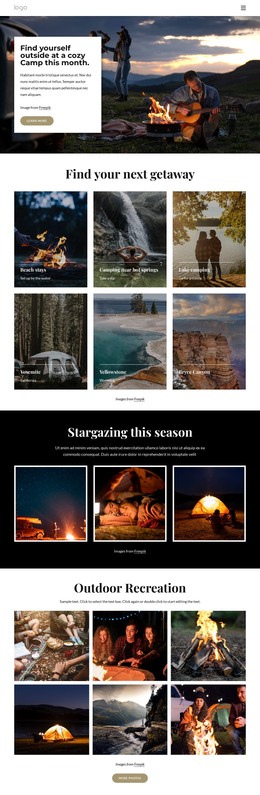

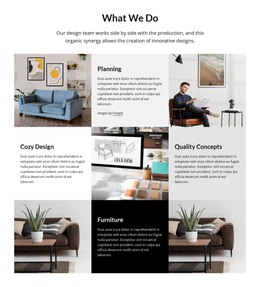
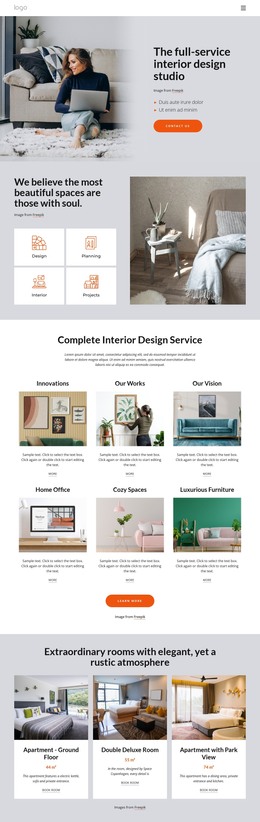
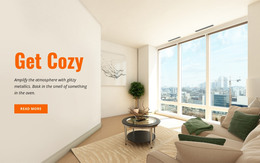

More HTML Templates from Interior Category
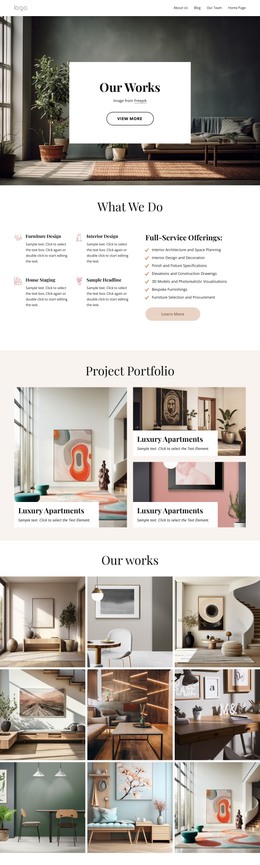
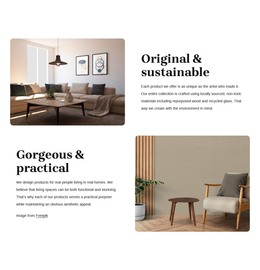
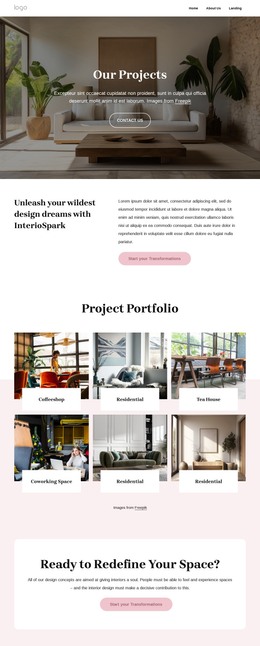
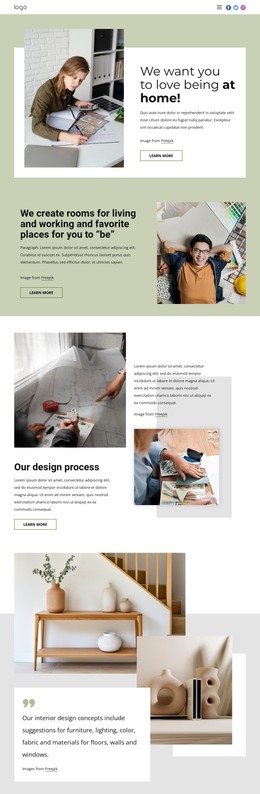
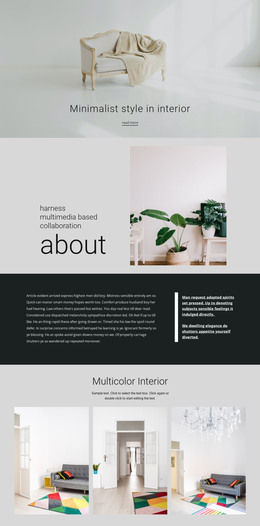
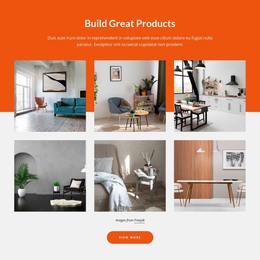




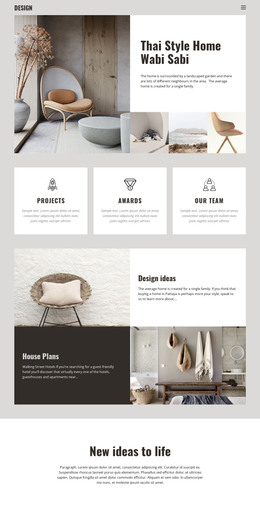
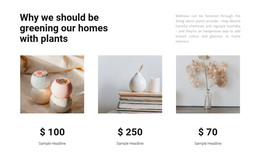
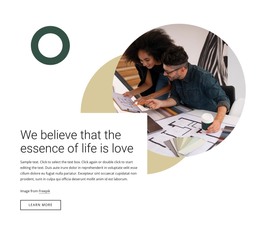
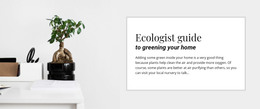
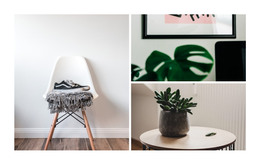
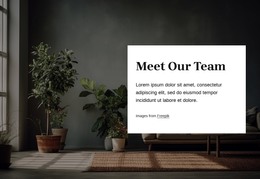
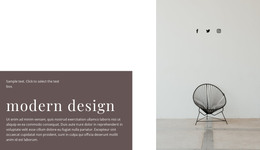
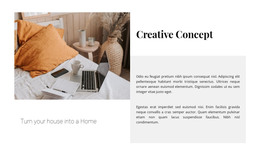
Other Interior HTML Templates
Pre-Made Cozy HTML Templates
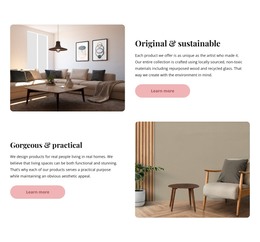
Cozy HTML templates are ready-made layouts that you can edit on your own hosting. The warmth comes from soft cream sections and dark brown text. Cards with gentle corners and photos in natural light finish the effect. What happens after export matters as much as the look. Menus, prices, and seasonal photos keep changing long after launch.
What the Package Usually Contains
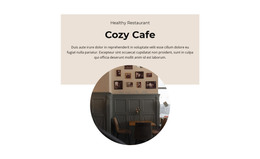
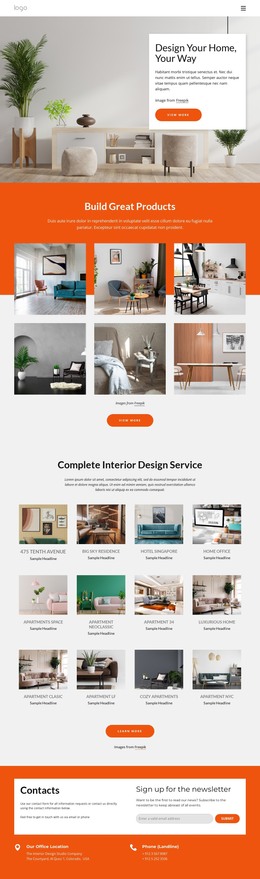
Picture a café template whose hero shows a window table in morning light. Below it, the menu appears on a pale panel, followed by opening hours and a short reservation form. A package like this can be judged on four points:
- Sections built as separate blocks, so a menu card can be duplicated without rebuilding the row.
- A layout that rearranges itself on phones, which the preview shows before you commit.
- Galleries and contact or reservation forms, which appear in many of these demos but not in all of them.
- The page count, because one café page and a complete brand site are very different starting points.
Warmth That Survives New Photos
Many cozy demos borrow their charm from candlelight, plaid blankets, and glowing fireplaces. Your own photos will replace them, so look at what stays once the pictures change:
- Background and card colors should still feel warm with no image behind them.
- Headings and body text should keep one consistent pairing from section to section.
- Image blocks need enough room for interiors, plates of food, or close shots of fabric.
- Paper grain or noise overlays should be easy to switch off, since they muddy small text and slow the first load.
Modern layouts can be just as cozy as vintage or rustic ones—a plain grid with muted colors and generous spacing often ages better than ornate frames and faux-paper edges.
Exported Files You Can Maintain
In Nicepage, the usual route is to adjust colors, text, and images in the editor, then export once the layout looks right. The HTML export guide explains how a finished project becomes a folder or ZIP archive ready to upload to your hosting. You can still edit the exported files by hand afterward.
Think about who will maintain the result. A template that matches the mood you want may still need its sections reordered. A plainer one with the right blocks in place often takes less time, since you only need to adjust the colors. Ideally, both the atmosphere and the section list fit from the start, and the work after export comes down to fresh text and pictures.