
Mirror HTML Templates
For mirror shops and glass studios, product information must stay readable alongside large images and service details. HTML templates provide structured sections for collections, specifications, project examples, and inquiries while keeping the markup clear.



More HTML Templates from Interior Category

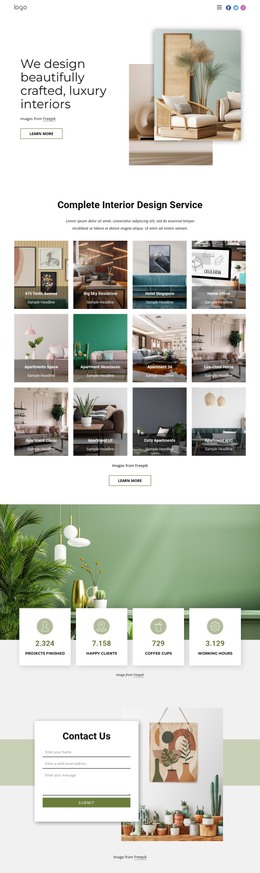

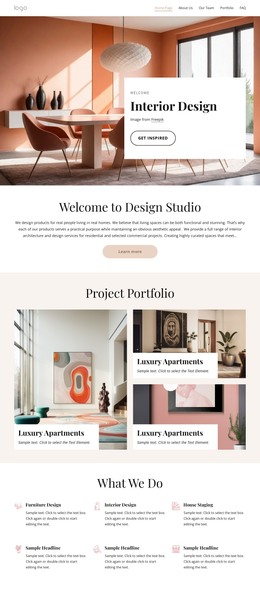

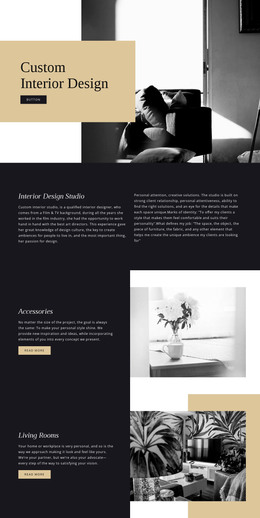

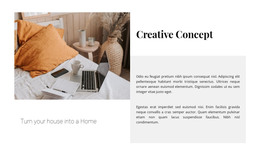

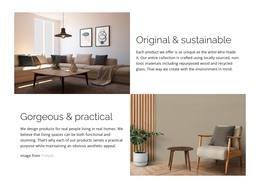
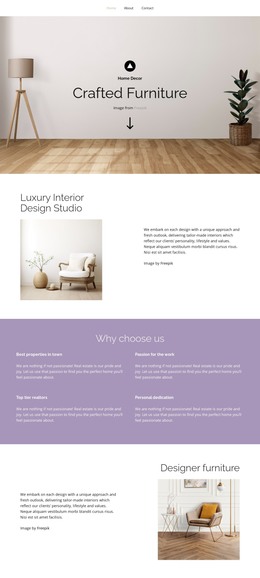
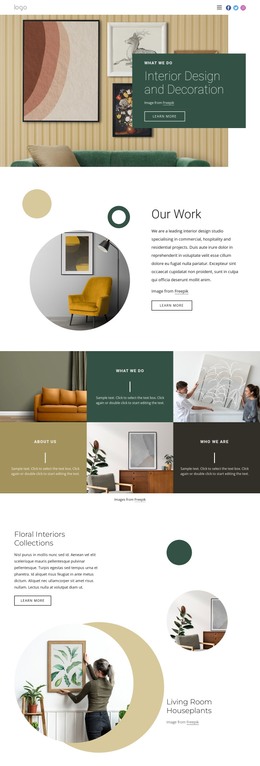
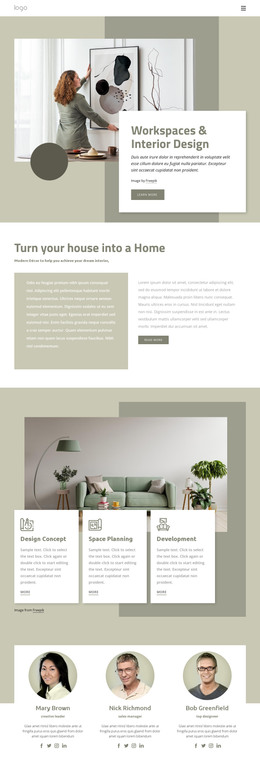
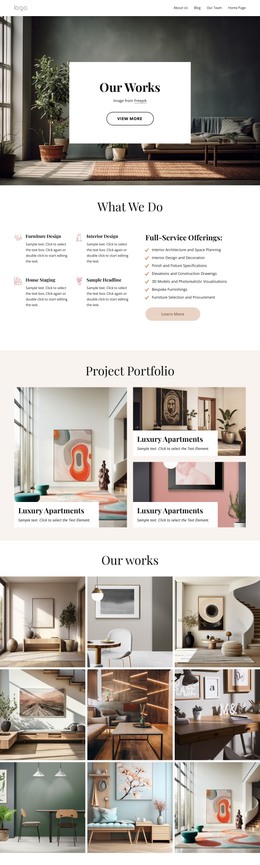
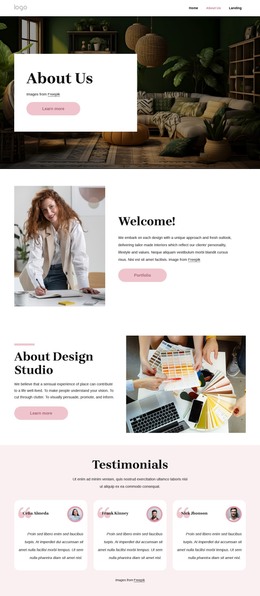
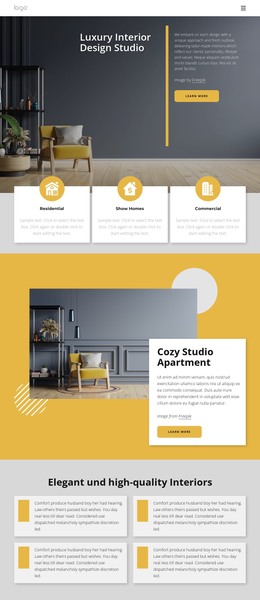
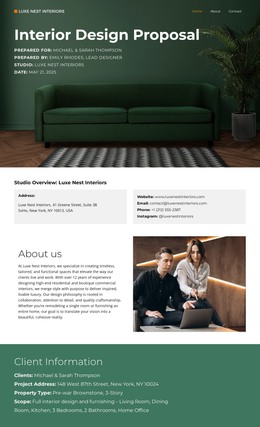

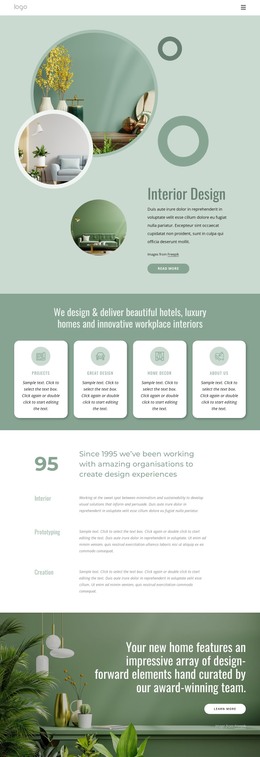
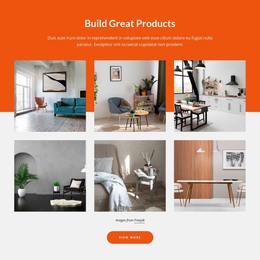
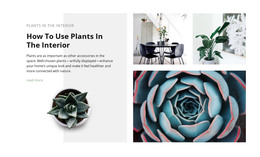
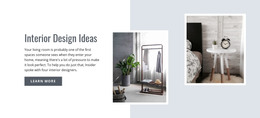
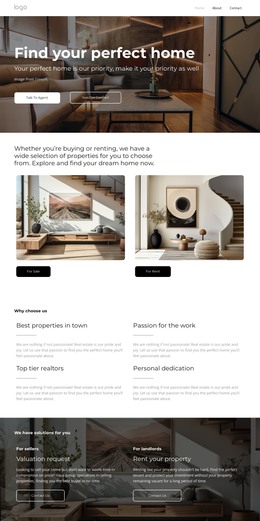
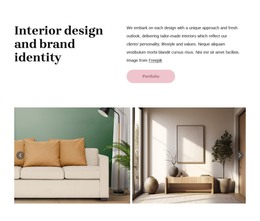
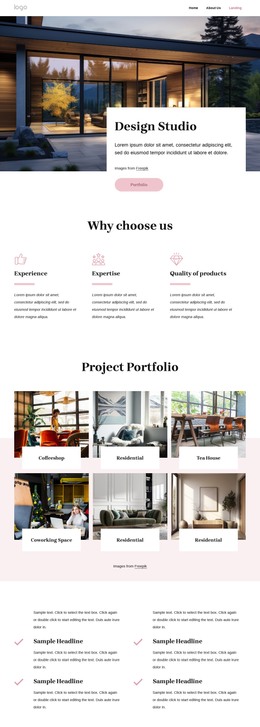





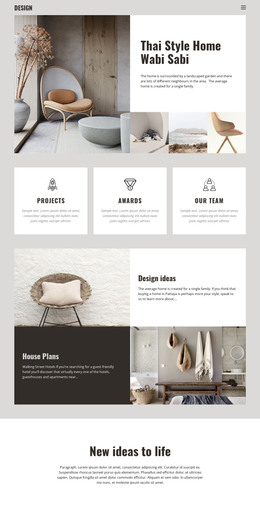
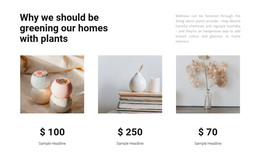
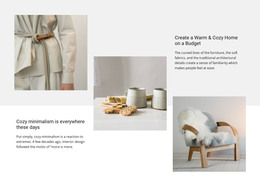


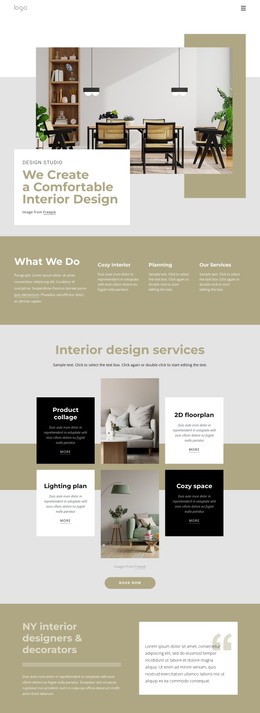



Other Interior HTML Templates
Useful Mirror HTML Templates
Large mirror photographs can easily dominate a page, making dimensions, finishes, and installation notes difficult to follow. Mirror HTML templates give you coded pages where the product photo and spec list usually sit in separate blocks, ready to reuse for the next model. Most edits are made visually in Nicepage, and you can upload the exported HTML files to your own hosting or give them to a developer who works with the source.
From Gallery to Inquiry Form
A customer may initially admire a mirror, but the decision often depends on dimensions, mounting requirements, or custom sizing. So the blocks of a mirror listing tend to read best in this order:
- A gallery with several views of the same mirror.
- A spec list or compact table with width, height, and frame finish.
- An options block for custom sizing, with a short installation note under it.
- An inquiry form close enough to the specs that nobody scrolls back for the numbers.
On a phone, these blocks stack, so the dimensions should still land above the form. Alt text needs attention too, because a mirror photo always shows whatever the glass reflects. It should name the frame and the shape, since a line about the reflected room tells a screen reader user nothing.
Edits Ranked by Depth
Once that order works for one product, later edits fall into four groups, from quickest to deepest:
- Swapping photos and spec lines inside an existing block.
- Duplicating the block for vanity, wall, or full-length mirrors.
- Renaming form fields for width, shape, and installation requests.
- Adding custom code after export, such as a price calculator for made-to-measure glass.
Nicepage documentation on using page elements explains how elements can be added, edited, and moved inside blocks. Everything changed this way lands in the exported markup, so the first three groups never require opening a file. The source only needs a developer's attention when a feature goes beyond layout, like that calculator.
What a Developer Inherits
After export, the HTML files remain open for direct editing, which matters as the range grows. A decorative mirror shop mostly repeats one product card, so its developer needs every copy to behave like the original. Custom-size layouts are heavier because a gallery, a spec table, and a sizing form compete for the same screen. Demo content rarely shows how that screen copes with real data. Fill that table with everything a backlit mirror needs, including wattage and color temperature. If the blocks stay in order without a single code change, that template will survive the next category too.