
Crockery HTML Templates
For a hand-thrown stoneware mug, keep capacity, glaze finish, and care limitations close to the photo. With crockery HTML templates, potters can put these details into readable sections that remain consistent across product variations.














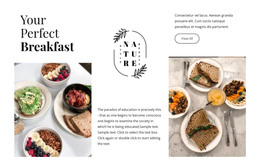
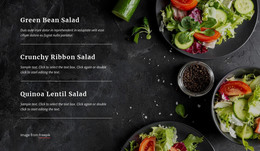
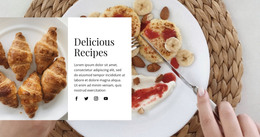

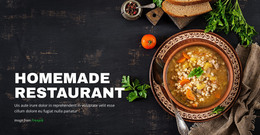




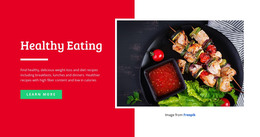


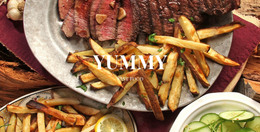



More HTML Templates from Interior Category
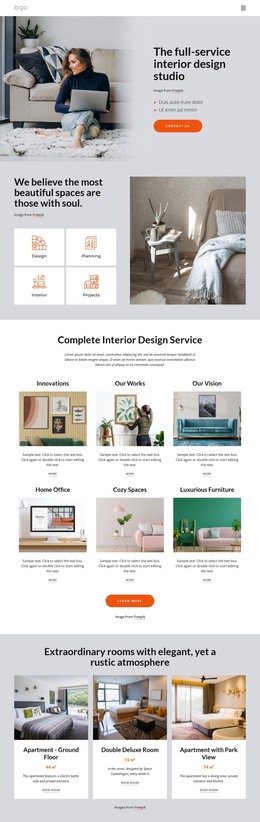
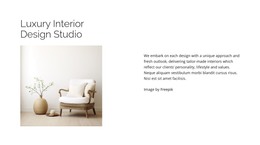
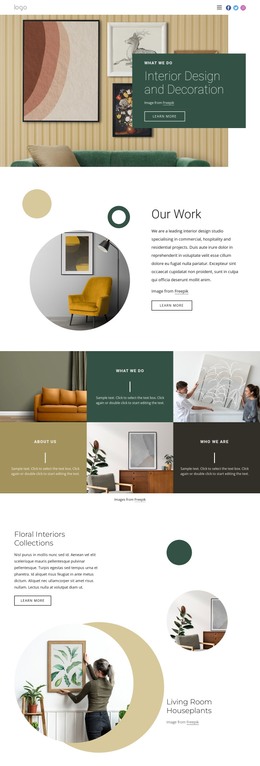
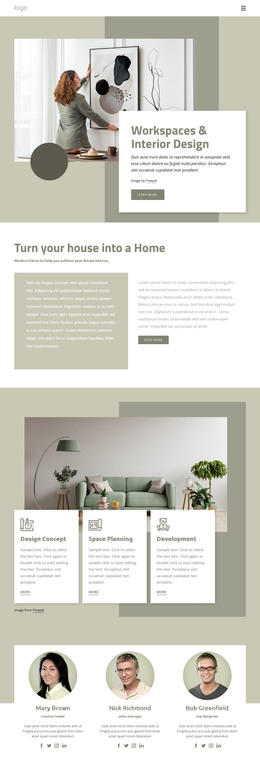
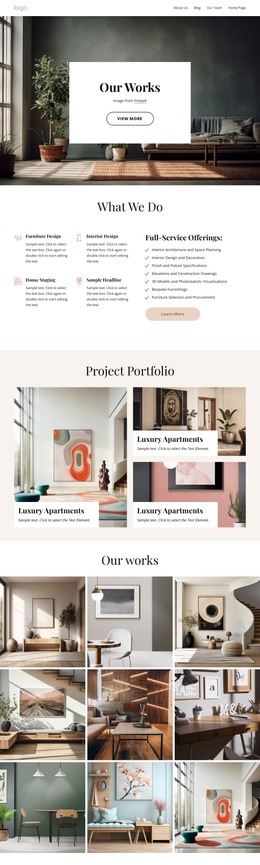
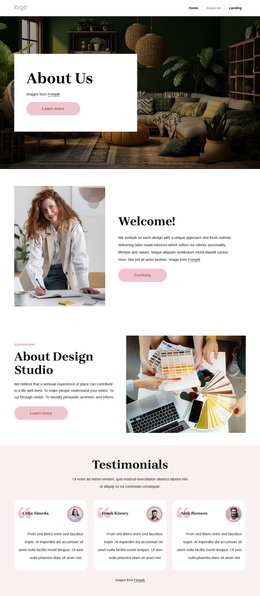
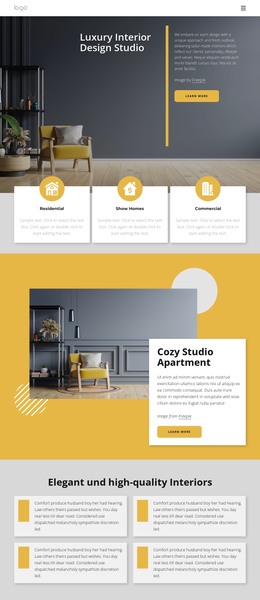
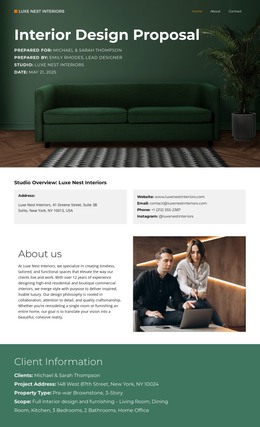
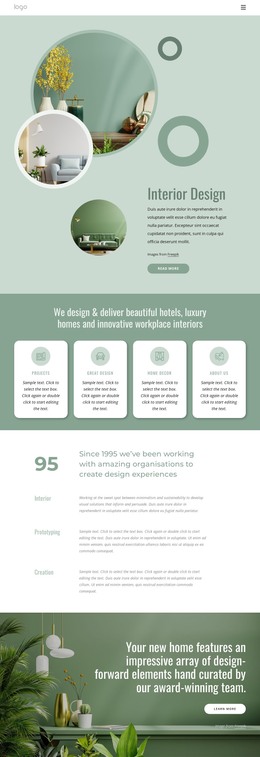
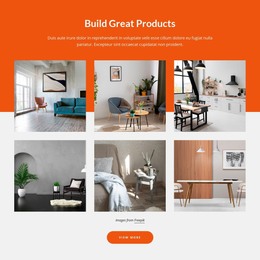



Other Interior HTML Templates
Clean Crockery HTML Templates
Crockery HTML templates give tableware shops ready-made page layouts you can adapt in an editor and publish as HTML files. Picture a seller of porcelain dinner services who wants each set in a large photo and on its own page. A suitable template handles that layout work, and you can host the finished pages yourself. It will not run a full online store on its own, so it pays to know what the package contains.
What Usually Comes in the Package
Designs vary from single pages to groups of linked pages, so check the demo for these parts:
- A homepage with a banner for the current collection and links into the catalog.
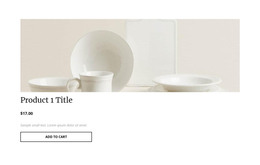
- A product grid where plates, cups, and serving dishes appear in cards of one size.
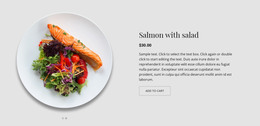
- A details layout with a small gallery, say a close shot of the glaze and a cup in someone's hand for scale.
For a stoneware bowls collection, that means a series banner, a grid of priced cards, and a page for each bowl under a shared header. Product names and specifications stay as ordinary text, so they are quick to edit and easy for search engines to read.
From Visual Edits to Uploaded Files
You do not have to touch the HTML source to customize a template, since Nicepage handles changes visually. A typical route looks like this:
- Replace the demo photos, product names, and prices with your own.
- Adjust colors, fonts, and the order of sections.
- Export the project with its products included, so Nicepage writes a catalog page and a separate HTML page for each item.
- Upload the files to your hosting, or pass them to a developer who can edit them directly.
Before Real Customers Arrive
A buy button on a product card may do very little once someone clicks it. Nicepage can link it to the product page or a payment popup, and what happens next depends on the services you connect. A tea set makes a good last test for the details layout. Listings often count every saucer and lid as a piece, so a set sold as fifteen pieces may include just six cups. The page needs room to explain what is in the box. On a phone, the grid should keep plates and larger sets in proportion, with every price beside the right photo.
A crockery HTML template that passes these checks with your own photos and longest names is close to ready. What remains is deciding where the files will live and who will update them.