
Bed HTML Templates
Furniture stores and mattress brands need pages that quickly explain dimensions, materials, comfort features, and storage options. A ready-made HTML structure keeps those details organized while leaving clear space for product photography and purchase actions.





















More HTML Templates from Interior Category

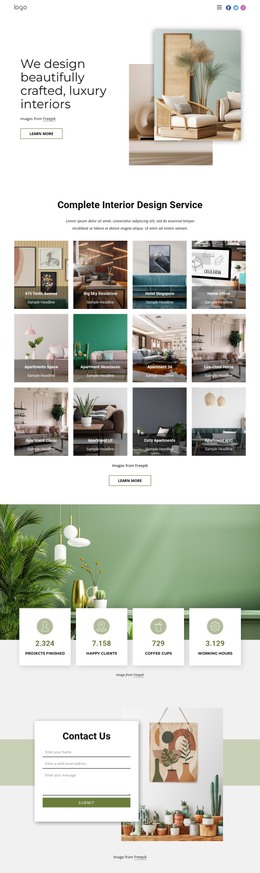

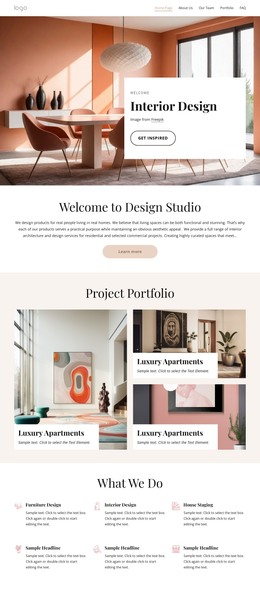

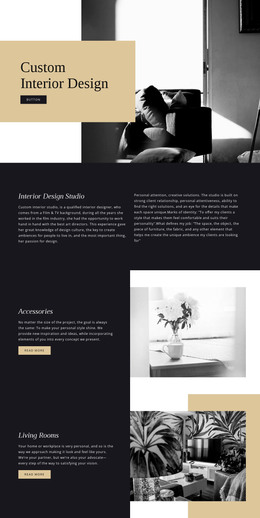


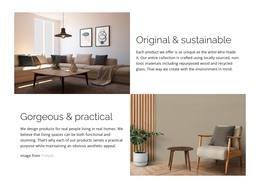
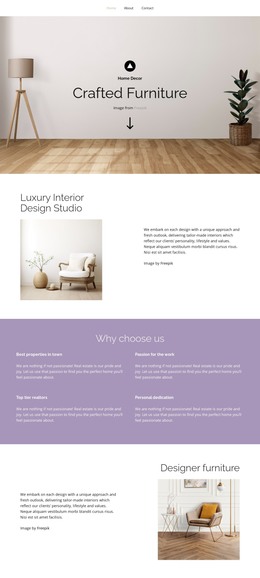
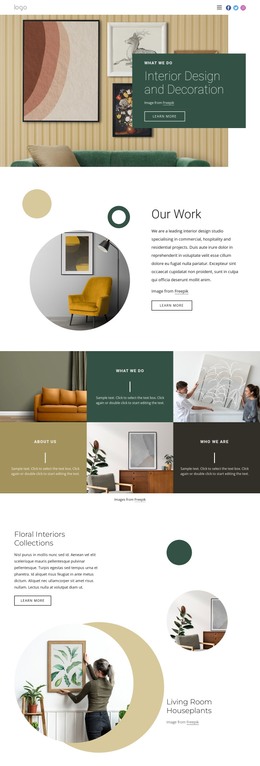
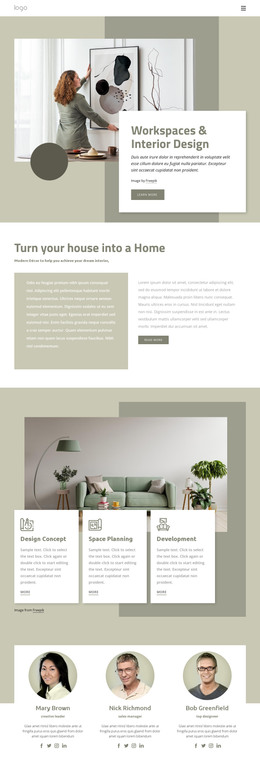
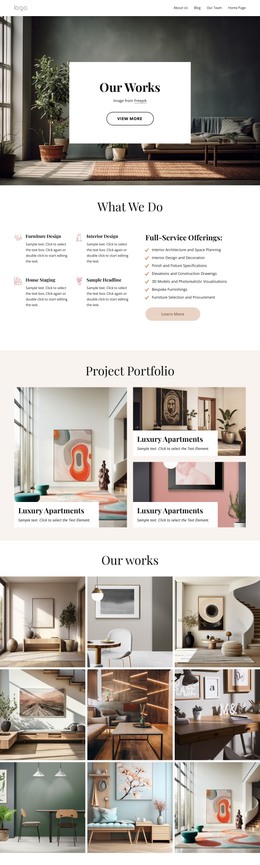
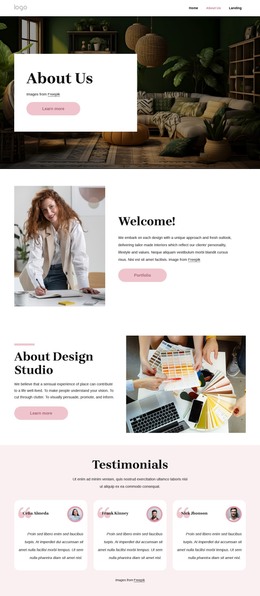
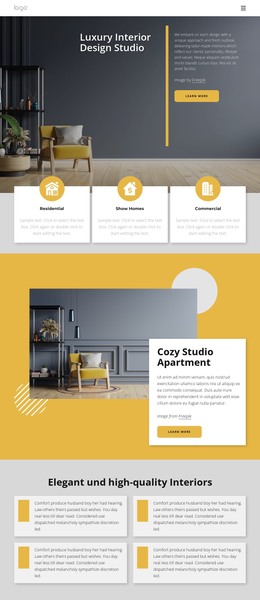
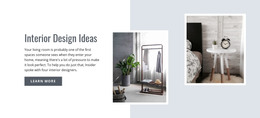
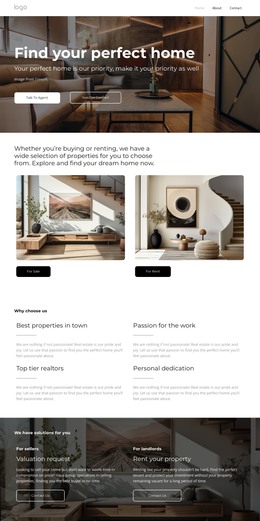
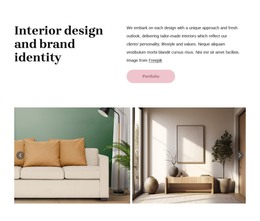
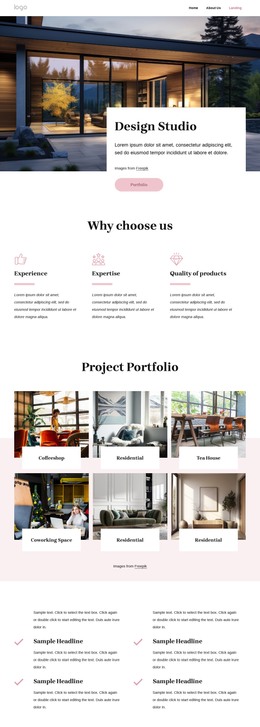


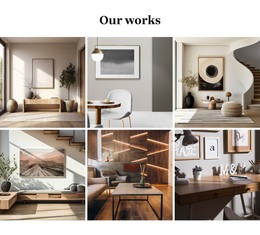
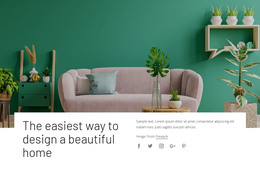

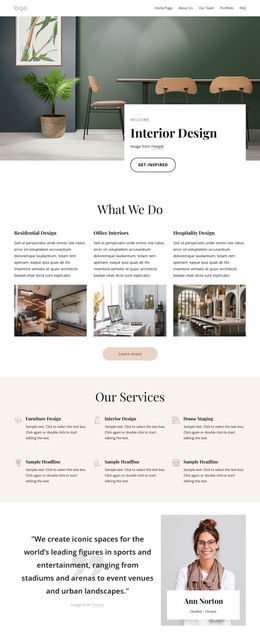



Other Interior HTML Templates
Advanced Bed HTML Templates
Bed HTML templates on Nicepage lean toward the bedroom as a whole: minimalist sleeping rooms, warm interiors in orange tones, and cozy scenes built around pillows and throws. Interior studios, furniture shops, and bedding brands can take one of these designs, replace the photos and copy, and export the result as HTML files for their own hosting. The editing is visual, so nobody has to write markup from scratch.
Sections Built Around Bedroom Interiors
Many layouts here open with a large interior shot, then move into blocks for products, projects, or sleep advice. Depending on the design, you may find sections like these:
- a hero area with a styled bedroom and a line about the collection;
- a product row where each frame or mattress shows its size, material, and price;
- a details block for upholstery, headboard shape, or storage under the bed;
- a contact area for showroom visits and design consultations.
Each section is a separate piece of HTML, so you can move, copy, or remove it whole. A platform bed may need a clearance note under its photo, while a storage model calls for drawer or lift-up specifics. Mattress brands usually pull firmness and construction closer to the top.
Photography That Shows Texture
Bedroom photos carry a lot of weight, because buyers judge proportions, fabric, and frame height mostly by eye. White bedding against white walls tends to lose its texture on screen, so a close-up of the weave or wood grain often does more than another wide shot. A side view taken at mattress height also shows the true height of a low frame.
Nicepage documents this type of visual presentation in its Image Gallery guide, which is relevant when multiple views need to share a single, organized area rather than competing for space across the page. Interior studios can use the same idea for before-and-after shots of a bedroom.
Code You Can Keep Editing
When the layout looks right, the project exports as HTML along with its scripts and images. You can send those files to your own server or a developer, and the exported markup stays open for direct edits. A developer might add a comparison table for several bed sizes, for example, or rearrange product rows after the range changes.
It pays to check the phone view before exporting. Spec rows with long fabric names tend to crowd the top on a narrow screen. A wide bedroom shot may also need a tighter crop to keep the bed in view.
A good fit is the bed HTML template whose photo blocks and spec rows already suit your beds or rooms, leaving mostly just images and numbers to swap out.