
Faucet HTML Templates
When two mixer taps look nearly identical, the decisive difference may be sink-hole compatibility or cabinet clearance. A structured HTML page helps buyers distinguish models through labeled technical details rather than relying on product photography alone.


More HTML Templates from Interior Category

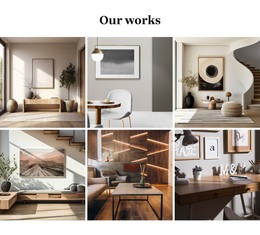
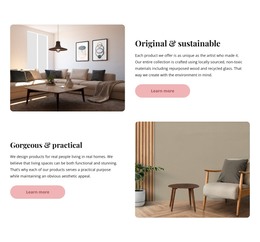

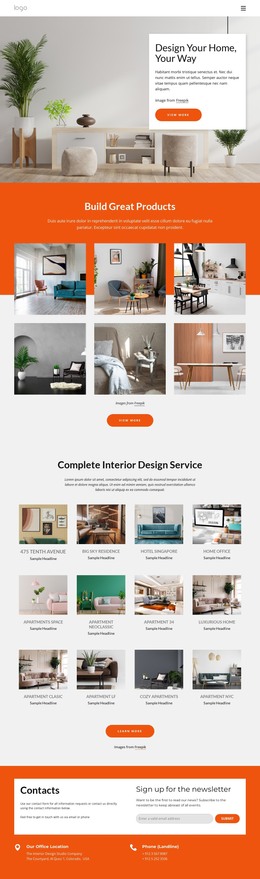
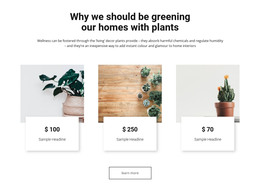





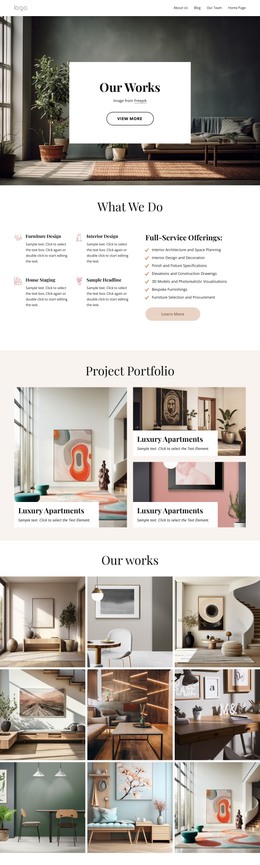
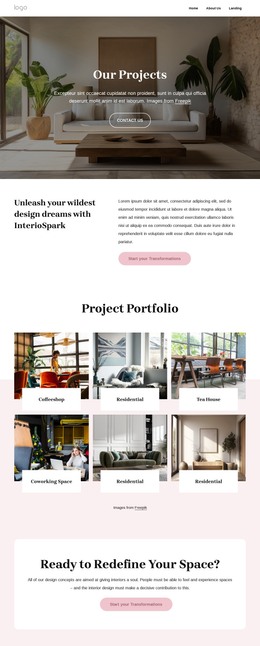
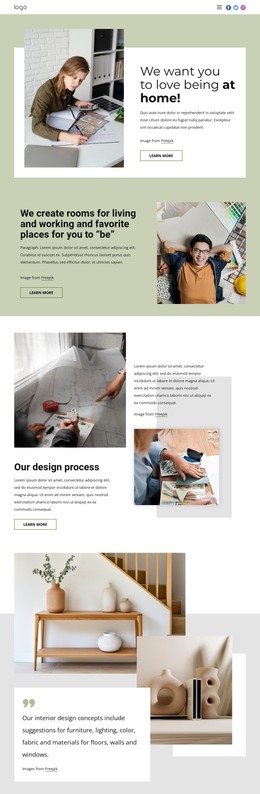


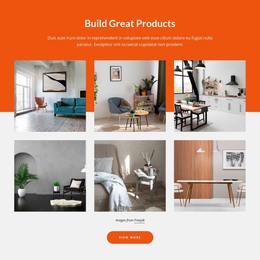
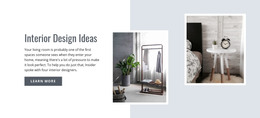

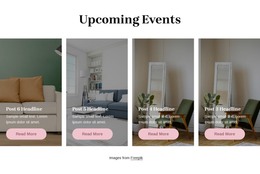

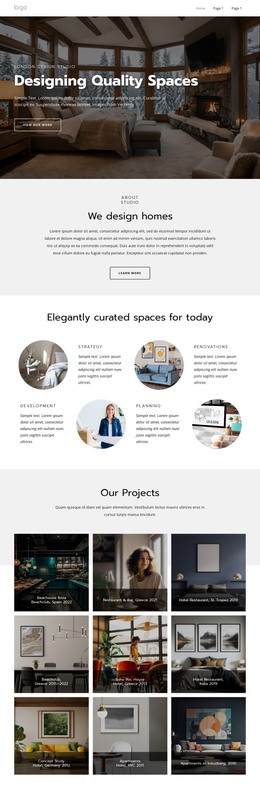








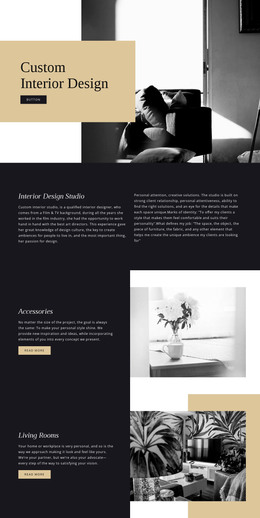
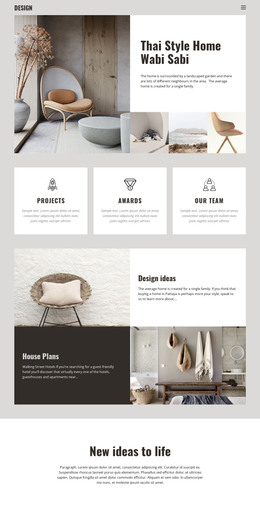







Other Interior HTML Templates
Premium Faucet HTML Templates for Kitchen and Bathroom Catalogs
A faucet catalog of ten models needs the same few screens as one with four hundred, and faucet HTML templates provide them as finished layouts. Many pair a home screen with collection pages and product views in one matching style. Headings, text areas, and image slots are already in place, so adding your own faucets mostly means swapping content.
How Shoppers Move Through a Catalog
Good catalog layouts follow the way people shop for faucets:
- Kitchen and bathroom faucets get separate collection pages, with room in the menu for groups like pot fillers or bar faucets.
- Each product card shows the mounting type and finish beside the photo, since those two details decide whether a buyer clicks through.
- The detail view has a visible spot for the installation sheet.
Dealers with dozens of models per category need rows of small cards, while a brand with three designer series can afford full-width blocks. Layouts made of a large image, a name, and a tagline look polished in a demo but leave no room for the hole count.
Cards That Carry Every Model
Shoppers rarely buy the first faucet they open. Someone weighing a single-handle faucet against a two-handle bridge model wants spout height, reach, and finish in the same spot on both cards. Nicepage's Grid Repeater Element applies one card design to every item while letting each card carry its own content, and its column count can change for phone views.
Your most awkward product shows quickly whether a card layout will work:
- A long model name with a series code should wrap neatly and leave the finish label in place.
- The side view should fit next to the front photo, because spout reach barely shows in a straight-on shot.
- Five finishes of one faucet should still look tidy as thumbnails or separate images.
Exported Files and Their Limits
Nicepage Online supports HTML export for third-party hosting, and the exported files stay open for direct editing so that a developer can add a stock feed later. Before uploading, check the pages for broken links and clipped specification text, and confirm each inquiry form uses a submission option your server supports.
A template gives you the look of a shop down to the buy buttons. You still have to build or connect the cart and checkout behind them separately.
A good fit takes a visitor from the bathroom range to one model's installation sheet without hunting. If the demo hides the spout dimensions behind a slideshow, your real catalog will inherit that problem.