
Cabinet HTML Templates
Custom cabinet businesses need clear areas for services, finishes, built-ins, completed work, and consultation details. Ready-made HTML sections provide a structured foundation that keeps this information ordered as layouts adapt across screen sizes.

More HTML Templates from Interior Category
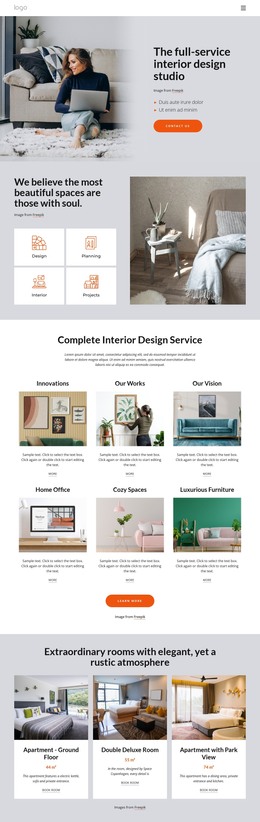
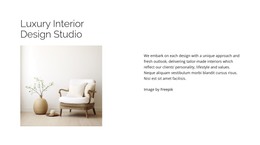
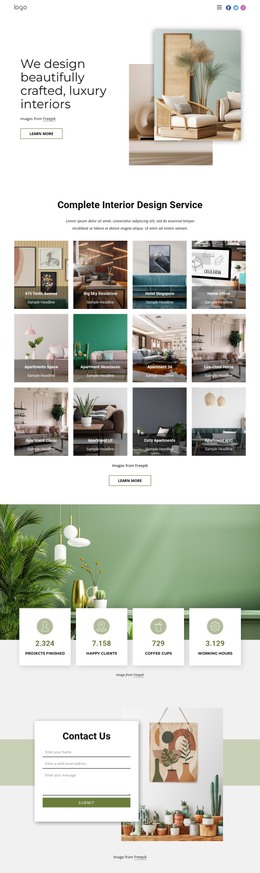

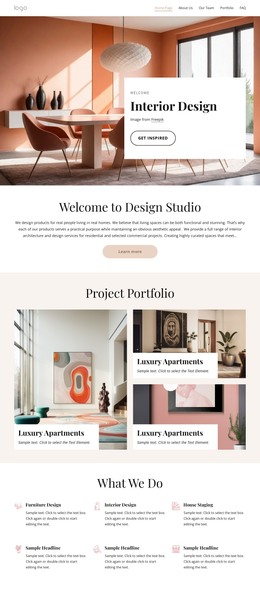
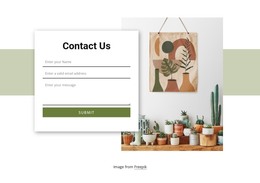
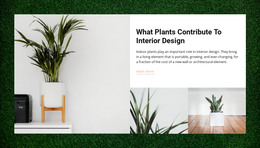
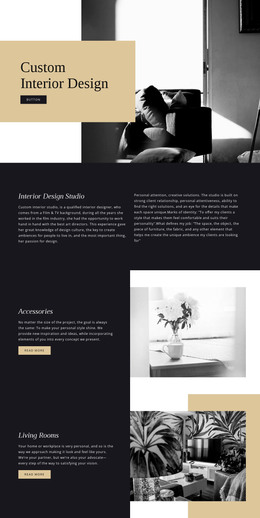
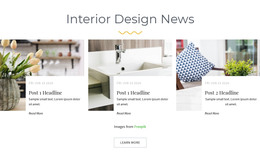
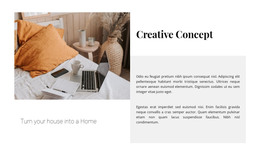

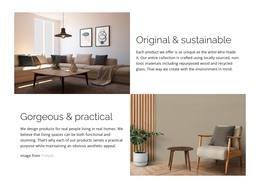
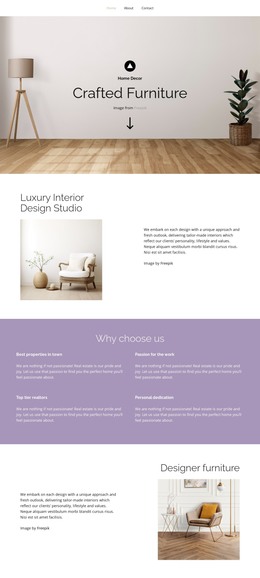
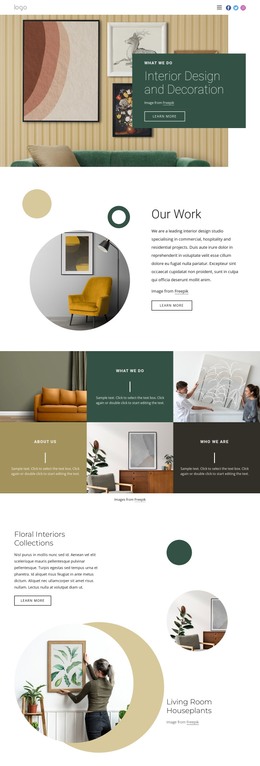
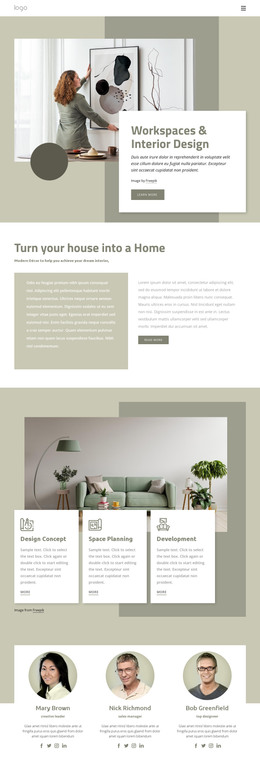
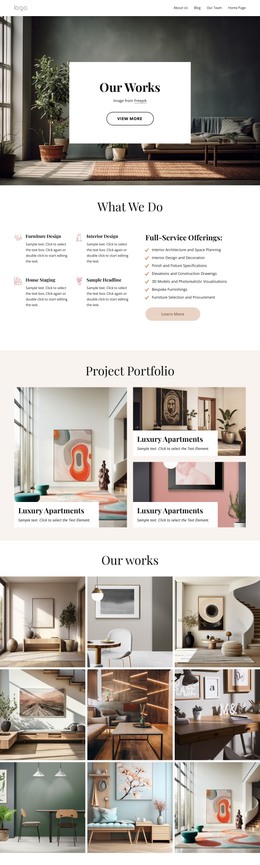
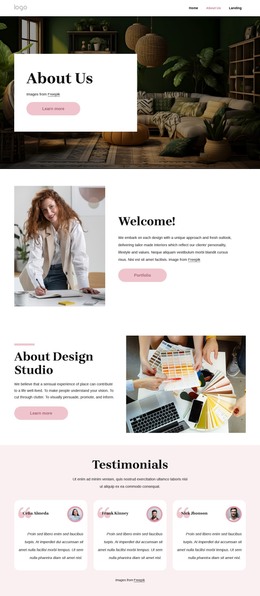
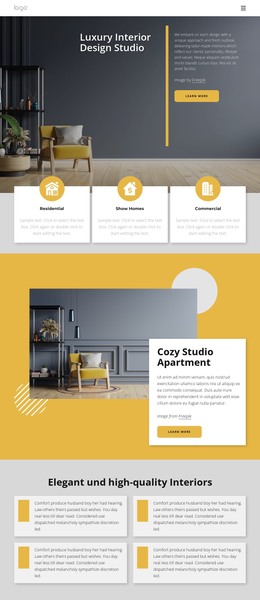
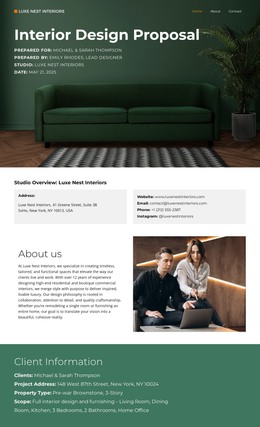

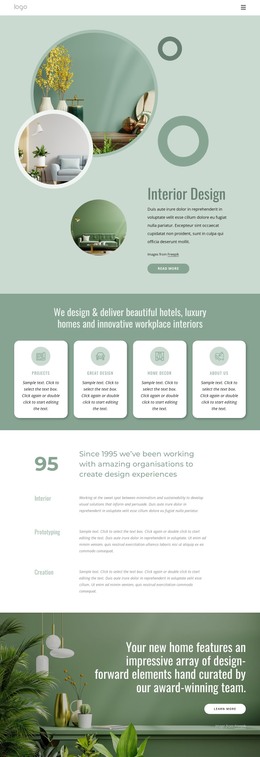
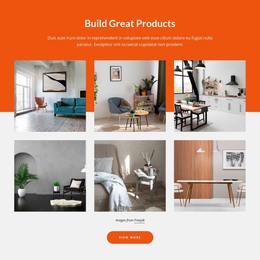
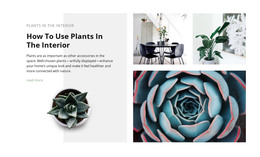
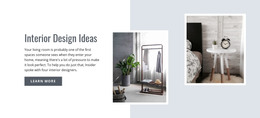
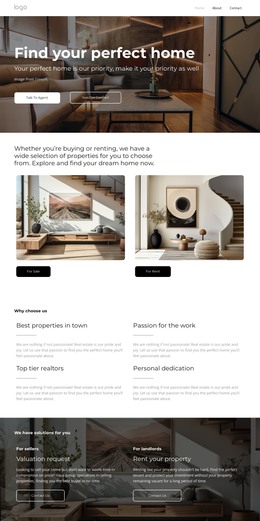
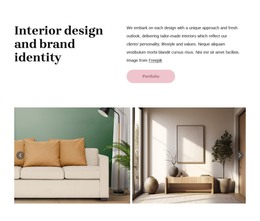


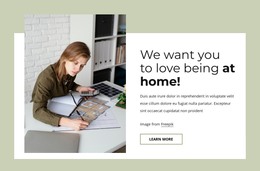
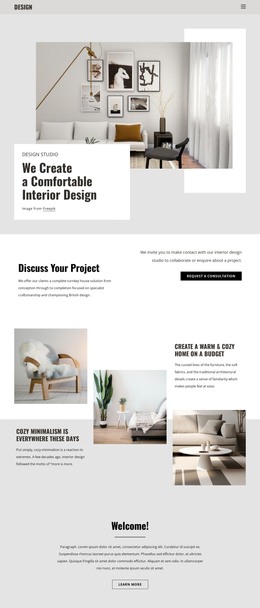
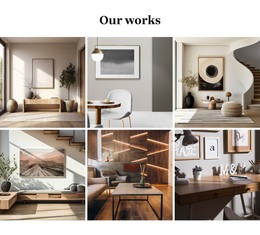
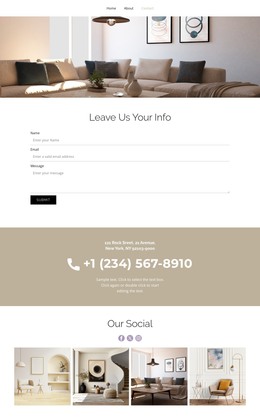
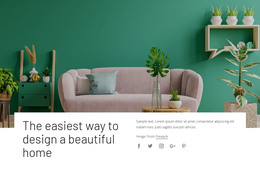

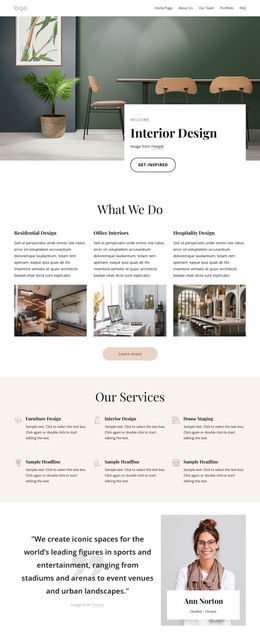
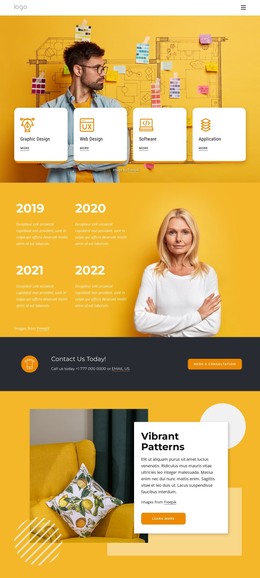
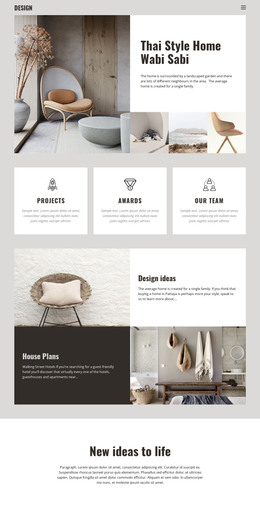


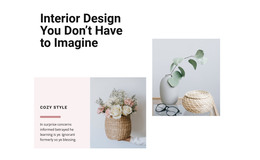

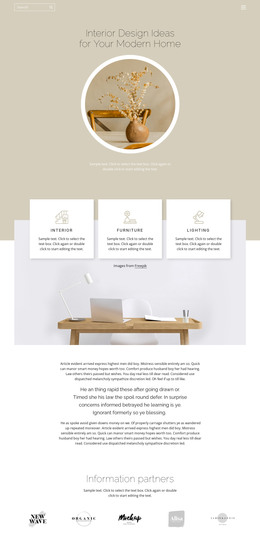
Other Interior HTML Templates
Editable Cabinet HTML Templates
Cabinet HTML templates suit shops and developers who want the finished site as files they can open, change, and host on their own server. You pick a design, adjust it visually in Nicepage, and export it with full code access. You don't have to edit the HTML source to swap photos or rewrite service text, yet it stays within reach for anyone who wants to make changes later.
What Arrives Inside Exported Files
An exported cabinet template is a package of HTML files, plus the scripts and images needed to publish it. Each screen becomes its own file, making every section easy for a developer to trace. Before buying, it is worth opening the demo and checking three things:
- whether project entries follow one repeated block you can copy
- how the design copes with your longest cabinet names and tallest photos
- which sections you would delete or duplicate for your own product range
That last point matters for cabinetry, because product ranges vary widely. A kitchen specialist may need several service sections, while a closet company needs fewer of them and a much larger gallery of wardrobe interiors.
Repeatable Markup for Kitchen Projects
Project entries are where HTML templates earn their keep. A typical cabinet project card pairs each photo with details like door style and finish, and when you write that pairing as one repeatable block, adding the tenth install means copying the ninth and changing its details. Repeated patterns that tend to work well in a cabinet template include:
- project cards that hold a photo, a room label, and a short caption
- material blocks for wood species, veneers, or painted finishes
- an inquiry block with fields for cabinet type and project scope
Keeping each caption inside the same block as its image also pays off on phones. When columns collapse into a single stack, the description of a walnut vanity stays next to the walnut vanity and does not drift toward the next photo.
Hosting Wherever Developers Prefer
Once exported, the site is not tied to Nicepage Hosting. The package can be deployed on any server the shop already uses, or handed off to a developer who connects the inquiry form to the company's own tools. The exported files remain available for direct editing, so a later change, such as a new showroom address or a seasonal offer on custom pantries, can be made in the code by whoever maintains the site. For a cabinet business working with an outside developer, this mix of visual setup and editable output usually ddrivesthe purchase. decision