Dream Travel Agency Website Template


Edit Template Offline
2. Create new page and search for id 12450
Edit Template Online
Create Awesome Websites


Free Nicepage Builder
Keywords
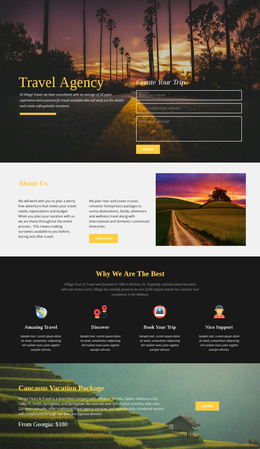
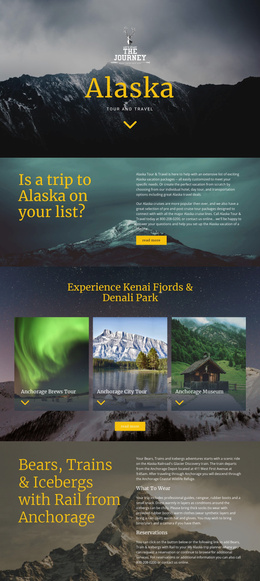
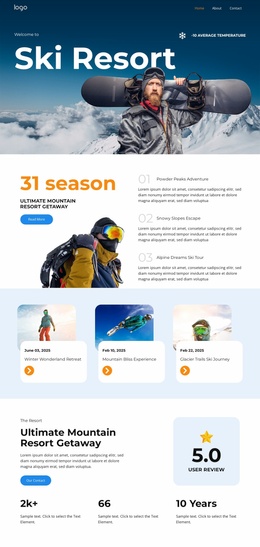
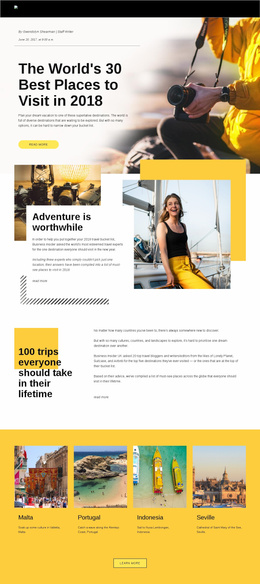
Tour discovery, destination coverage, and package content form a scalable foundation
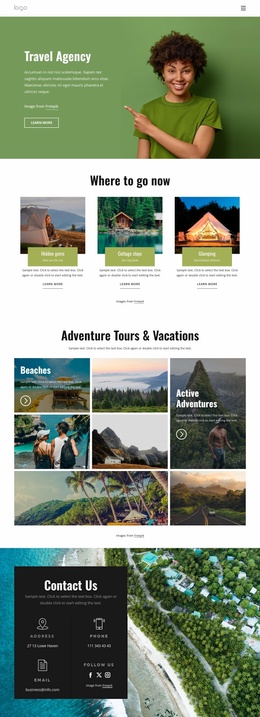
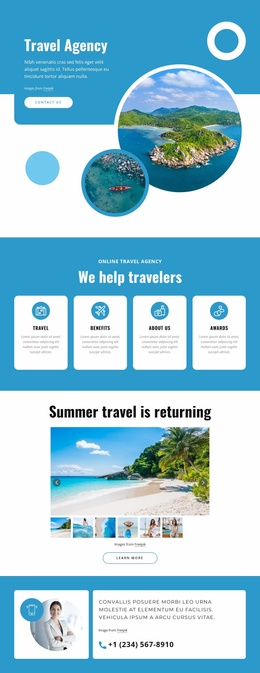
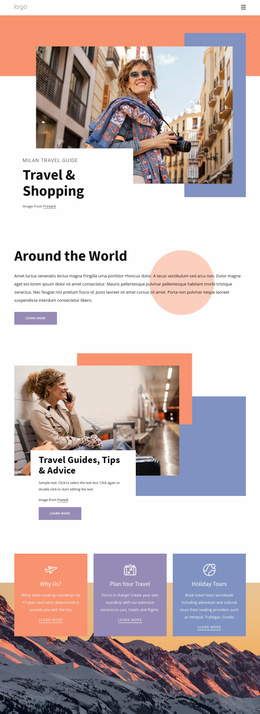
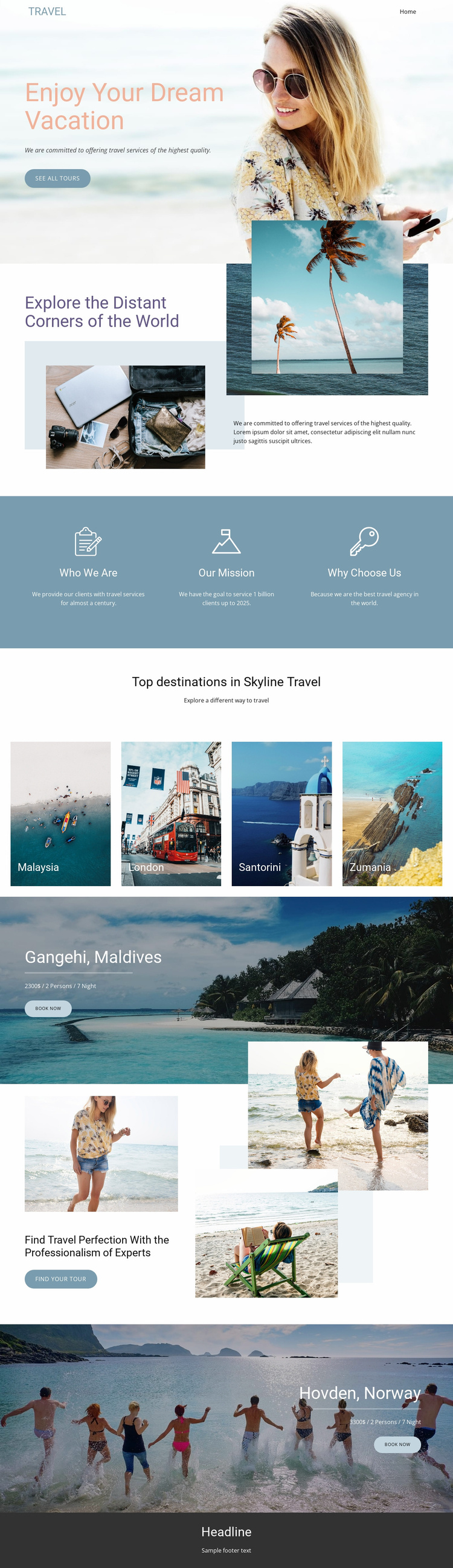
The current page establishes several major content categories for a broader travel website. The beach introduction can serve as the opening travel message, while the exploration collage provides a visual and textual area for explaining the agency’s destination direction. The three feature blocks separate organizational positioning into Who We Are, Our Mission, and Why Choose Us, giving future site content a clear informational starting point rather than only a decorative homepage.
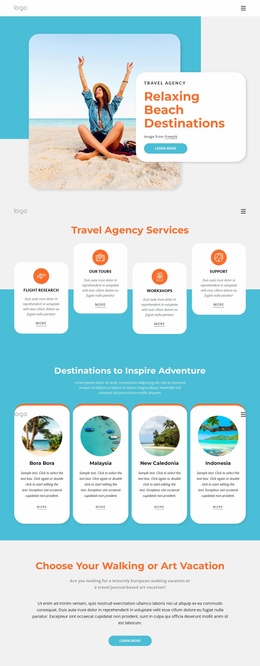
The four destination tiles—Malaysia, London, Santorini, and Zumania—create a natural category for destination-focused expansion. They can lead into more detailed destination content if the project grows, while the Gangehi, Maldives and Hovden, Norway sections demonstrate how individual vacation packages can receive larger promotional treatment. Each package area already relates imagery, destination naming, package details, and a Book now action, which helps distinguish offer content from general agency information.
The expertise section adds another reusable content role through layered photography, a professionalism message, and a Find your tour button. Navigation and mobile-navigation components provide a basis for connecting these areas to additional project content, although no extra pages are verified in the analysis. Nicepage’s Page Basics documentation is relevant when the project needs to manage pages around this foundation. The design therefore supports broader site planning through existing content categories, not through an unsupported claim that a complete multi-page set is already included.
Customize with Nicepage
Open this ready-made template in the Website Template Builder and customize it visually in the Nicepage editor. Replace demo content, edit page sections, and adapt the design to your project without rebuilding the template from scratch.
Build a Complete Website From This Template
Customize the Website Visually
Use this ready-made website template as a starting point for your project and adapt its pages visually in Nicepage. Change content, images, typography, navigation, sections, and other design elements while keeping the website together as a single editable project.
Manage Website Pages in One Project
Use the Pages panel to open, add, duplicate, and manage the pages of your website. Work on individual pages while keeping navigation and the overall site structure accessible from the same project, making it easier to develop a complete website instead of managing separate page files.
Expand the Website With Matching Designs
When you need additional pages or sections, use Page Design Sets to find Page and Block Designs created in the same visual style. Design Sets group matching designs together, making it easier to expand the website with new content while maintaining a consistent look across its pages and sections.
Organize Larger Multi-Page Websites
As the website grows, use Page Folders to organize related pages and keep larger multi-page projects easier to navigate in the editor. This is especially useful for websites with separate service pages, company information, contacts, landing pages, and other content areas.
This workflow makes the template a practical foundation for building and expanding a complete website while managing its pages, content, and visual design within one Nicepage project.