Design of future technology Template


Edit Template Offline
2. Create new page and search for id 12295
Edit Template Online
Create Awesome Websites


Free Nicepage Builder
Keywords
Thirteen project images make the concept immediately visual
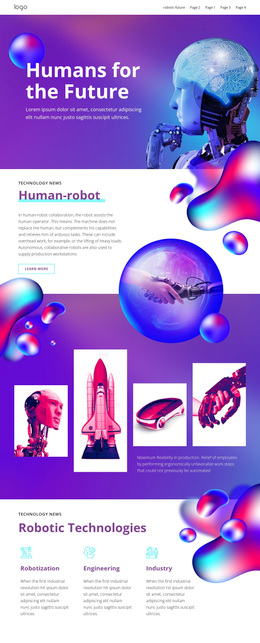
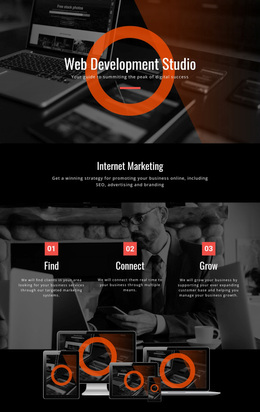
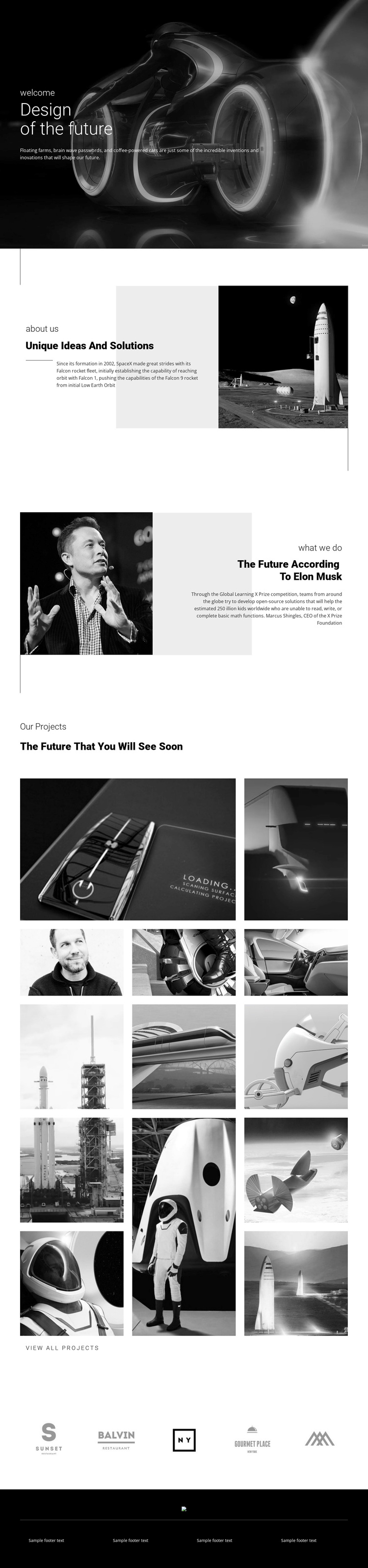
The strongest reason to select this design is its combination of a clear future-technology subject with substantial visual project coverage. The dark hero introduces the idea through a large photographic image and the direct headline “Design of the future,” so the page establishes its direction before asking visitors to process detailed information. The following rocket image gives “Unique Ideas And Solutions” a concrete visual anchor, while the portrait section adds a contrasting human reference to the experimental subject.
The two galleries make the design especially suitable for projects that need imagery to carry much of the presentation. The first contains five images arranged asymmetrically, creating a deliberate editorial reveal rather than a uniform catalogue. The second contributes eight more images across three vertical columns and includes the “View all projects” action. Together, the thirteen visible project images provide broader coverage than a template centered only on text, services, or a single promotional offer.
The five brand marks add a separate horizontal display that can support partner-oriented or project-context content, while the dark footer with four text areas provides a controlled ending. Across these sections, the monochrome treatment, thin geometric lines, generous white space, and compact typography create a coherent visual direction. This makes the template a useful option for a technology or innovation showcase where experimental vehicles, aerospace, robotics, and related imagery should remain the primary carriers of meaning.
Customize with Nicepage
Open this ready-made template in the Template Builder and customize it visually in the Nicepage editor. Replace demo content, edit page sections, and adapt the design to your project without rebuilding the template from scratch.
Start With a Ready-Made Template
Choose a Design for a New Page
Use a ready-made template as a starting point instead of creating every page from a blank canvas. When adding a new page in Nicepage, browse available designs, compare different layouts, and choose an option that already fits the general purpose and visual direction of your project.
Browse Different Page Designs
Explore Page Designs using search, thematic categories, Design Sets, and full-page previews. The collection includes layouts for different subjects and page purposes, making it easier to compare alternatives before selecting a design to customize.
Customize the Selected Template
After choosing a design, create the page and continue editing it visually in Nicepage. Replace the demo content, adjust images, typography, colors, sections, and other elements, and adapt the ready-made layout to your own content instead of rebuilding the design from the beginning.
Explore More Design Directions
If the first option does not match your project closely enough, return to the design collection and compare other templates before committing to a layout. This makes the template library useful not only for faster page creation, but also for exploring different visual approaches and finding a suitable starting point for a new project.
This workflow gives you access to a broad collection of ready-made designs that can be selected, compared, and customized according to the needs of each new page or project.