Smarter homes built around you Template



Edit Template Offline
2. Create new page and search for id 6541933
Edit Template Online
Create Awesome Websites


Free Nicepage Builder
Keywords
Mobile control connects benefits, services, and practical next steps
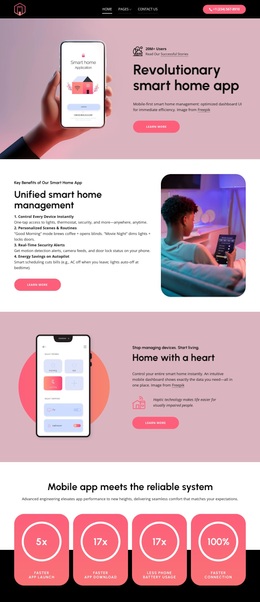
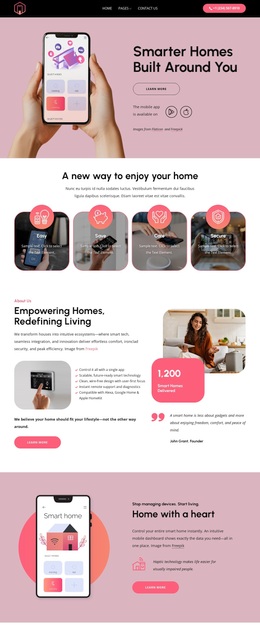
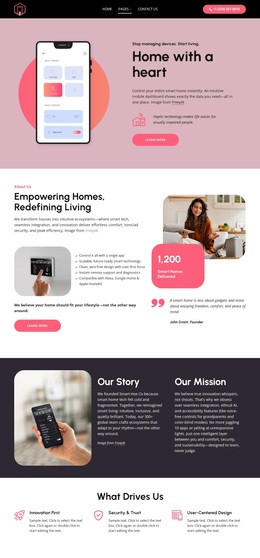
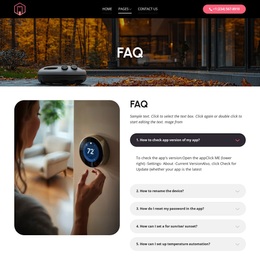
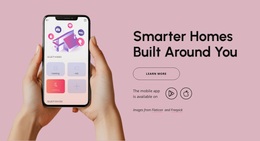
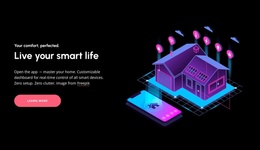
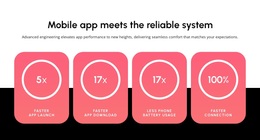
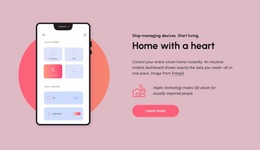
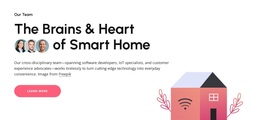
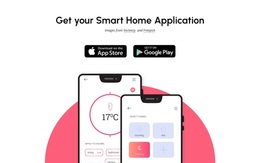
The strongest reason to choose this design is the way it gives smart home technology a visible product center. The opening image and headline present the home through a mobile application rather than through abstract technology language. That idea returns in the “Home with a heart” section and again in the dedicated download area, where App Store and Google Play badges sit with application mockups. The repeated app emphasis gives the page a recognizable subject from the first section to the final product action.
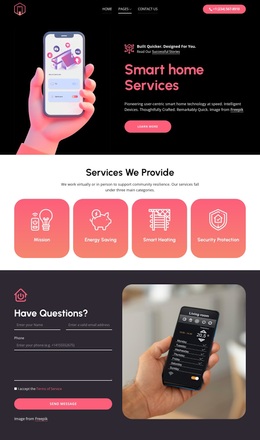
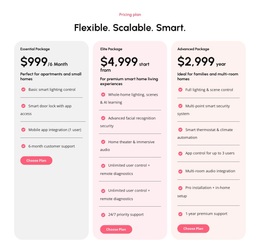
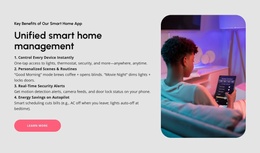
The design also covers the offer at several useful levels. Four rounded cards reduce the initial message to Easy, Save, Care, and Secure. Later, the page expands that promise through security and monitoring, everyday automation, and smart entertainment. The six-item installation panel adds concrete service scope, including smart lighting, media room, theater, doorbell, thermostat, and door lock setup. This combination suits a project that needs to explain both the connected experience and the practical work behind it.
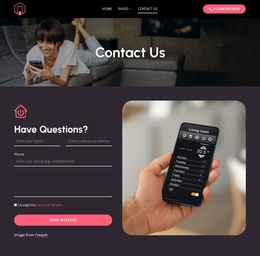
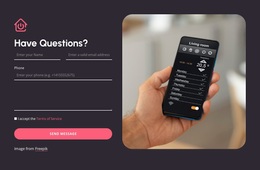
A contact section beside a smart home photograph prevents the page from ending with product imagery alone. The form, Send Message button, phone access, email channel, and grouped footer links create a clear continuation for visitors who have questions. As a ready-made design option, it favors visual product storytelling while still providing enough service and support content for a fuller smart home presentation.
Customize with Nicepage
Open this ready-made template in the Template Builder and customize it visually in the Nicepage editor. Replace demo content, edit page sections, and adapt the design to your project without rebuilding the template from scratch.
Start With a Ready-Made Template
Choose a Design for a New Page
Use a ready-made template as a starting point instead of creating every page from a blank canvas. When adding a new page in Nicepage, browse available designs, compare different layouts, and choose an option that already fits the general purpose and visual direction of your project.
Browse Different Page Designs
Explore Page Designs using search, thematic categories, Design Sets, and full-page previews. The collection includes layouts for different subjects and page purposes, making it easier to compare alternatives before selecting a design to customize.
Customize the Selected Template
After choosing a design, create the page and continue editing it visually in Nicepage. Replace the demo content, adjust images, typography, colors, sections, and other elements, and adapt the ready-made layout to your own content instead of rebuilding the design from the beginning.
Explore More Design Directions
If the first option does not match your project closely enough, return to the design collection and compare other templates before committing to a layout. This makes the template library useful not only for faster page creation, but also for exploring different visual approaches and finding a suitable starting point for a new project.
This workflow gives you access to a broad collection of ready-made designs that can be selected, compared, and customized according to the needs of each new page or project.

Design Set (23)
-

-
-
-
-
-
-
-
-
-
-
Free Website Builder SoftwareDownload
-
-
-