Solar energy company Template



Edit Template Offline
2. Create new page and search for id 5213148
Edit Template Online
Create Awesome Websites


Free Nicepage Builder
Keywords
Four Service Tiles Connect Solar Solutions With Practical Coverage
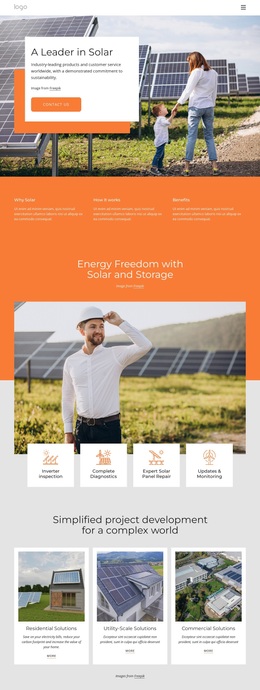
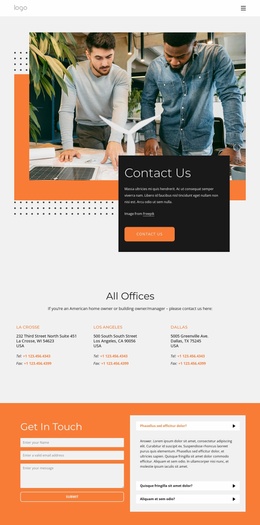
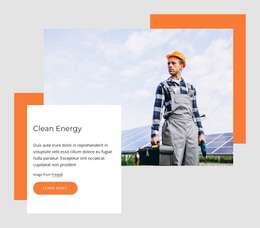
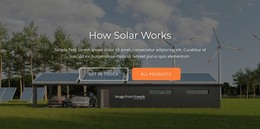
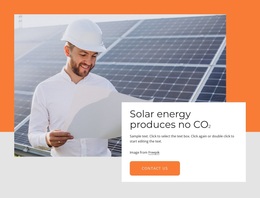
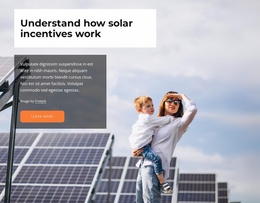
The design begins with a strong visual subject: solar-panel photography supports the “A Leader in Solar” introduction while a white text card creates space for a sustainability statement and contact action. That opening is followed by three concise explanatory items, so the page can establish why solar matters and how it works before presenting a more detailed offer.
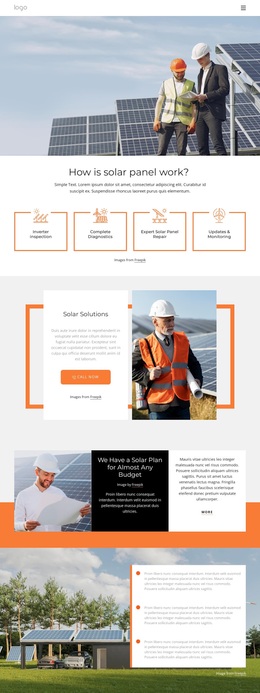
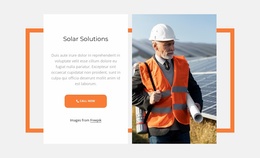
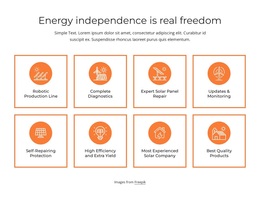
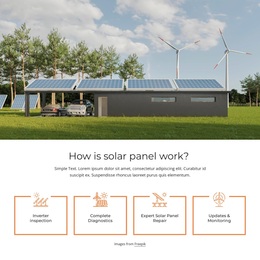
Its strongest distinguishing feature is the range of solar content represented in one design. Four maintenance tiles cover inverter inspection, complete diagnostics, expert solar panel repair, and updates and monitoring. Three solution cards then divide the broader offer into residential, utility-scale, and commercial categories. This combination makes the layout suitable for projects that need to address both ongoing solar support and different scales of implementation, rather than only displaying a single service.
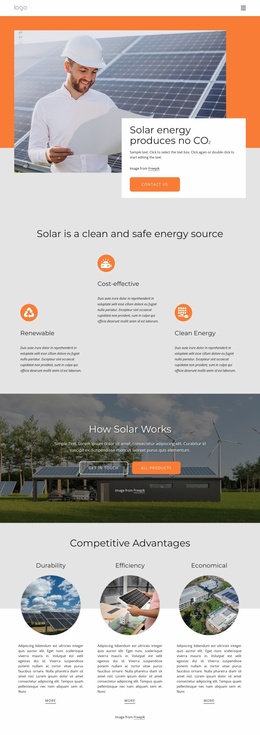
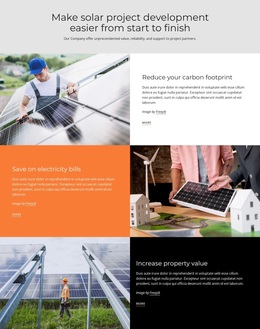
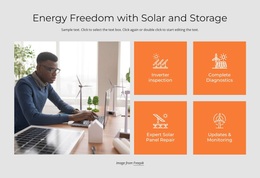
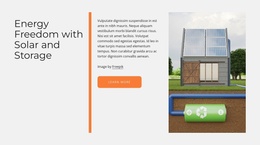
The three alternating benefit rows add a practical decision layer through carbon reduction, electricity savings, and property value. Three solar product cards provide a separate visual showcase, while the solar-and-storage section adds explanatory depth. The final orange callout, contact form, and expandable questions prevent the page from ending with product imagery alone. As a ready-made design option, it offers unusually broad topic coverage while keeping the solar subject consistent through imagery, repeated cards, strong contrast, and clear actions.
Customize with Nicepage
Open this ready-made template in the Template Builder and customize it visually in the Nicepage editor. Replace demo content, edit page sections, and adapt the design to your project without rebuilding the template from scratch.
Start With a Ready-Made Template
Choose a Design for a New Page
Use a ready-made template as a starting point instead of creating every page from a blank canvas. When adding a new page in Nicepage, browse available designs, compare different layouts, and choose an option that already fits the general purpose and visual direction of your project.
Browse Different Page Designs
Explore Page Designs using search, thematic categories, Design Sets, and full-page previews. The collection includes layouts for different subjects and page purposes, making it easier to compare alternatives before selecting a design to customize.
Customize the Selected Template
After choosing a design, create the page and continue editing it visually in Nicepage. Replace the demo content, adjust images, typography, colors, sections, and other elements, and adapt the ready-made layout to your own content instead of rebuilding the design from the beginning.
Explore More Design Directions
If the first option does not match your project closely enough, return to the design collection and compare other templates before committing to a layout. This makes the template library useful not only for faster page creation, but also for exploring different visual approaches and finding a suitable starting point for a new project.
This workflow gives you access to a broad collection of ready-made designs that can be selected, compared, and customized according to the needs of each new page or project.

Design Set (27)
-

-
-
-
-
-
-
-
-
-
-
-
-
-
-
-
Free Website Builder SoftwareDownload
-
-
-
-
-
-
-