Popular templates CSS Template


Layered Preview Shapes Define the Block’s Visual Treatment
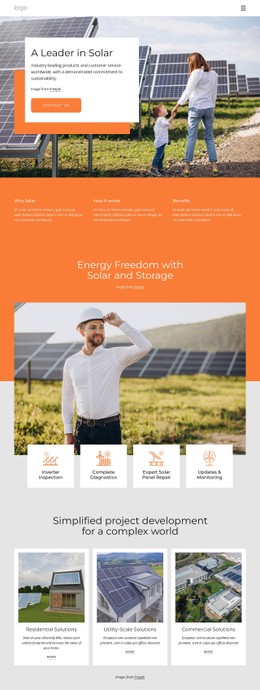
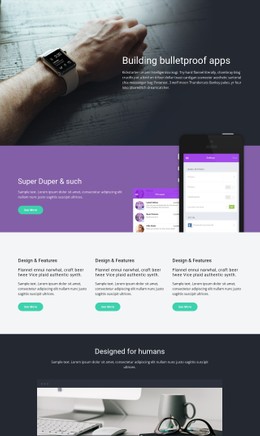
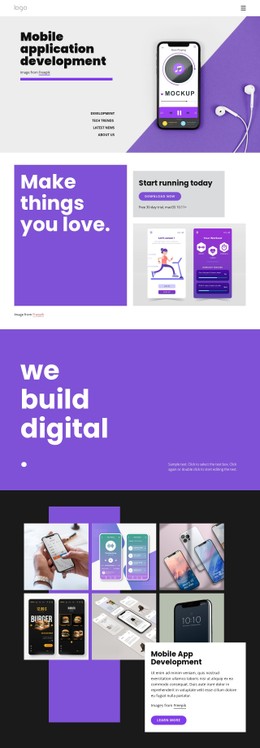
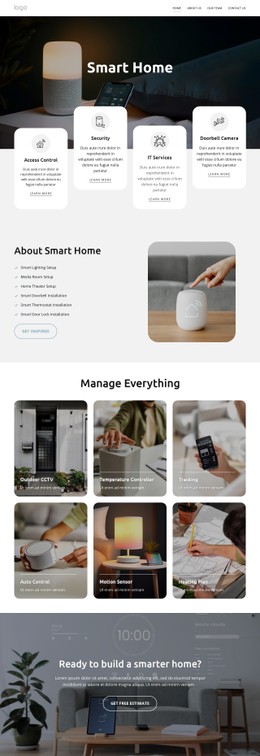
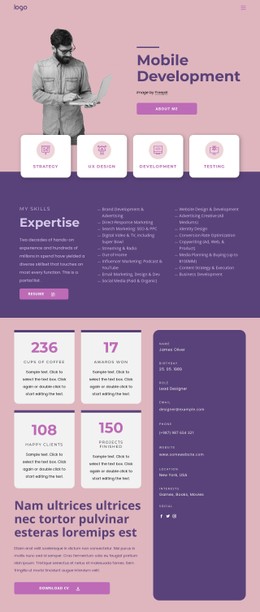
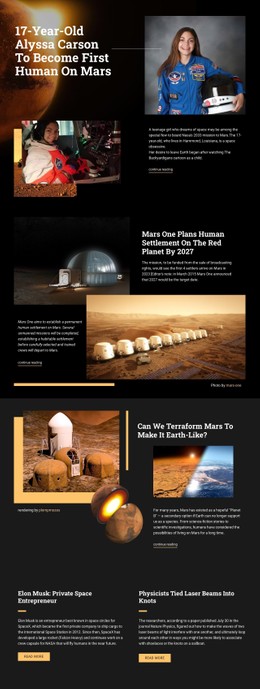
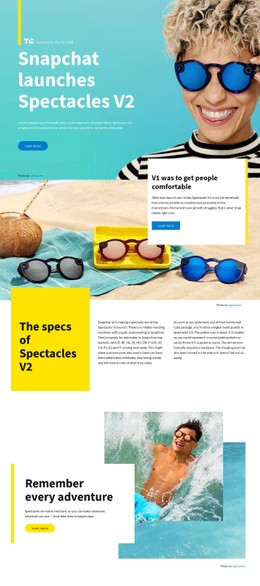
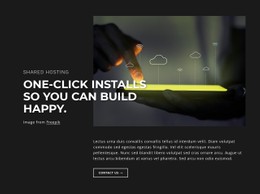
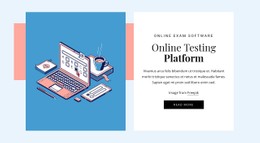
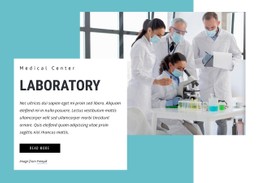
The large collage of angled template previews gives the left side its dominant visual weight, while the white text panel on the right creates a quieter reading area. That contrast is central to the block’s styling: the imagery attracts attention first, then the heading, supporting paragraph, and “Learn More” action provide an orderly path through the content. Blue, white, black, and light-gray tones keep the two areas visually related without flattening their differences.
The overlapping rectangular image and background shapes are the most distinctive styling relationship in the section. They create depth around the collage and offset panel while preserving generous white space around the text. The bold “Popular Templates” heading can therefore remain prominent without competing with a crowded card grid or multiple controls. Smaller italic-style copy and the underlined uppercase action label add secondary typographic contrast.
As a CSS Template interpretation, this block is useful when the goal is to refine appearance at the section level: image overlap, background-shape placement, color contrast, spacing, heading scale, and action treatment can be adjusted while the template-promotion structure remains intact. The visual rules belong to this block, not to an assumed site-wide design system.
Customize with Nicepage
Open this ready-made template in the CSS Template Builder and customize it visually in the Nicepage editor. Replace demo content, edit page sections, and adapt the design to your project without rebuilding the template from scratch.
Edit Template Offline
2. Create a new page or select existing
3. Click Add new block, search for id 1057184 and click enter
Edit Template Online
Create Awesome Websites


Free Nicepage Builder
Keywords
Customize This Template With CSS
Control Page-Specific Styling
Customize the visual appearance of this ready-made template directly in the Nicepage editor. Adjust typography, spacing, backgrounds, borders, colors, positioning, and other style properties using visual controls while keeping the page layout easy to manage without writing CSS manually.
Add Custom CSS When Needed
For styling requirements that go beyond the standard editor options, use Custom CSS to add targeted rules. CSS can be applied to individual elements, specific pages, or the entire website depending on the scope of the customization, while CSS classes can be used to connect custom rules with selected elements.
Export Minimal CSS Per Page
For projects where CSS size and page performance matter, Nicepage can export minimal CSS for each page. Instead of relying on one larger common stylesheet, each page can use a separate CSS file containing only the style rules required for that particular page. According to Nicepage documentation, these page-specific CSS files can be about ten times more compact, helping reduce unnecessary CSS and improve page loading performance.
This workflow combines visual styling with optional custom CSS and optimized page-specific CSS output, giving you additional control when a project requires it without making manual CSS editing the primary way to customize the template.