Fishing and hunting WordPress Theme


Editorial Travel Content With a Reusable Page-Section Pattern
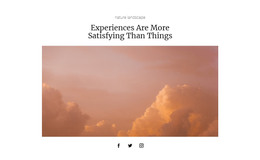
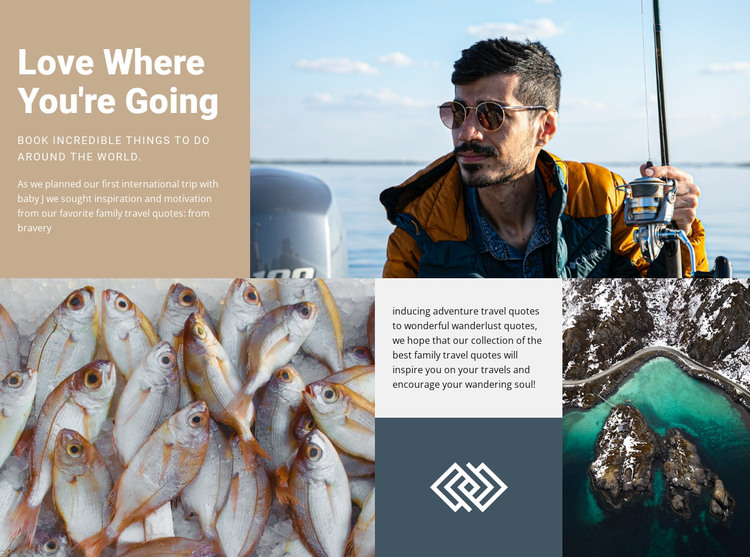
The heading “Love Where You're Going” and the supporting line about booking things to do around the world give this block the character of stable page content rather than a time-sensitive feed. The upper text panel also includes a practical reference to planning an international trip with a baby, while the lower copy turns toward adventure and wanderlust. These editorial layers can remain readable and relevant as part of a broader travel page.
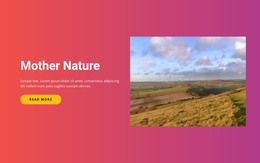
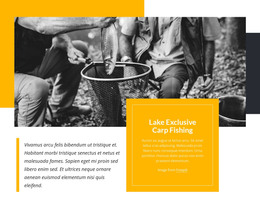
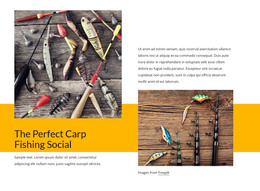
The visual pattern is equally important. A large outdoor photograph balances the upper text, and the lower mosaic organizes an angler-related image set through a fish photograph, a central text-and-graphic panel, and an aerial coastal scene. In a WordPress-oriented project, this makes the section suitable for a permanent travel, inspiration, or activity area while other CMS-managed content can develop around it.
The block does not need to be treated as a standalone WordPress Theme to be useful in that environment. Its role is narrower and more concrete: preserve one designed content region with a recognizable heading, editorial message, and image arrangement. The wider project can manage other pages and publishing needs, while this section maintains its visual relationship between text and photography. That separation keeps the content reusable without changing the block into a complete CMS structure.
Customize with Nicepage
Open this ready-made template in the WordPress Website Builder and customize it visually in the Nicepage editor. Replace demo content, edit page sections, and adapt the design to your project without rebuilding the template from scratch.
Edit Template Offline
2. Create a new page or select existing
3. Click Add new block, search for id 47820 and click enter
Edit Template Online
Create Awesome Websites


Free Nicepage Builder
Keywords
Manage and Edit This Theme in WordPress
Customize and Install the WordPress Theme
Start with this ready-made theme instead of building the WordPress design from scratch. Customize its layout, content, typography, images, sections, and other design elements visually in Nicepage editor, then export and install the WordPress Theme, Plugin, and Pages on your WordPress site. The Nicepage WordPress Plugin lets you continue working with the site after installation.
Edit the Theme Directly in WordPress
After installation, you can edit the WordPress Theme directly in WordPress with the Nicepage WordPress Plugin. Use Site Style to customize site Colors, Fonts, Header, Footer, Blog, and Post Page Templates while working within your WordPress website.
Edit WordPress Pages Visually
Use the Nicepage WordPress Plugin to edit page content directly from the WordPress admin area. Open a WordPress Page with Nicepage and visually change its text, images, sections, and other page elements while continuing to manage the Page through WordPress.
WordPress Content and Theme Integration
Use the customized theme with WordPress Pages, Posts, Blog and Post Templates, menus, widgets, and other CMS-managed content. Shared theme elements such as Colors, Fonts, Header, Footer, Blog, and Post Page Templates can be managed as part of the overall site design, while WordPress provides the CMS environment for managing site content.
This workflow combines a ready-made WordPress Theme with visual customization, direct theme editing in WordPress, and continued content management through the Nicepage WordPress Plugin.