Gallery with ocean photo WordPress Theme


A Stable Visual Gateway for WordPress Page Content
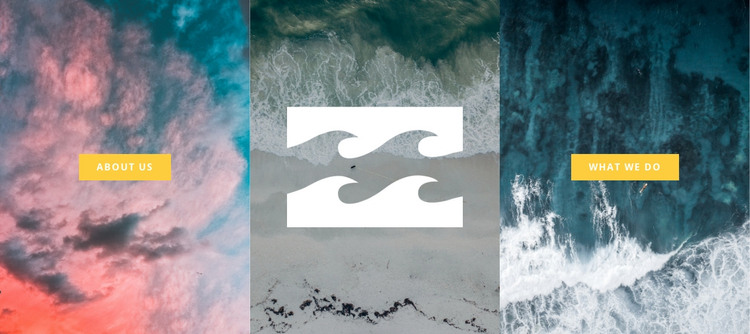
The centered logo and two labeled actions give this section a practical page-content role in a WordPress-managed project. About Us occupies the left visual entry point, What We Do occupies the right, and the middle coastal panel anchors both with a white brand mark. Equal-width panels and full-height backgrounds make the relationship easy to scan, while the static presentation keeps each destination visible at the same time.
This structure is suitable for permanent organizational content that should remain recognizable as the surrounding WordPress site develops. The two buttons can lead visitors toward broader information managed elsewhere in the project, while the block itself preserves the introductory visual relationship between identity and direction. Ocean, surf, cloud, and coastal imagery unify the three panels, and the contrast between dark teal, gray, pink, coral, and bright yellow helps separate atmosphere from action. The wider WordPress environment can handle additional pages and editorial material, but this reusable section remains focused on introducing the organization through three coordinated visual points. Its content can therefore fit a stable page without being treated as an entire theme or site structure.
Customize with Nicepage
Open this ready-made template in the WordPress Website Builder and customize it visually in the Nicepage editor. Replace demo content, edit page sections, and adapt the design to your project without rebuilding the template from scratch.
Edit Template Offline
2. Create a new page or select existing
3. Click Add new block, search for id 44073 and click enter
Edit Template Online
Create Awesome Websites


Free Nicepage Builder
Keywords
Manage and Edit This Theme in WordPress
Customize and Install the WordPress Theme
Start with this ready-made theme instead of building the WordPress design from scratch. Customize its layout, content, typography, images, sections, and other design elements visually in Nicepage editor, then export and install the WordPress Theme, Plugin, and Pages on your WordPress site. The Nicepage WordPress Plugin lets you continue working with the site after installation.
Edit the Theme Directly in WordPress
After installation, you can edit the WordPress Theme directly in WordPress with the Nicepage WordPress Plugin. Use Site Style to customize site Colors, Fonts, Header, Footer, Blog, and Post Page Templates while working within your WordPress website.
Edit WordPress Pages Visually
Use the Nicepage WordPress Plugin to edit page content directly from the WordPress admin area. Open a WordPress Page with Nicepage and visually change its text, images, sections, and other page elements while continuing to manage the Page through WordPress.
WordPress Content and Theme Integration
Use the customized theme with WordPress Pages, Posts, Blog and Post Templates, menus, widgets, and other CMS-managed content. Shared theme elements such as Colors, Fonts, Header, Footer, Blog, and Post Page Templates can be managed as part of the overall site design, while WordPress provides the CMS environment for managing site content.
This workflow combines a ready-made WordPress Theme with visual customization, direct theme editing in WordPress, and continued content management through the Nicepage WordPress Plugin.