
Whale watching center WordPress Theme


Edit Template Offline
2. Create new page and search for id 12805
Edit Template Online
Create Awesome Websites


Free Nicepage Builder
Keywords
A Wildlife Report Structure for Pages and Continuing Editorial Content
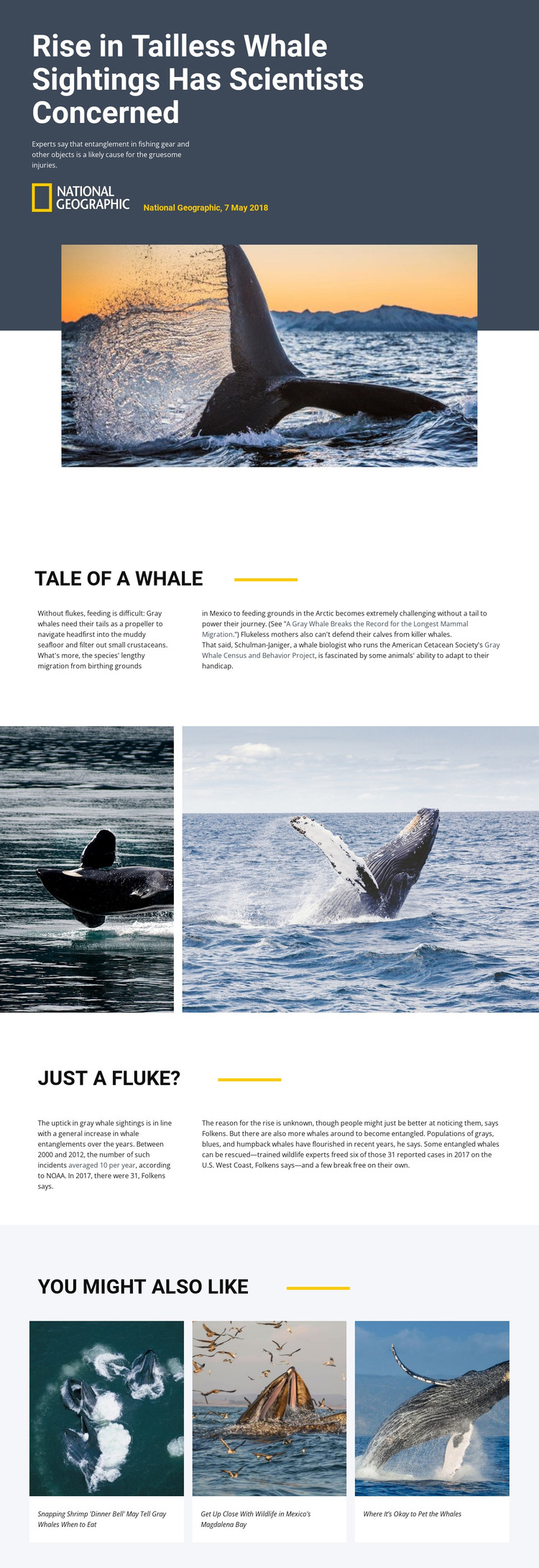
The permanent article content is clearly divided into useful page areas. The hero can carry the central report title, subtitle, attribution, and featured whale image, while the first split passage provides durable background about feeding, migration from Mexico to the Arctic, and calf protection. Together, those areas suit page-oriented content that explains a subject before moving into a more specific investigation.
The second split passage offers a different editorial relationship. Information about fishing-gear entanglement, reported incidents, possible causes, whale populations, and rescue outcomes can be maintained as the analysis portion of the report, while the wide photographic section supplies visual context between the two content groups. The three related-story cards create a repeated pattern for connecting the main article with other wildlife reports without changing the page’s visual character.
For a WordPress-managed project, these areas can be interpreted as stable article content and recurring editorial sections, but the analysis does not verify existing Posts, categories, or blog structures. The design therefore should not be presented as proof of a prebuilt WordPress publishing system. Its practical strength is the way permanent information, supporting imagery, and related reading already form a coherent theme-ready arrangement. Future wildlife stories could follow the same relationship between headline, context, evidence, photography, and connected content while remaining distinct articles.
Customize with Nicepage
Open this ready-made template in the WordPress Website Builder and customize it visually in the Nicepage editor. Replace demo content, edit page sections, and adapt the design to your project without rebuilding the template from scratch.
Manage and Edit This Theme in WordPress
Customize and Install the WordPress Theme
Start with this ready-made theme instead of building the WordPress design from scratch. Customize its layout, content, typography, images, sections, and other design elements visually in Nicepage editor, then export and install the WordPress Theme, Plugin, and Pages on your WordPress site. The Nicepage WordPress Plugin lets you continue working with the site after installation.
Edit the Theme Directly in WordPress
After installation, you can edit the WordPress Theme directly in WordPress with the Nicepage WordPress Plugin. Use Site Style to customize site Colors, Fonts, Header, Footer, Blog, and Post Page Templates while working within your WordPress website.
Edit WordPress Pages Visually
Use the Nicepage WordPress Plugin to edit page content directly from the WordPress admin area. Open a WordPress Page with Nicepage and visually change its text, images, sections, and other page elements while continuing to manage the Page through WordPress.
WordPress Content and Theme Integration
Use the customized theme with WordPress Pages, Posts, Blog and Post Templates, menus, widgets, and other CMS-managed content. Shared theme elements such as Colors, Fonts, Header, Footer, Blog, and Post Page Templates can be managed as part of the overall site design, while WordPress provides the CMS environment for managing site content.
This workflow combines a ready-made WordPress Theme with visual customization, direct theme editing in WordPress, and continued content management through the Nicepage WordPress Plugin.





















