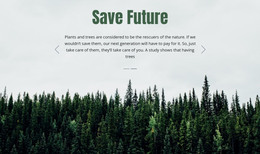
Nature is an inspiration WordPress Theme


Stable Feature Content for a WordPress-Managed Page
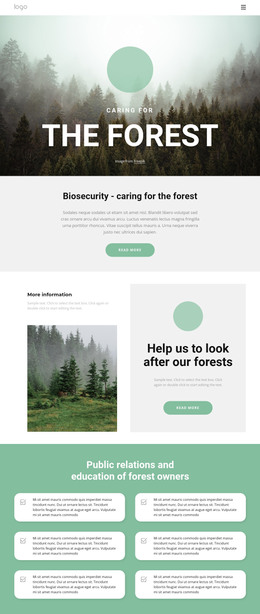
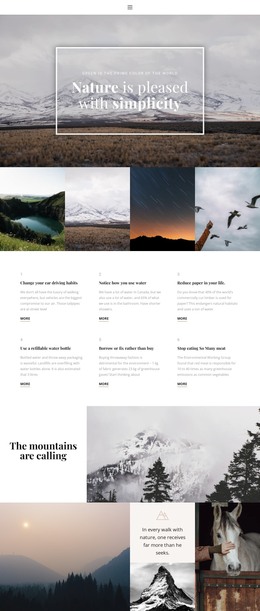
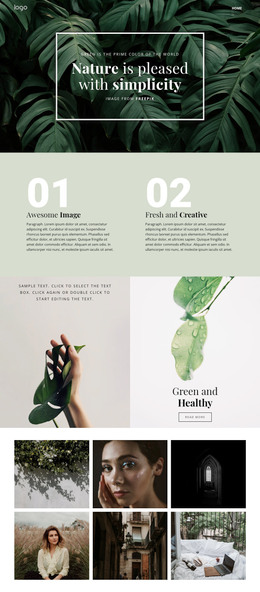
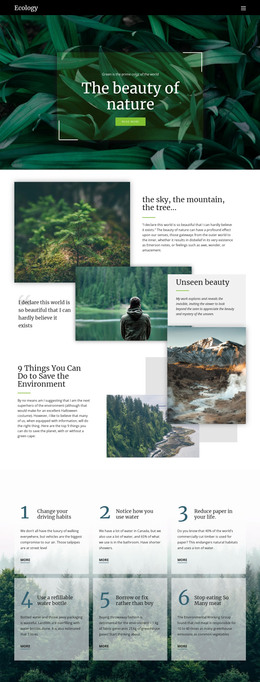
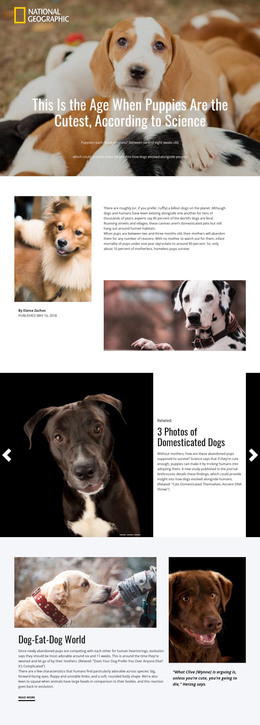
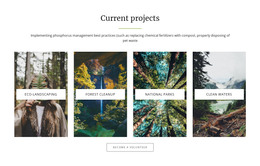
Photography, Inspiration, and Forest form three stable content units that can fit naturally into a WordPress-managed page. Each unit has a clear visual and editorial relationship: one nature photograph establishes the subject, an outlined icon supports the feature identity, and a title with descriptive paragraph supplies the written explanation. Because the same pattern repeats across three columns, the section can remain visually consistent while its surrounding page content changes.
The alternating image-and-text order gives this page content a more deliberate presentation than a simple list of feature cards. Muted blue-gray panels contain the explanatory text, while centered typography and generous spacing keep each unit readable. The restrained monochrome palette also makes the block adaptable to a wider page style, provided the surrounding design respects its image-led balance and calm visual tone.
In a WordPress-oriented project, the section can serve as permanent content on a page that needs a concise nature or features area. Other CMS-managed content may surround it, but the block’s own role remains the presentation of these three related features. Nicepage’s WordPress Theme, Plugin, and Pages workflow describes the broader environment in which designed page content can participate; it does not change the block’s three-column content function.
Customize with Nicepage
Open this ready-made template in the WordPress Website Builder and customize it visually in the Nicepage editor. Replace demo content, edit page sections, and adapt the design to your project without rebuilding the template from scratch.
Edit Template Offline
2. Create a new page or select existing
3. Click Add new block, search for id 57524 and click enter
Edit Template Online
Create Awesome Websites


Free Nicepage Builder
Keywords
Manage and Edit This Theme in WordPress
Customize and Install the WordPress Theme
Start with this ready-made theme instead of building the WordPress design from scratch. Customize its layout, content, typography, images, sections, and other design elements visually in Nicepage editor, then export and install the WordPress Theme, Plugin, and Pages on your WordPress site. The Nicepage WordPress Plugin lets you continue working with the site after installation.
Edit the Theme Directly in WordPress
After installation, you can edit the WordPress Theme directly in WordPress with the Nicepage WordPress Plugin. Use Site Style to customize site Colors, Fonts, Header, Footer, Blog, and Post Page Templates while working within your WordPress website.
Edit WordPress Pages Visually
Use the Nicepage WordPress Plugin to edit page content directly from the WordPress admin area. Open a WordPress Page with Nicepage and visually change its text, images, sections, and other page elements while continuing to manage the Page through WordPress.
WordPress Content and Theme Integration
Use the customized theme with WordPress Pages, Posts, Blog and Post Templates, menus, widgets, and other CMS-managed content. Shared theme elements such as Colors, Fonts, Header, Footer, Blog, and Post Page Templates can be managed as part of the overall site design, while WordPress provides the CMS environment for managing site content.
This workflow combines a ready-made WordPress Theme with visual customization, direct theme editing in WordPress, and continued content management through the Nicepage WordPress Plugin.