
Sea WordPress Themes
A WordPress-based sea site suits projects that publish new trip details, dive reports, marina news, or conservation stories after launch. The theme sets the visual framework, while the CMS workflow supports ongoing content work.
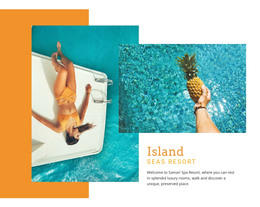
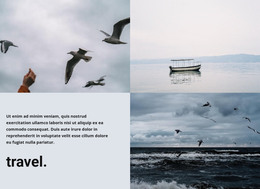
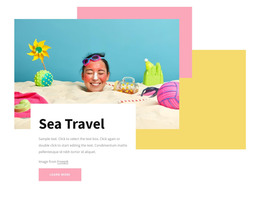
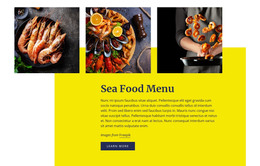






















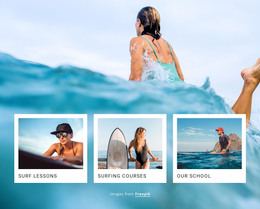

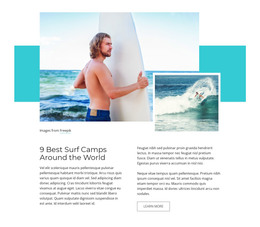
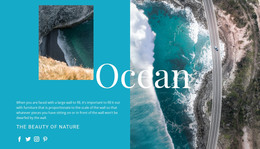
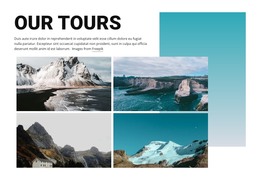
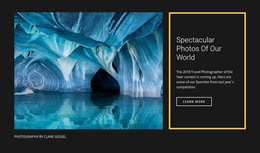

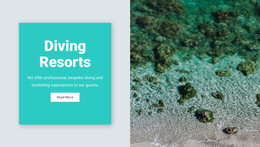
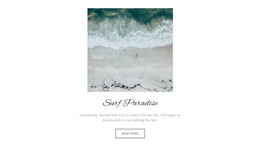

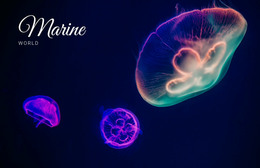
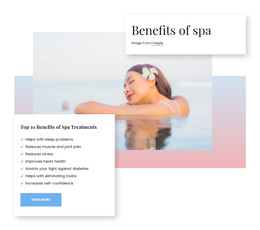







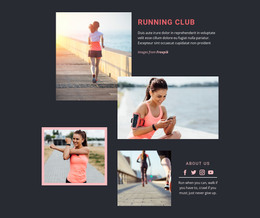

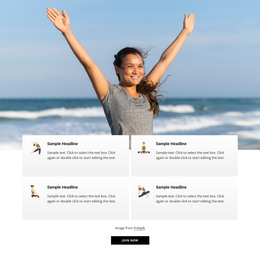




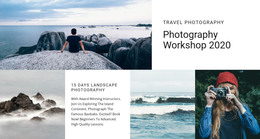
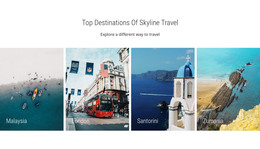
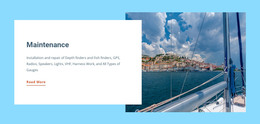












Other Nature WordPress Themes
Advanced Sea WordPress Themes for Charters, Dive Schools, and Clubs
Sea WordPress themes suit marine projects whose content keeps moving after launch, from seasonal charter prices to regatta results. Beyond the ocean imagery in the demo, it pays to check how the theme behaves inside WordPress once real updates begin.
Theme Features Worth Comparing
For a marine site, a few features usually decide the choice:
- editable layouts that let office staff update a charter offer without calling a designer;
- post layouts that suit expedition logs, dive reports, and sailing news;
- WooCommerce support for projects that sell diving gear, club merchandise, or fresh seafood online;
- compatibility with the current WordPress release and with the booking or forms plugins you plan to use.
Galleries deserve a separate look, because marine sites lean heavily on vessel photos, underwater shots, and trip albums. It is also worth opening the demo on a phone, since guests often check a charter site from the dock.
Keeping Fleet News Current
WordPress makes the most sense for sea projects that publish often. For a charter operator, that means new vessels, seasonal routes, and availability changes. A yacht club fills its calendar with regattas, membership news, and marina notices. Conservation groups post field reports and volunteer calls.
These updates rarely come from one person, and the theme has to work for each of them:
- office staff who refresh fleet pages, charter schedules, and seasonal prices;
- instructors who add course dates and short reports from new dive sites;
- a club secretary or communications volunteer who publishes race results and project news.
Since most of this lives in posts, the blog and single post layouts matter as much as the homepage. A regatta report full of photos and results should look as finished as the front page of the club site.
Nicepage Editing Inside WordPress
Nicepage themes are designed in the Desktop Application. A typical Nicepage workflow starts with exporting the theme, then uploading and activating it in WordPress. Then install the Editor Plugin and import the demo content. Routine changes can be made in WordPress, where the plugin lets you adjust Site Style, including colors, fonts, and Blog and Post layouts.
Nicepage also documents an editing workflow for Header and Footer in WordPress, which helps when the menu needs a link to a new boat or the footer needs updated marina hours.
Before picking a theme, write down what your site will publish every week and what will barely change all year. If the weekly list is long, give post layouts and plugin support the closest look.