
Tables CSS Templates

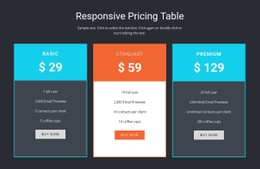
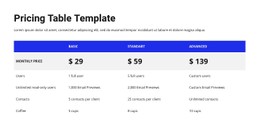
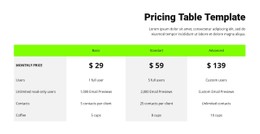
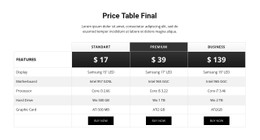

































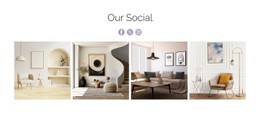
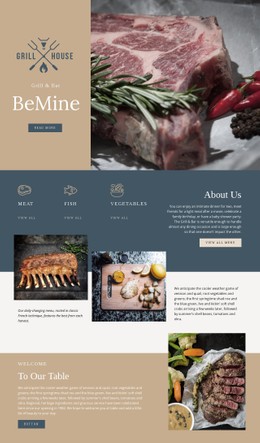


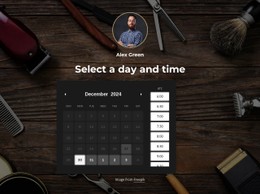



Other Interior CSS Templates
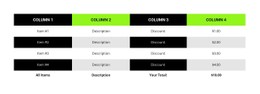
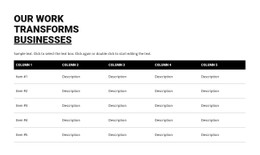
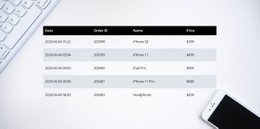
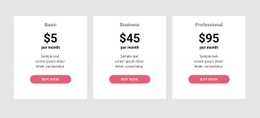
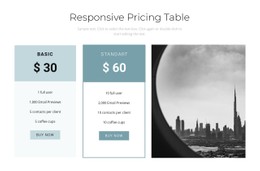
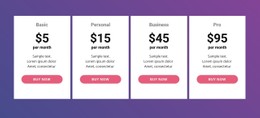
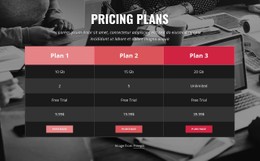
Customizable Tables CSS Templates
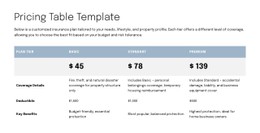
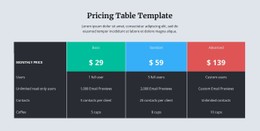
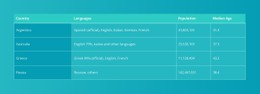
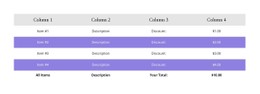
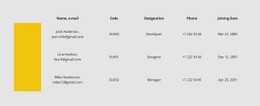
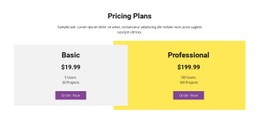
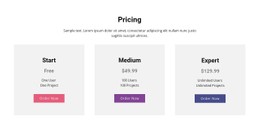
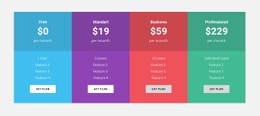
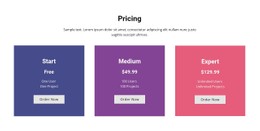
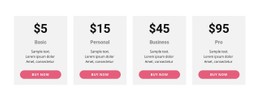
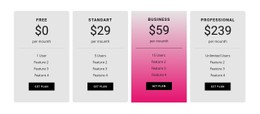
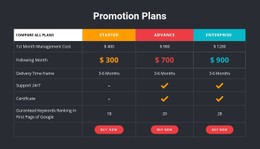
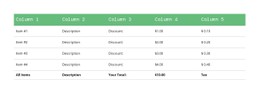
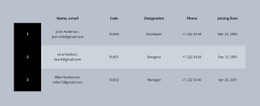
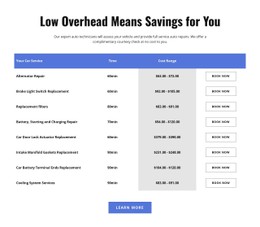
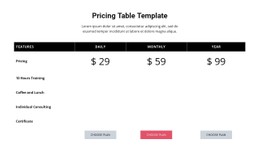
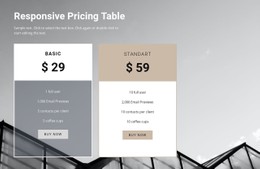
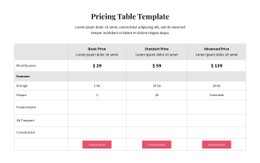
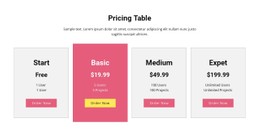
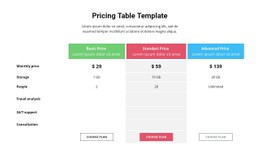
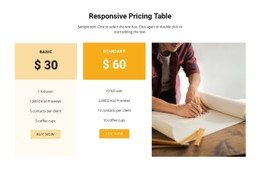
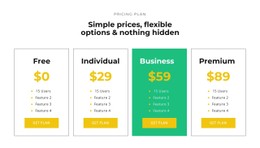
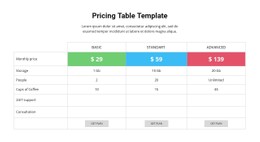
CSS table templates make it easier for online shops, software-as-a-service companies, educational institutions, financial businesses, and corporate websites to display vast amounts of information in an orderly manner. This is even more important in terms of small-screen usage. 52.27% of worldwide web traffic comes from mobile devices in the first quarter of 2026.
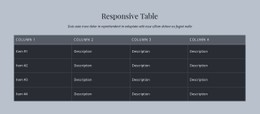
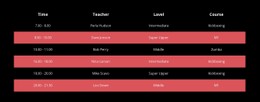
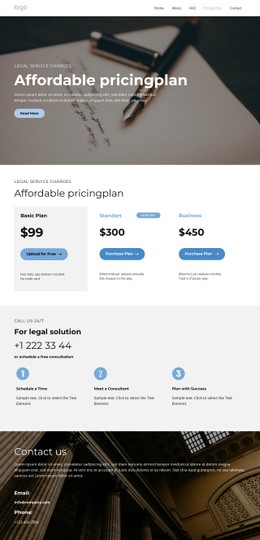
A non-responsive CSS table may require users to zoom or scroll from left to right. The available template provides an answer with neatly arranged rows, fixed headers, spacing, and mobile cards. The online shop can utilize it to compare products, prices, sizes, and stock information. The software provider will be able to present limitations, features, and customer support plans. Class schedule, grades, and course fees may be provided by the school. Search field, filters, and sorting buttons can assist in finding necessary information. CSS table layouts from Nicepage allow changing font style, border colors, rows, and column width. Thus, each table becomes unique and fits any website while remaining convenient on phones, tablets, and desktop computers.
CSS Table Styles That Keep Data Clear
However, an efficient table requires more than borders and neatly organized columns. The table should help the visitor navigate the content quickly, highlight key distinctions, and accomplish the task that he or she came for. According to Nielsen Norman Group, there are four major tasks related to data tables: searching for records, value comparisons, manipulating a single row, and user action. CSS table styles can help to perform each of these tasks by means of spacing, typography, alignment and interactivity.
Check these details of the table style sheets:
- Header Contrast
- Cell Spacing
- Hover States
- Mobile Cards
- Fixed Headers
- Accent Styles
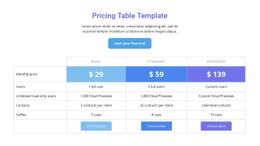
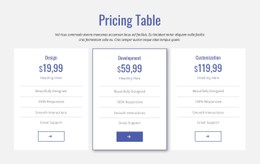
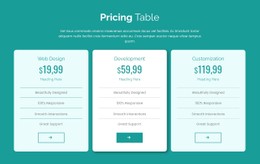
CSS table styles are applicable to different types of websites. An online retailer may require a product comparison table, while a bank will present some information about its fees, interest rates or credit limits. Educational, software companies, medical, and business websites may use tables for displaying schedules, reports, subscription plans, statistics, and technical specifications. The information differs, but the need for visual hierarchy stays the same.
Select a CSS Table Layout That Fits the Task
Headers that are clear play a key role in giving users an idea of what information each column has before making comparisons. However, headers should be distinguishable yet light in appearance, such that they do not compete with the data. Proper spacing enables numbers and texts to have sufficient breathing space, and alignment facilitates easy scanning of repetitive numbers. Numbers may need right alignment, while names and descriptions will stay on the left side.
Build Your Table Style Today
Explore the collection of Nicepage and choose tables CSS templates that work best for your content. Begin with a user task and proceed with design adaptation throughout the website.