
Door CSS Templates
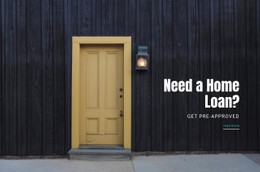
A pale interior panel and a dark timber entrance door should not look identical in a showroom catalog. Consistent card spacing, suitable contrast, and material-aware typography help visitors compare finishes without losing visual detail.




More CSS Templates from Interior Category
-

-
-
-
-
-
-
-
-
-
-
-
-
-
-
-
-
-
-
-
-
-
Build Website with no CodingDownload
-
-
-
-
-
-





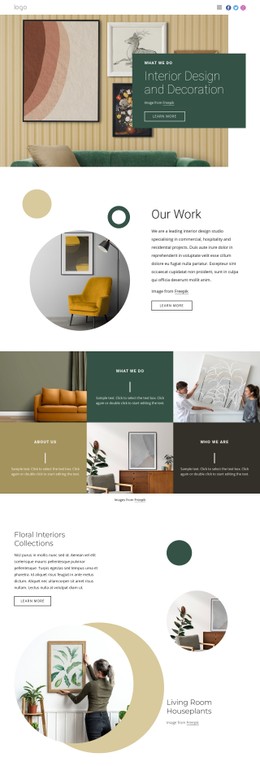
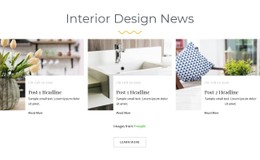
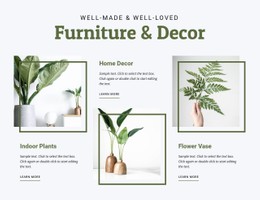
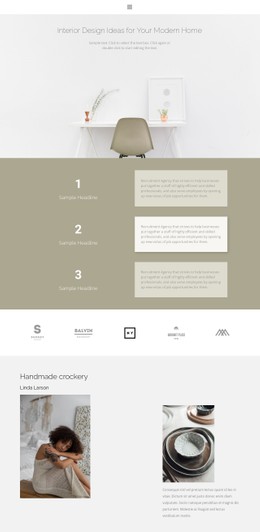
Other Interior CSS Templates
State-of-the-Art Door CSS Templates
Door CSS templates come with card styles and typography already set, so you start with a finished look and adjust it to your needs. A white lacquered interior door, a dark oak entry door, and a black-framed glass door each need different treatment to stay distinguishable on a single screen. Styling sets the scene around each door, while the photo still has to show its true color and grain.
Tall Door Photos in Uniform Grids
Most door photos are tall and narrow, which shapes nearly every styling choice in a catalog. These points are worth comparing across ready designs:
- Image areas that keep the whole door in view, handle and threshold included.
- Card widths that still work when single, double, and sliding doors share a row.
- Finish swatches with an obvious selected state, though styling alone will not make them switch photos.
- Model names and finish labels that stay visible without hover, since a phone has nothing to hover with.
Nicepage's Grid Repeater Element applies a single style change across all cards, so a flush model and a glazed one share the same look. Whether a design relies on CSS Grid or Flexbox, narrowing the browser window shows how images and captions shift as the column count shrinks.
Surfaces the Demo Never Shows
Demo photos are picked to flatter a design, so try it with three of your own doors that look nothing alike:
- A pale lacquered panel on a white background, where a thin border may be all that keeps its outline visible.
- A dark oak door with carved panels, whose grain should not sink into a dark card or a heavy overlay.
- A glass door with a black frame, which can almost vanish on the moody dark sections many interior demos love.
When all three stay clear after a few small tweaks, the styling suits your collection. If the glass door keeps disappearing, start with the backgrounds.
Brand Colors Kept Apart From Real Finishes
Nicepage Theme Colors let you swap the demo palette for your brand colors across all pages at once. Keep those colors on buttons and labels, away from anything a visitor might read as a finish. An anthracite button beside an anthracite door can easily pass for a color swatch. On a card, the collection name should appear first and the finish second, which helps when two series are both available in walnut.
Once those three doors and your brand colors are in place, you will know whether this door CSS template needs light tuning or a full restyle.