Smoothie Recipes Template


Edit Template Offline
2. Create new page and search for id 12997
Edit Template Online
Create Awesome Websites


Free Nicepage Builder
Keywords
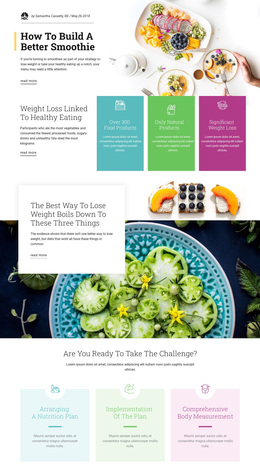
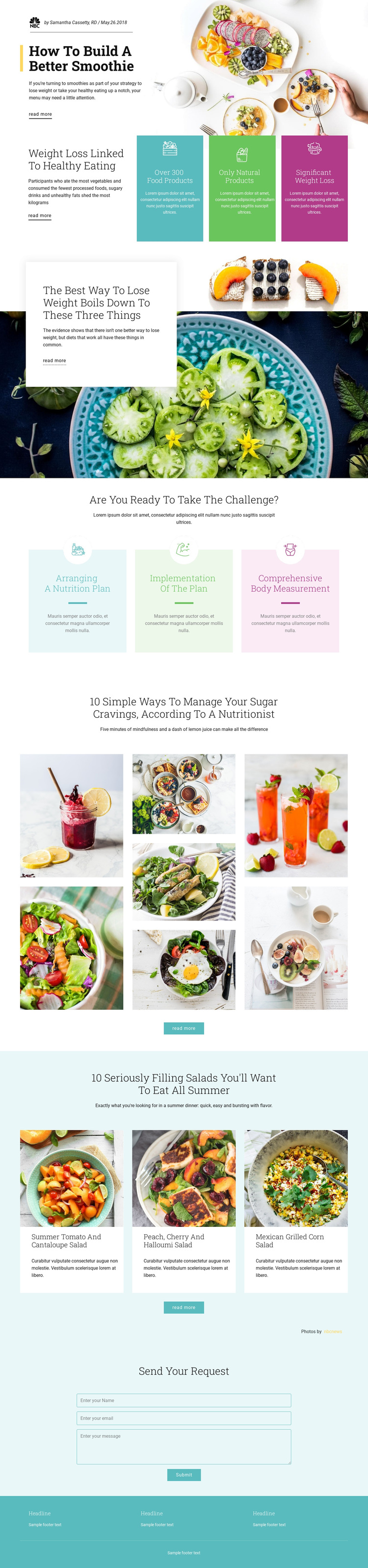
Food-Led Storytelling Gives This Nutrition Layout Its Character
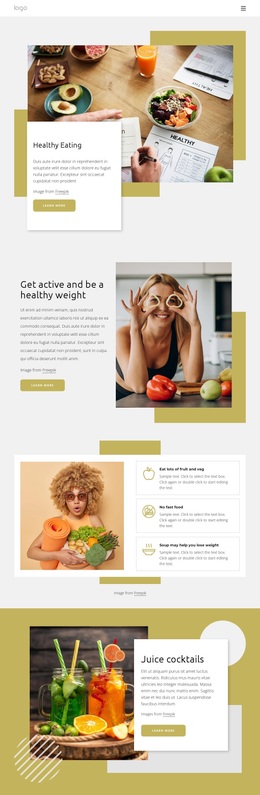
Large food photography carries much of the page’s identity, but the design is not limited to a single image-led introduction. The opening smoothie feature, the weight-loss articles, and the sugar-cravings mosaic use different relationships between image and text, allowing the same nutrition subject to be presented with changing visual emphasis. This variety makes the layout a useful choice for projects where readers should explore several related food and wellness topics rather than receive one short statement.
The three pastel nutrition process cards add a practical point of difference. Arranging a nutrition plan, implementing the plan, and comprehensive body measurement create a compact service narrative beneath the editorial material. The three summer salad cards then return to recipe discovery, with named examples including tomato and cantaloupe salad, peach, cherry and halloumi salad, and Mexican grilled corn salad. Those concrete content groups give the page coverage across advice, process, and recipes.
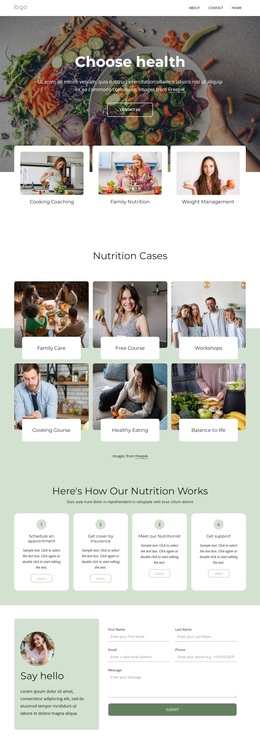
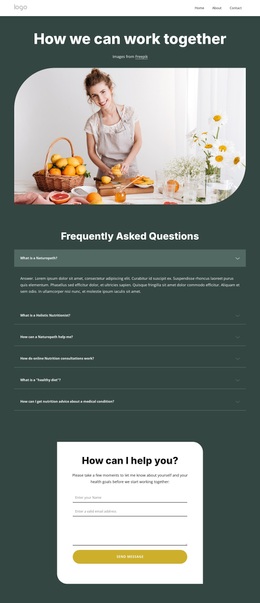
The closing contact request form completes the option without turning the design into a generic corporate layout. Its centered heading and narrow vertical structure provide a quiet response point after the image-rich sections. For a nutrition, healthy-eating, or recipe-oriented project, the combination of editorial variety, pastel wellness accents, process content, and direct contact communication offers a clear reason to choose this particular design.
Customize with Nicepage
Open this ready-made template in the Template Builder and customize it visually in the Nicepage editor. Replace demo content, edit page sections, and adapt the design to your project without rebuilding the template from scratch.
Start With a Ready-Made Template
Choose a Design for a New Page
Use a ready-made template as a starting point instead of creating every page from a blank canvas. When adding a new page in Nicepage, browse available designs, compare different layouts, and choose an option that already fits the general purpose and visual direction of your project.
Browse Different Page Designs
Explore Page Designs using search, thematic categories, Design Sets, and full-page previews. The collection includes layouts for different subjects and page purposes, making it easier to compare alternatives before selecting a design to customize.
Customize the Selected Template
After choosing a design, create the page and continue editing it visually in Nicepage. Replace the demo content, adjust images, typography, colors, sections, and other elements, and adapt the ready-made layout to your own content instead of rebuilding the design from the beginning.
Explore More Design Directions
If the first option does not match your project closely enough, return to the design collection and compare other templates before committing to a layout. This makes the template library useful not only for faster page creation, but also for exploring different visual approaches and finding a suitable starting point for a new project.
This workflow gives you access to a broad collection of ready-made designs that can be selected, compared, and customized according to the needs of each new page or project.