Our pizza menu Template


Edit Template Offline
2. Create new page and search for id 4713195
Edit Template Online
Create Awesome Websites


Free Nicepage Builder
Keywords
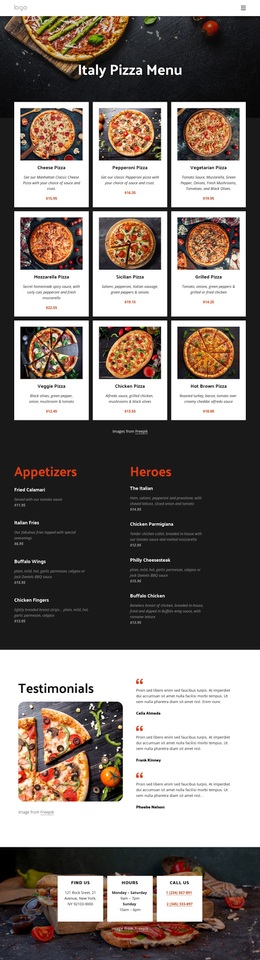
Nine Pizza Cards Make Food the Main Visual Story
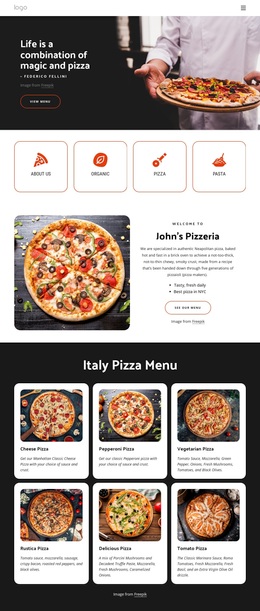
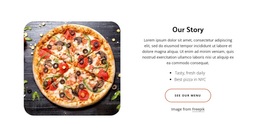
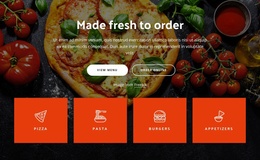
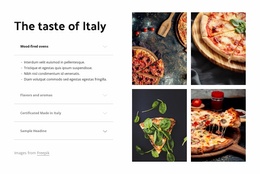
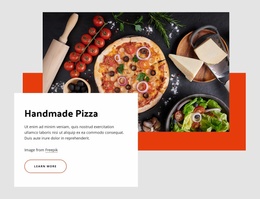
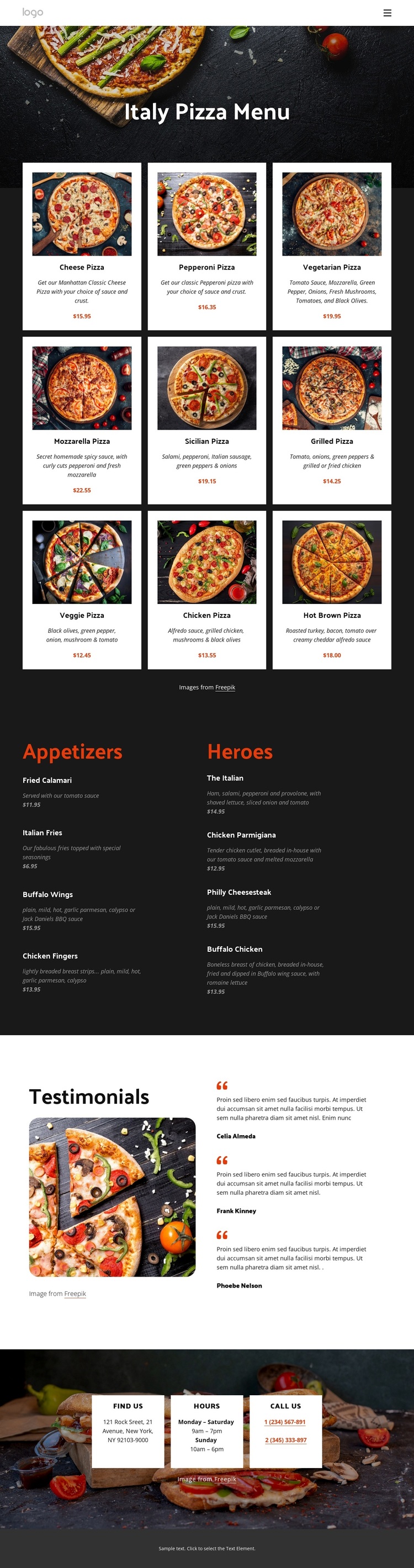
The nine image-led pizza cards give this design a distinctive reason to be considered among restaurant menu options. They do more than list food: they make photography the first carrier of the page’s message, with each image paired with a named pizza, description, and displayed menu information. That approach suits a project where visitors should understand the food offering through visual presentation as well as text.
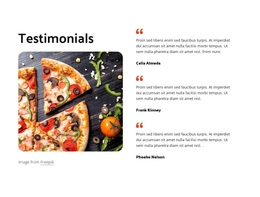
The design also covers more than one type of restaurant content. Appetizers and Heroes appear in parallel columns, so the page can present supporting categories without losing the emphasis on pizza. The three testimonial cards add a separate customer-focused layer, while the large food image beside them preserves the casual, food-oriented character. This combination distinguishes the layout from a menu that relies only on dense text or isolated product tiles.
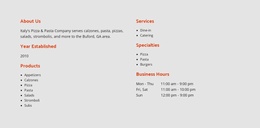
The final contact area strengthens the practical coverage. Find Us, Hours, and Call Us cards place location, schedule, and phone information over another food photograph, giving the page a clear restaurant endpoint. Dark backgrounds, white information cards, compact typography, and orange accents connect these sections into one recognizable direction. The displayed prices and testimonial identities should be treated as replaceable demo content, but the underlying coverage—pizza, secondary food categories, reassurance, and contact—is already a useful starting point for choosing this design.
Customize with Nicepage
Open this ready-made template in the Template Builder and customize it visually in the Nicepage editor. Replace demo content, edit page sections, and adapt the design to your project without rebuilding the template from scratch.
Start With a Ready-Made Template
Choose a Design for a New Page
Use a ready-made template as a starting point instead of creating every page from a blank canvas. When adding a new page in Nicepage, browse available designs, compare different layouts, and choose an option that already fits the general purpose and visual direction of your project.
Browse Different Page Designs
Explore Page Designs using search, thematic categories, Design Sets, and full-page previews. The collection includes layouts for different subjects and page purposes, making it easier to compare alternatives before selecting a design to customize.
Customize the Selected Template
After choosing a design, create the page and continue editing it visually in Nicepage. Replace the demo content, adjust images, typography, colors, sections, and other elements, and adapt the ready-made layout to your own content instead of rebuilding the design from the beginning.
Explore More Design Directions
If the first option does not match your project closely enough, return to the design collection and compare other templates before committing to a layout. This makes the template library useful not only for faster page creation, but also for exploring different visual approaches and finding a suitable starting point for a new project.
This workflow gives you access to a broad collection of ready-made designs that can be selected, compared, and customized according to the needs of each new page or project.