Nutrition services Template


Edit Template Offline
2. Create new page and search for id 6435424
Edit Template Online
Create Awesome Websites


Free Nicepage Builder
Keywords
Six Nutrition Services Support a Clear Wellness-Focused Choice
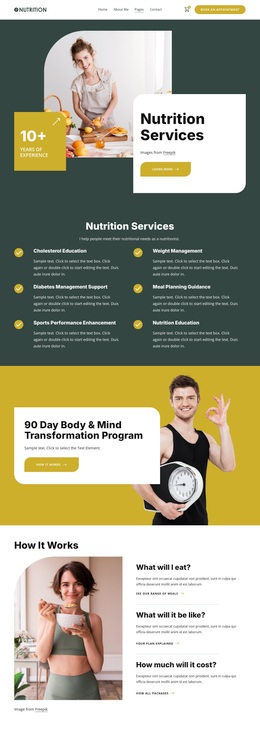
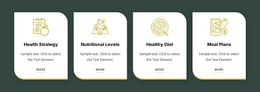
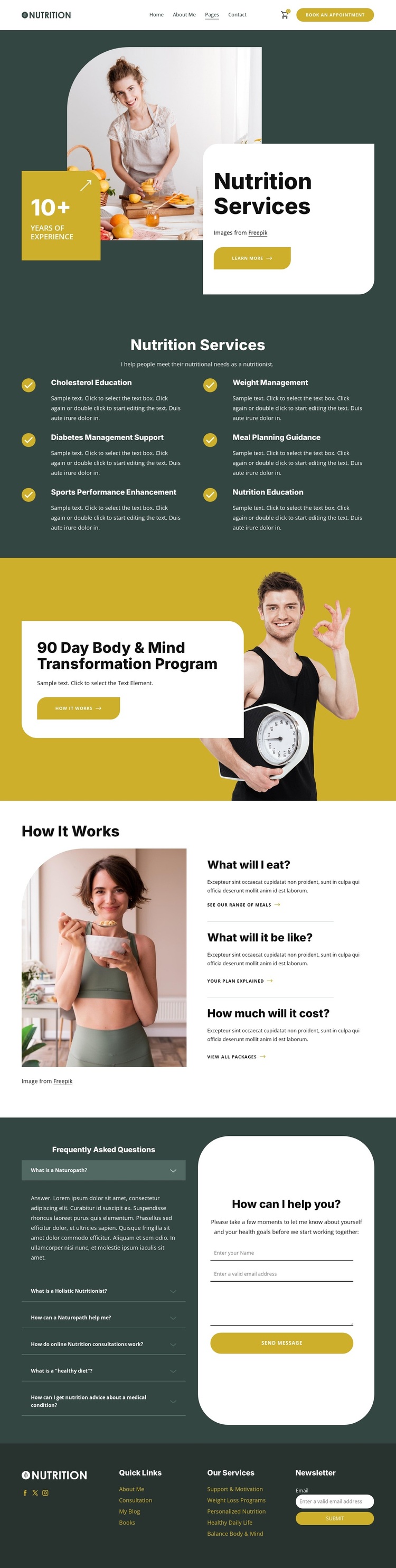
The six primary service categories give this design a strong reason to be selected for projects that need to explain several related forms of nutrition support without scattering them across disconnected pages. Cholesterol education, weight management, diabetes management support, meal planning guidance, sports performance enhancement, and nutrition education are presented as a coordinated two-column group. The repeated structure makes the breadth of the offering visible while keeping each category compact.
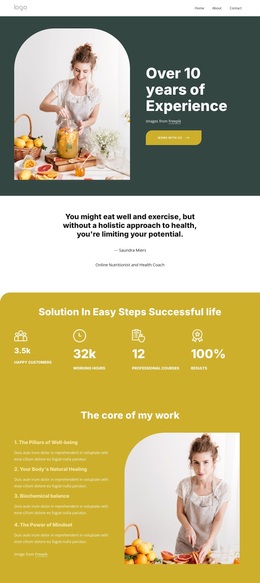
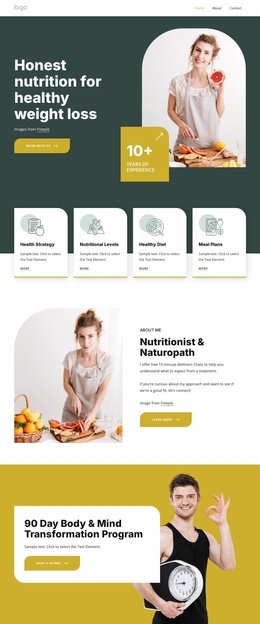
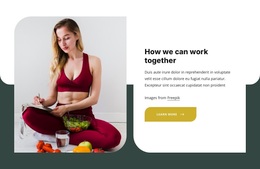
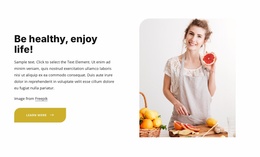
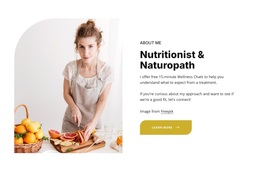
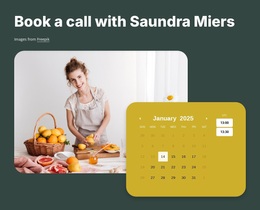
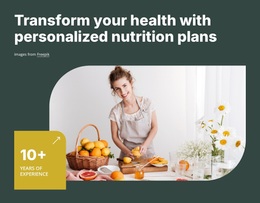
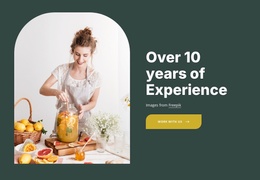
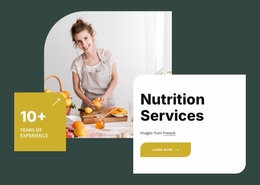
The design also goes beyond a generic service list. The opening lifestyle image and rounded card establish an approachable wellness context, and the 90 Day Body & Mind Transformation Program introduces a more defined program concept within that broader offering. The overlaid card creates a distinct visual moment for the program, allowing it to stand apart from the six service items without breaking the page’s palette or spacing system.
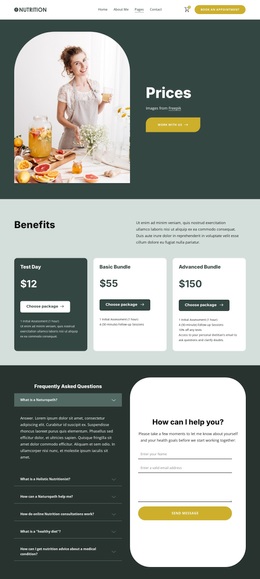
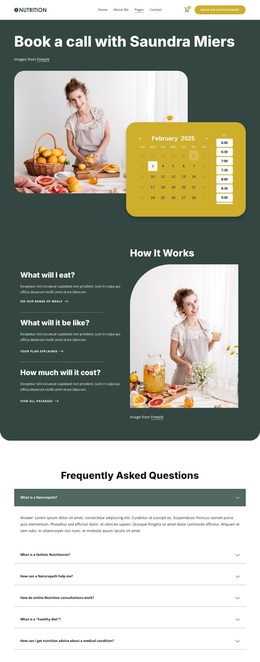
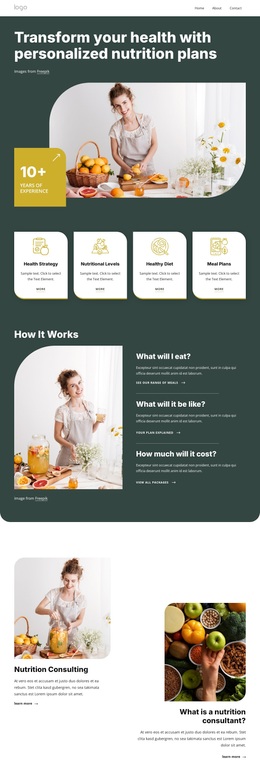
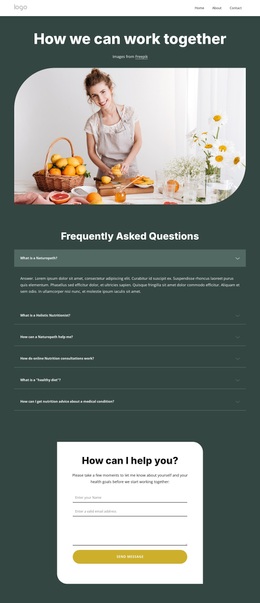
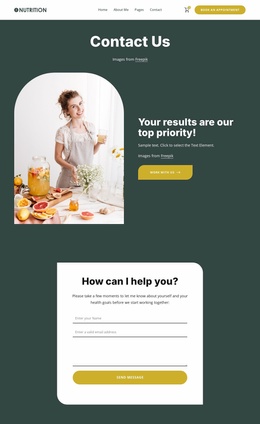
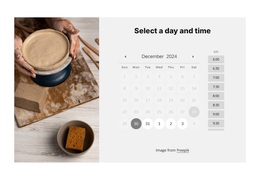
For visitors who need more detail before making contact, the How It Works section addresses food, experience, and cost through three question-led items. The six-item FAQ accordion extends that explanatory role, while the adjacent form provides fields for a consultation inquiry. This combination makes the design a useful option when a nutrition project needs to balance service coverage, program promotion, practical explanation, and a direct contact route.
Customize with Nicepage
Open this ready-made template in the Template Builder and customize it visually in the Nicepage editor. Replace demo content, edit page sections, and adapt the design to your project without rebuilding the template from scratch.
Start With a Ready-Made Template
Choose a Design for a New Page
Use a ready-made template as a starting point instead of creating every page from a blank canvas. When adding a new page in Nicepage, browse available designs, compare different layouts, and choose an option that already fits the general purpose and visual direction of your project.
Browse Different Page Designs
Explore Page Designs using search, thematic categories, Design Sets, and full-page previews. The collection includes layouts for different subjects and page purposes, making it easier to compare alternatives before selecting a design to customize.
Customize the Selected Template
After choosing a design, create the page and continue editing it visually in Nicepage. Replace the demo content, adjust images, typography, colors, sections, and other elements, and adapt the ready-made layout to your own content instead of rebuilding the design from the beginning.
Explore More Design Directions
If the first option does not match your project closely enough, return to the design collection and compare other templates before committing to a layout. This makes the template library useful not only for faster page creation, but also for exploring different visual approaches and finding a suitable starting point for a new project.
This workflow gives you access to a broad collection of ready-made designs that can be selected, compared, and customized according to the needs of each new page or project.

Design Set (30)
-

-
-
-
-
-
-
-
-
-
-
Free Website Builder SoftwareDownload
-
-
-
-
-
-
-
-
-
-