Healthy organic food Template


Edit Template Offline
2. Create new page and search for id 536788
Edit Template Online
Create Awesome Websites


Free Nicepage Builder
Keywords
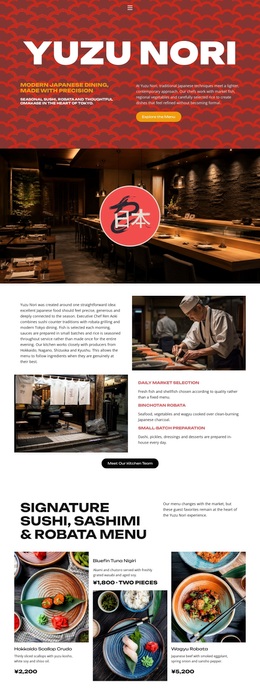
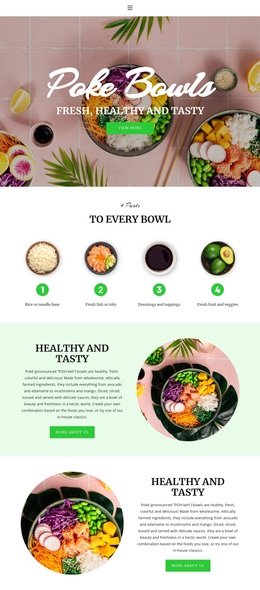
A Salad-Led Menu Combines Product Variety With Visual Storytelling
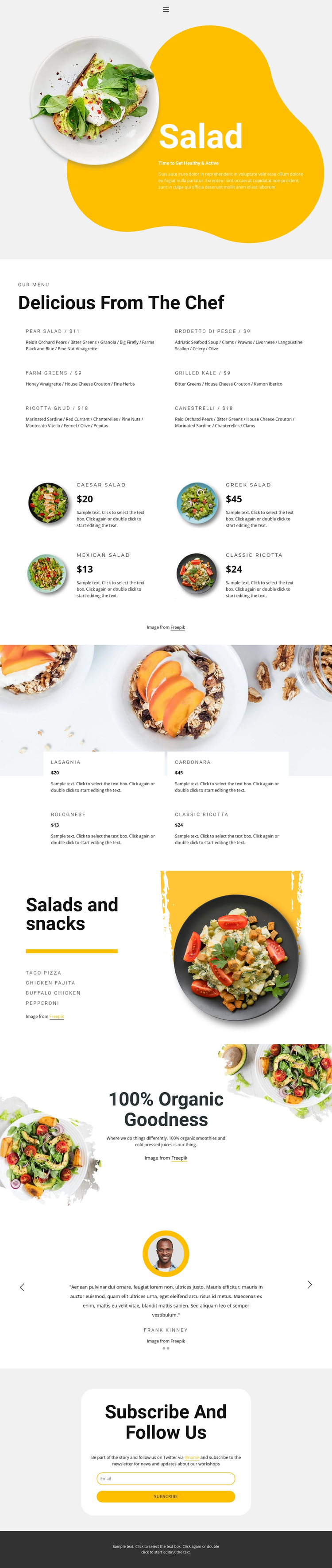
The design is worth considering when a restaurant page needs food imagery to carry as much attention as the menu text. The opening Salad hero establishes that approach immediately, using a large photograph, a healthy-eating tagline, and a bright yellow shape rather than beginning with a dense list. The six-item chef menu then adds practical detail through dish names, ingredient descriptions, and displayed prices.
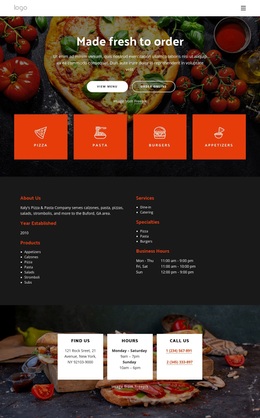
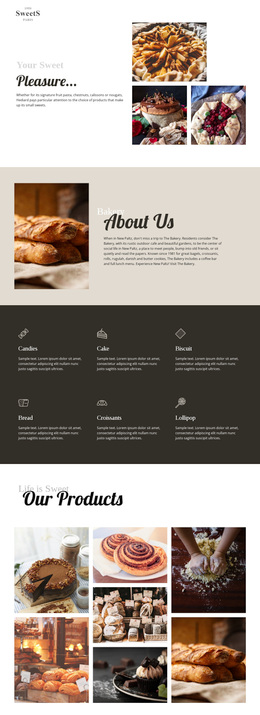
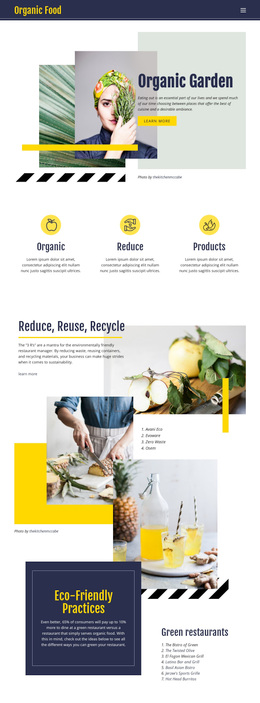
The four salad cards and four pasta cards make the design especially suitable for a menu with several food categories. Their repeated card format creates consistency, while the pasta cards’ placement over a large food image gives that collection a different visual emphasis. The salads-and-snacks split section and the organic drinks promotion extend the content coverage to lighter dishes, smoothies, and cold-pressed juices, so the page can present a broader healthy-food direction without relying on one product type.
Two testimonial slides add a customer-focused section, and the final newsletter panel gives the page a concrete subscription-oriented ending. The sample names, quotations, menu values, and prices are structural demonstration content rather than verified restaurant facts, so they require replacement. As a design option, this template stands out through the relationship between organic imagery, categorized menu content, rounded product cards, and a bright accent system rather than through unsupported claims about a real restaurant.
Customize with Nicepage
Open this ready-made template in the Template Builder and customize it visually in the Nicepage editor. Replace demo content, edit page sections, and adapt the design to your project without rebuilding the template from scratch.
Start With a Ready-Made Template
Choose a Design for a New Page
Use a ready-made template as a starting point instead of creating every page from a blank canvas. When adding a new page in Nicepage, browse available designs, compare different layouts, and choose an option that already fits the general purpose and visual direction of your project.
Browse Different Page Designs
Explore Page Designs using search, thematic categories, Design Sets, and full-page previews. The collection includes layouts for different subjects and page purposes, making it easier to compare alternatives before selecting a design to customize.
Customize the Selected Template
After choosing a design, create the page and continue editing it visually in Nicepage. Replace the demo content, adjust images, typography, colors, sections, and other elements, and adapt the ready-made layout to your own content instead of rebuilding the design from the beginning.
Explore More Design Directions
If the first option does not match your project closely enough, return to the design collection and compare other templates before committing to a layout. This makes the template library useful not only for faster page creation, but also for exploring different visual approaches and finding a suitable starting point for a new project.
This workflow gives you access to a broad collection of ready-made designs that can be selected, compared, and customized according to the needs of each new page or project.