The Bakery Template


Edit Template Offline
2. Create new page and search for id 19182
Edit Template Online
Create Awesome Websites


Free Nicepage Builder
Keywords
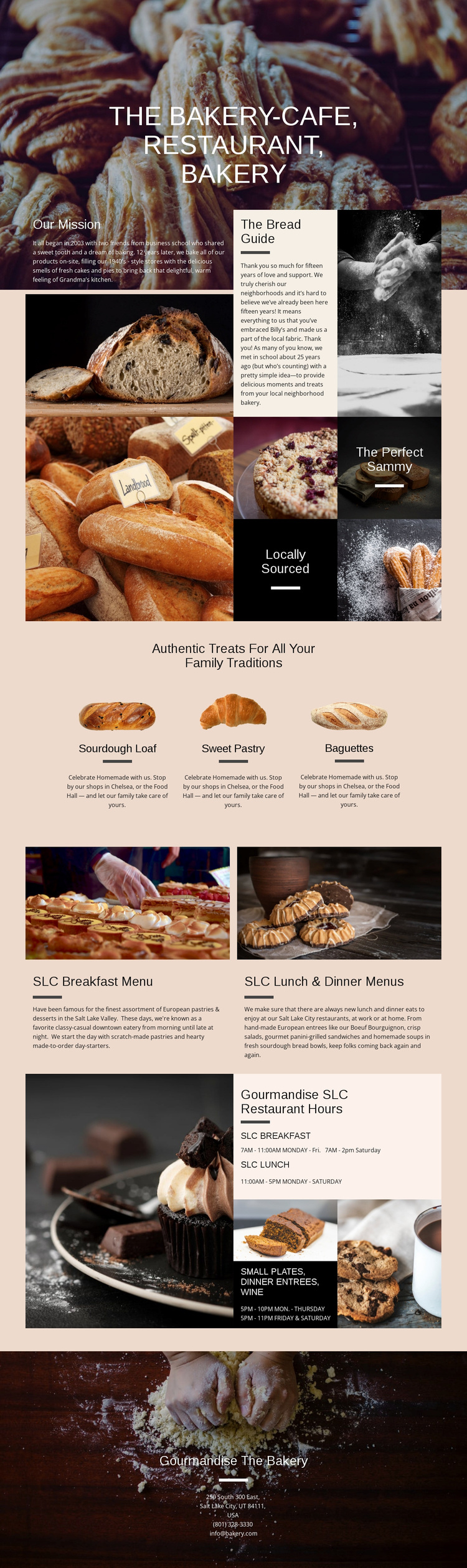
Three Products Connect Bakery Storytelling with Restaurant Content
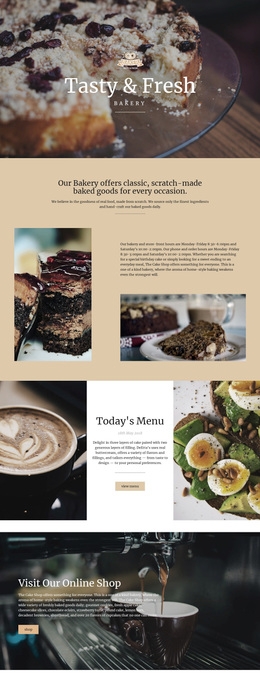
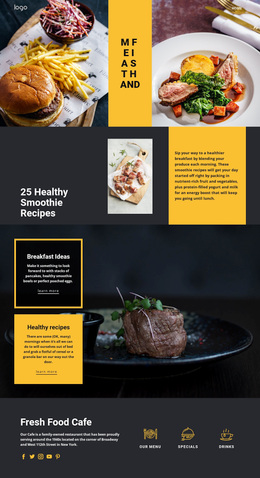
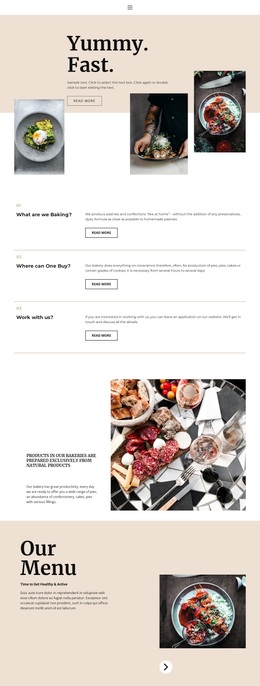
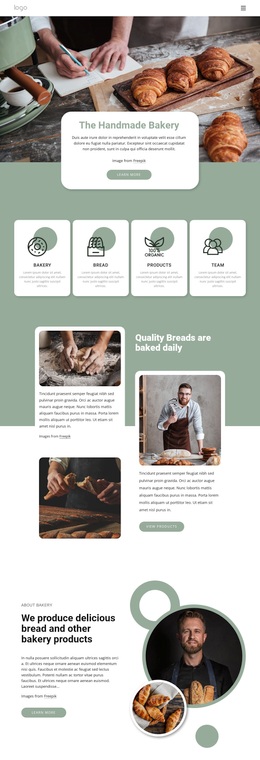
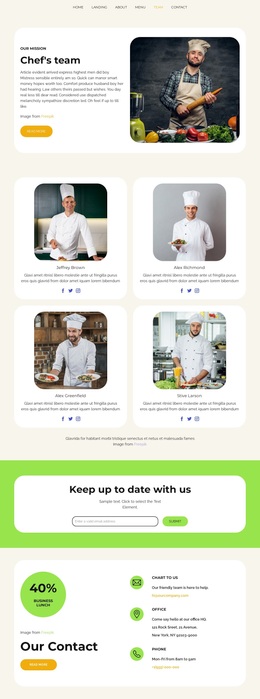
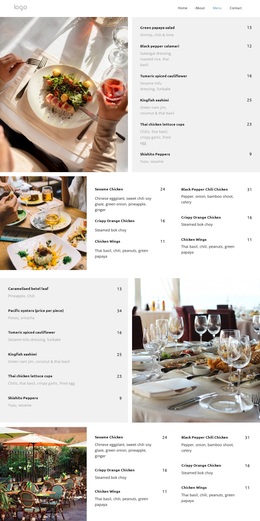
Warm food photography gives this design an immediate sense of subject, but its strongest reason to choose it is the way several bakery and restaurant needs are covered without competing for the same space. The opening image establishes an inviting introduction, then Our Mission and The Bread Guide add a story layer that can explain the bakery’s background. The mosaic continues that visual approach with short themes such as The Perfect Sammy and Locally Sourced.
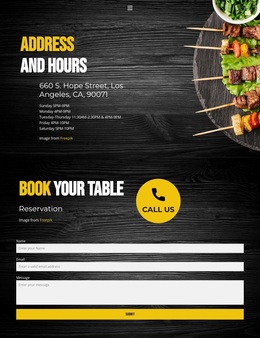
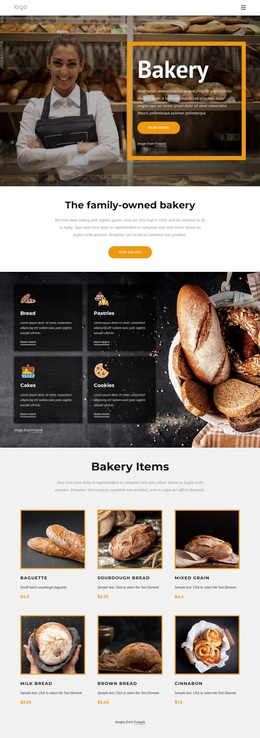
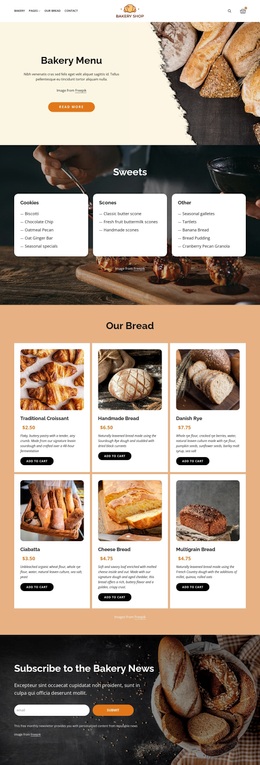
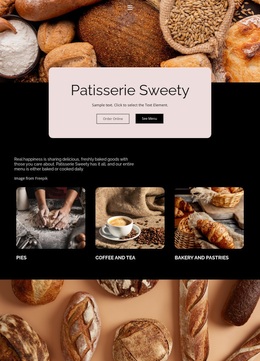
The three featured product presentations make the bakery offer easy to recognize: Sourdough Loaf, Sweet Pastry, and Baguettes each receive a defined position and supporting image. Instead of ending there, the design broadens naturally into restaurant use through breakfast, lunch, dinner, small plates, entrees, and wine content. Restaurant hours and the final bakery contact block complete the practical information needed by customers deciding when and where to visit. This combination makes the template a useful option for projects that need more than a product gallery or a restaurant menu alone. It supports visual storytelling, product emphasis, dining information, and local contact content within one coherent direction.
Customize with Nicepage
Open this ready-made template in the Template Builder and customize it visually in the Nicepage editor. Replace demo content, edit page sections, and adapt the design to your project without rebuilding the template from scratch.
Start With a Ready-Made Template
Choose a Design for a New Page
Use a ready-made template as a starting point instead of creating every page from a blank canvas. When adding a new page in Nicepage, browse available designs, compare different layouts, and choose an option that already fits the general purpose and visual direction of your project.
Browse Different Page Designs
Explore Page Designs using search, thematic categories, Design Sets, and full-page previews. The collection includes layouts for different subjects and page purposes, making it easier to compare alternatives before selecting a design to customize.
Customize the Selected Template
After choosing a design, create the page and continue editing it visually in Nicepage. Replace the demo content, adjust images, typography, colors, sections, and other elements, and adapt the ready-made layout to your own content instead of rebuilding the design from the beginning.
Explore More Design Directions
If the first option does not match your project closely enough, return to the design collection and compare other templates before committing to a layout. This makes the template library useful not only for faster page creation, but also for exploring different visual approaches and finding a suitable starting point for a new project.
This workflow gives you access to a broad collection of ready-made designs that can be selected, compared, and customized according to the needs of each new page or project.