Order ice cream online Template


Edit Template Offline
2. Create new page and search for id 1442806
Edit Template Online
Create Awesome Websites


Free Nicepage Builder
Keywords
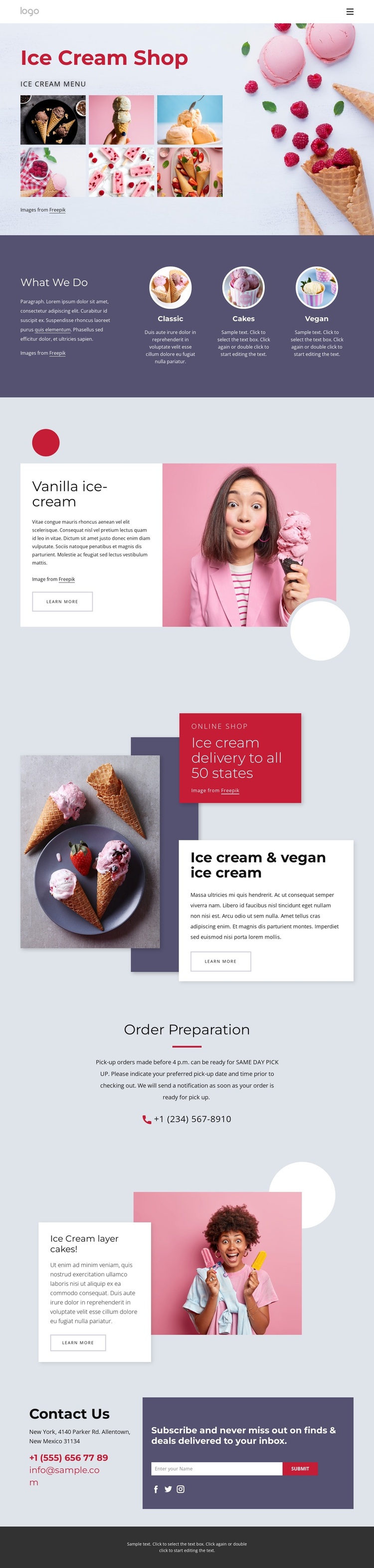
A dessert collage expands into categories, products, and ordering content
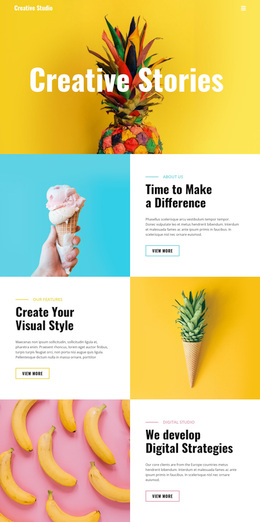
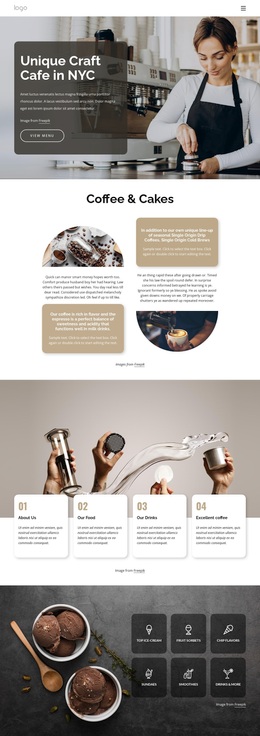
Large dessert photographs carry the first visual message, but the design becomes useful as a broader template choice because it covers several connected content needs. The opening collage introduces the ice cream shop with a cheerful image-led presentation, then the three circular items organize the offer around Classic, Cakes, and Vegan. That combination suits a project that needs both emotional product appeal and a simple way to distinguish its main dessert categories.
The two product features add variety without losing the central theme. Vanilla ice cream receives a split presentation with descriptive copy and a Learn more button, while the ice cream layer cakes section uses another compact image-and-copy relationship. Between them, the overlapping online-shop block adds delivery messaging, a promotional badge, and a second product-oriented action. These sections make the design more than a generic restaurant layout: its content is specifically arranged around dessert discovery and purchase interest.
The page also accounts for the next questions a visitor may have. Order Preparation provides instructions and a phone channel, while Contact Us combines phone and email details with subscription access, a Subscribe button, and social icons. The pastel palette, editorial headings, generous spacing, and dark closing panels give the content a distinctive direction. This is a useful choice when a project needs a playful ice cream presentation that connects products, ordering context, and ongoing customer contact.
Customize with Nicepage
Open this ready-made template in the Template Builder and customize it visually in the Nicepage editor. Replace demo content, edit page sections, and adapt the design to your project without rebuilding the template from scratch.
Start With a Ready-Made Template
Choose a Design for a New Page
Use a ready-made template as a starting point instead of creating every page from a blank canvas. When adding a new page in Nicepage, browse available designs, compare different layouts, and choose an option that already fits the general purpose and visual direction of your project.
Browse Different Page Designs
Explore Page Designs using search, thematic categories, Design Sets, and full-page previews. The collection includes layouts for different subjects and page purposes, making it easier to compare alternatives before selecting a design to customize.
Customize the Selected Template
After choosing a design, create the page and continue editing it visually in Nicepage. Replace the demo content, adjust images, typography, colors, sections, and other elements, and adapt the ready-made layout to your own content instead of rebuilding the design from the beginning.
Explore More Design Directions
If the first option does not match your project closely enough, return to the design collection and compare other templates before committing to a layout. This makes the template library useful not only for faster page creation, but also for exploring different visual approaches and finding a suitable starting point for a new project.
This workflow gives you access to a broad collection of ready-made designs that can be selected, compared, and customized according to the needs of each new page or project.