Breads bakery Template



Edit Template Offline
2. Create new page and search for id 3266816
Edit Template Online
Create Awesome Websites


Free Nicepage Builder
Keywords
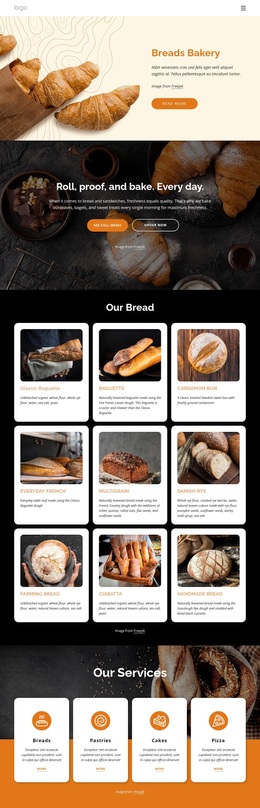
Four Bakery Categories Lead Into a Six-Item Product Story
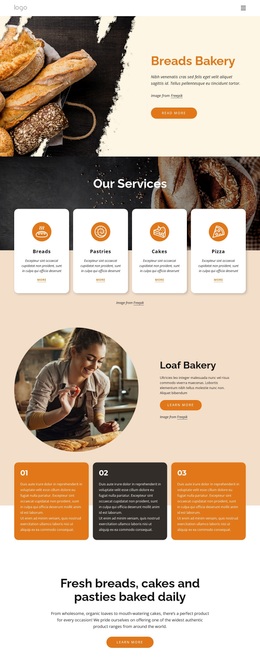
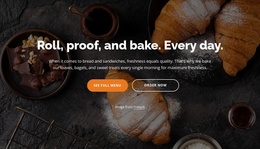
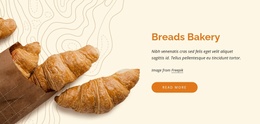
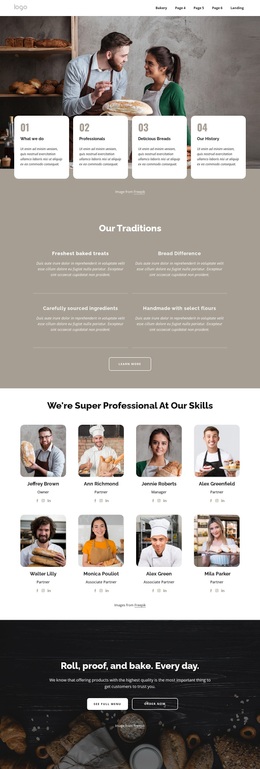
Bread photography, rounded content cards, and the sequence from services to products make this design a focused choice for a bakery storefront. The hero establishes the subject immediately with Breads Bakery imagery and a short introduction, while the four service cards broaden the offer across Bread, Pastries, Cakes, and Pizza. This gives the page more coverage than a layout centered on a single product type, yet keeps the content easy to scan through repeated card structures.
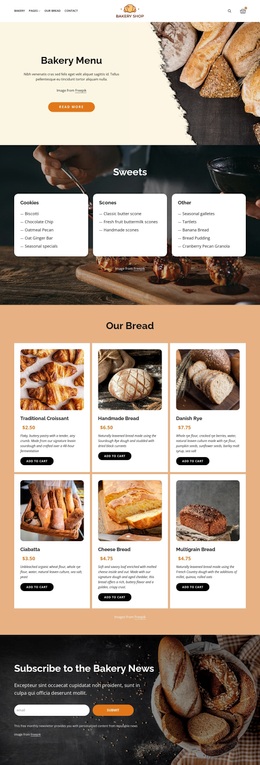
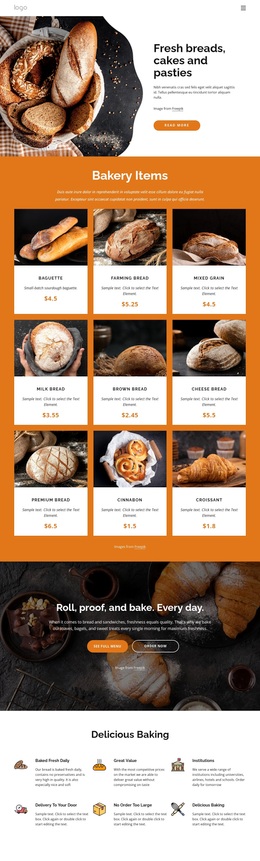
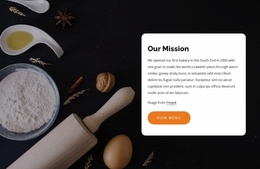
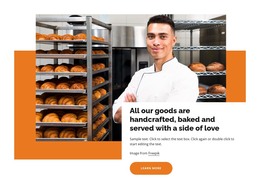
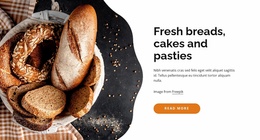
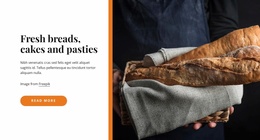
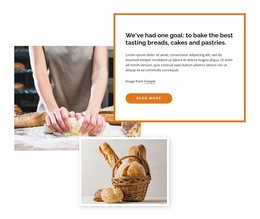
The design also balances product information with brand explanation. The Loaf Bakery story, three numbered process cards, daily-baking statement, and Our Mission section create a narrative around how the bakery presents its work. That narrative matters because the six Bakery Items are not shown in isolation: Traditional Croissant, Handmade Bread, Danish Rye, Ciabatta, Cheese Bread, and Multigrain Bread appear after visitors have seen the shop’s categories, story, and purpose. Product imagery, descriptions, prices, and order actions then provide a practical selection point.
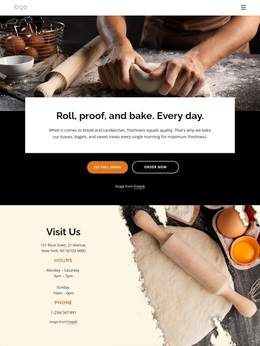
The later Have a question? callout, promotional banner, Visit Us section, and subscription footer extend the design beyond a simple catalog. They address inquiries, orders, physical visits, and ongoing contact in one visual direction. This makes the template a useful option for projects that need appetizing photography and clear bakery content coverage, while retaining a warm cream, orange, black, and white character.
Customize with Nicepage
Open this ready-made template in the Template Builder and customize it visually in the Nicepage editor. Replace demo content, edit page sections, and adapt the design to your project without rebuilding the template from scratch.
Start With a Ready-Made Template
Choose a Design for a New Page
Use a ready-made template as a starting point instead of creating every page from a blank canvas. When adding a new page in Nicepage, browse available designs, compare different layouts, and choose an option that already fits the general purpose and visual direction of your project.
Browse Different Page Designs
Explore Page Designs using search, thematic categories, Design Sets, and full-page previews. The collection includes layouts for different subjects and page purposes, making it easier to compare alternatives before selecting a design to customize.
Customize the Selected Template
After choosing a design, create the page and continue editing it visually in Nicepage. Replace the demo content, adjust images, typography, colors, sections, and other elements, and adapt the ready-made layout to your own content instead of rebuilding the design from the beginning.
Explore More Design Directions
If the first option does not match your project closely enough, return to the design collection and compare other templates before committing to a layout. This makes the template library useful not only for faster page creation, but also for exploring different visual approaches and finding a suitable starting point for a new project.
This workflow gives you access to a broad collection of ready-made designs that can be selected, compared, and customized according to the needs of each new page or project.