Delicious and healthy food Template


Edit Template Offline
2. Create new page and search for id 583333
Edit Template Online
Create Awesome Websites


Free Nicepage Builder
Keywords
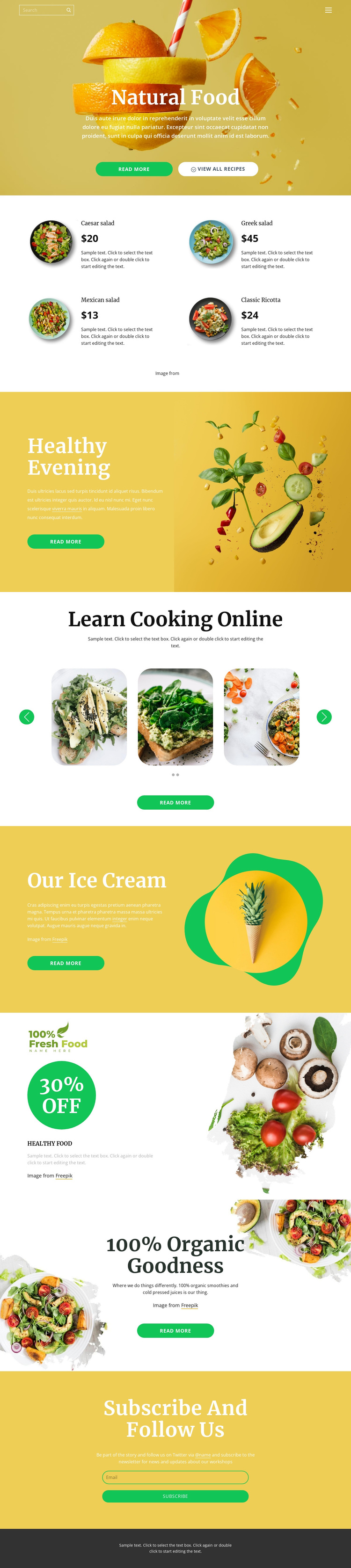
Four Food Cards Connect Product Choice With Recipe-Led Storytelling
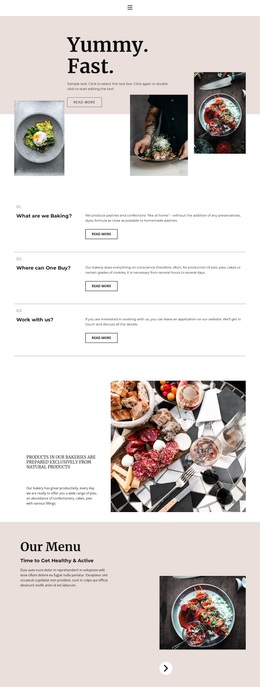
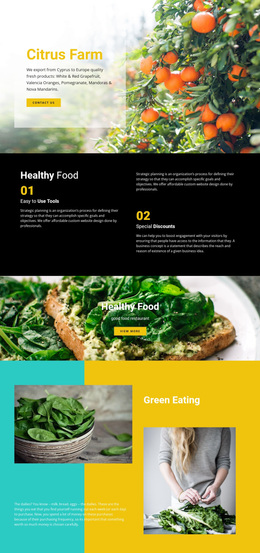
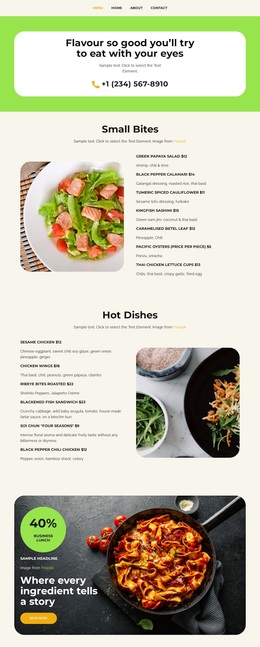
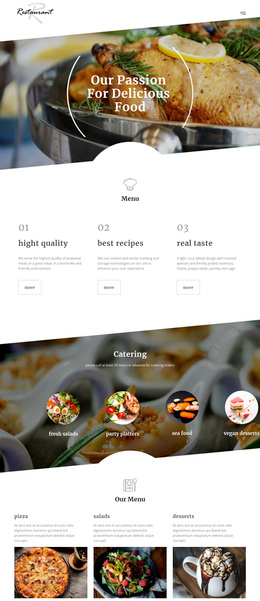
The design stands out through the way it combines several food-related content modes instead of relying on one repeated presentation. The opening Natural Food hero establishes a broad natural-food direction with a large photograph and two actions. Immediately afterward, four rounded cards make the concept tangible by presenting Caesar salad, Greek salad, Mexican salad, and Classic Ricotta with images, names, prices, and descriptions. This repeated collection gives the page a clear offering layer while the sample values remain structural content rather than verified business claims.
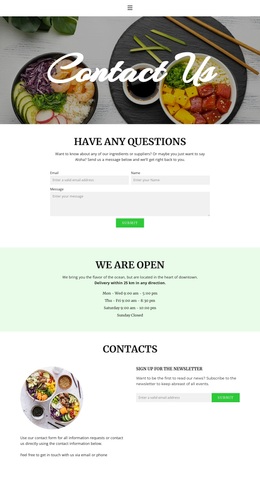
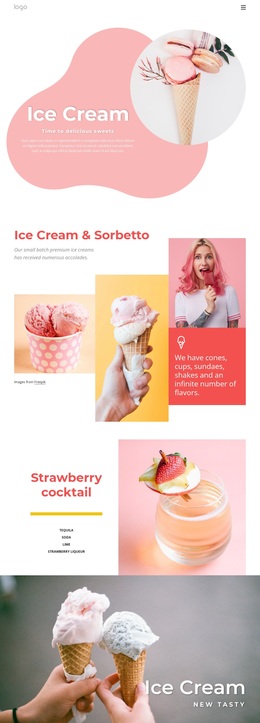
The design then expands the subject through different visual and informational rhythms. Healthy Evening and Our Ice Cream use split sections to pair explanatory copy with prominent food imagery, while Learn Cooking Online shifts attention toward recipe discovery through a two-slide image carousel and navigation controls. The 30% off produce promotion adds a campaign-style moment, and the 100% Organic Goodness section broadens the range to organic smoothies and cold-pressed juices. The closing subscription form gives visitors a practical way to remain connected after exploring the content. This combination makes the template a useful choice for projects that need product presentation, recipe storytelling, promotional emphasis, and newsletter interest in the same natural-food direction.
Customize with Nicepage
Open this ready-made template in the Template Builder and customize it visually in the Nicepage editor. Replace demo content, edit page sections, and adapt the design to your project without rebuilding the template from scratch.
Start With a Ready-Made Template
Choose a Design for a New Page
Use a ready-made template as a starting point instead of creating every page from a blank canvas. When adding a new page in Nicepage, browse available designs, compare different layouts, and choose an option that already fits the general purpose and visual direction of your project.
Browse Different Page Designs
Explore Page Designs using search, thematic categories, Design Sets, and full-page previews. The collection includes layouts for different subjects and page purposes, making it easier to compare alternatives before selecting a design to customize.
Customize the Selected Template
After choosing a design, create the page and continue editing it visually in Nicepage. Replace the demo content, adjust images, typography, colors, sections, and other elements, and adapt the ready-made layout to your own content instead of rebuilding the design from the beginning.
Explore More Design Directions
If the first option does not match your project closely enough, return to the design collection and compare other templates before committing to a layout. This makes the template library useful not only for faster page creation, but also for exploring different visual approaches and finding a suitable starting point for a new project.
This workflow gives you access to a broad collection of ready-made designs that can be selected, compared, and customized according to the needs of each new page or project.