Whale watching center Website Template


Edit Template Offline
2. Create new page and search for id 12805
Edit Template Online
Create Awesome Websites


Free Nicepage Builder
Keywords
Article Content Areas That Can Anchor a Wildlife Media Site
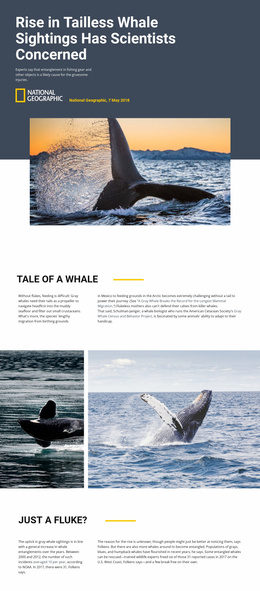
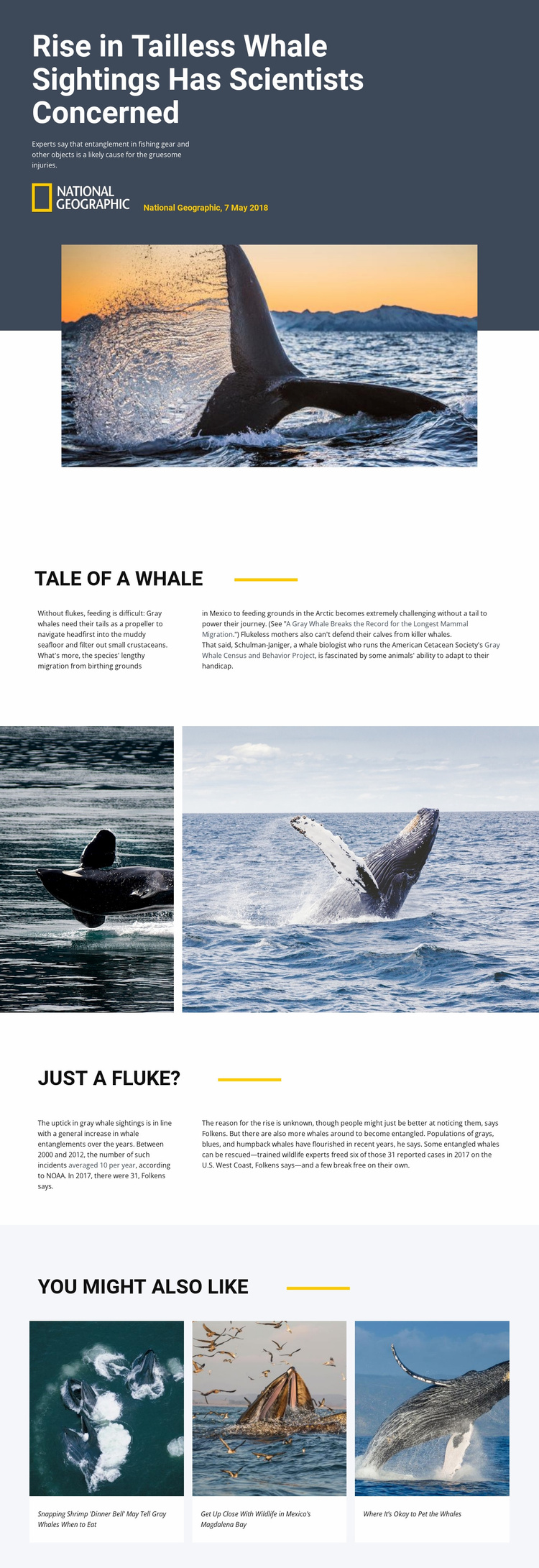
The design already defines several content areas that can serve as the foundation for a broader wildlife or environmental website. The hero provides a repeatable editorial entry point with a report headline, subtitle, source attribution, and large subject image. The first split passage can represent background or explanatory content, using whale feeding, migration from Mexico to the Arctic, and calf protection to give readers context before they encounter the central concern.
The second split passage supplies a different type of content area. Its discussion of fishing-gear entanglement, reported incidents, possible causes, population changes, and rescue outcomes can support investigative or educational reporting. Between the two passages, the wide image section creates a recurring visual-storytelling role that could be adapted for other species or conservation subjects. The final three-card grid provides a clear pattern for related articles and helps connect individual reports within a larger project.
The template does not verify a complete multi-page set, so it should be understood as a foundation rather than as proof that additional pages already exist. Its value for a broader website comes from the defined relationships among navigation-worthy content categories: lead story, context, visual evidence, analysis, and related reading. Those roles give future pages a recognizable editorial direction while leaving their specific subjects and structures to be developed separately.
Customize with Nicepage
Open this ready-made template in the Website Template Builder and customize it visually in the Nicepage editor. Replace demo content, edit page sections, and adapt the design to your project without rebuilding the template from scratch.
Build a Complete Website From This Template
Customize the Website Visually
Use this ready-made website template as a starting point for your project and adapt its pages visually in Nicepage. Change content, images, typography, navigation, sections, and other design elements while keeping the website together as a single editable project.
Manage Website Pages in One Project
Use the Pages panel to open, add, duplicate, and manage the pages of your website. Work on individual pages while keeping navigation and the overall site structure accessible from the same project, making it easier to develop a complete website instead of managing separate page files.
Expand the Website With Matching Designs
When you need additional pages or sections, use Page Design Sets to find Page and Block Designs created in the same visual style. Design Sets group matching designs together, making it easier to expand the website with new content while maintaining a consistent look across its pages and sections.
Organize Larger Multi-Page Websites
As the website grows, use Page Folders to organize related pages and keep larger multi-page projects easier to navigate in the editor. This is especially useful for websites with separate service pages, company information, contacts, landing pages, and other content areas.
This workflow makes the template a practical foundation for building and expanding a complete website while managing its pages, content, and visual design within one Nicepage project.