Nature soothes Website Template



Edit Template Offline
2. Create new page and search for id 1265973
Edit Template Online
Create Awesome Websites


Free Nicepage Builder
Keywords
Sustainability, agency, and offering sections establish a site foundation
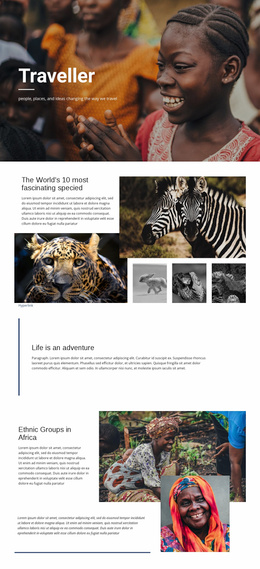
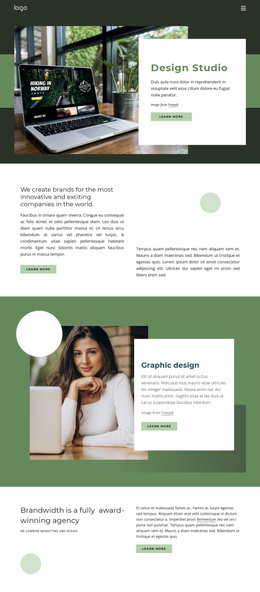
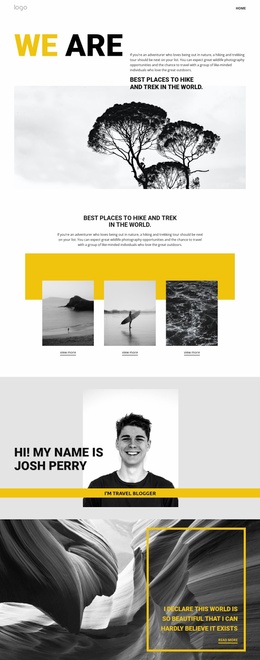
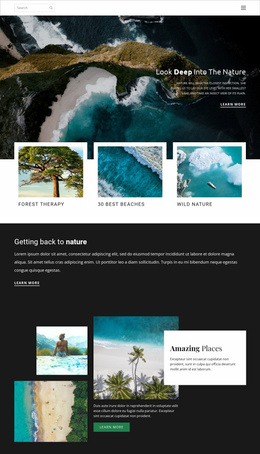
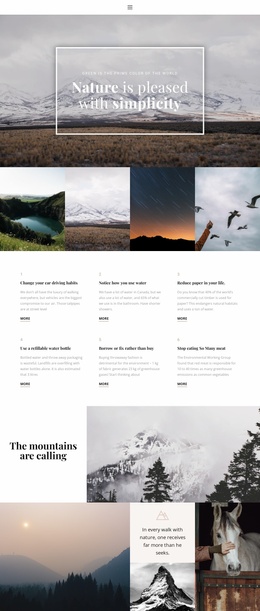
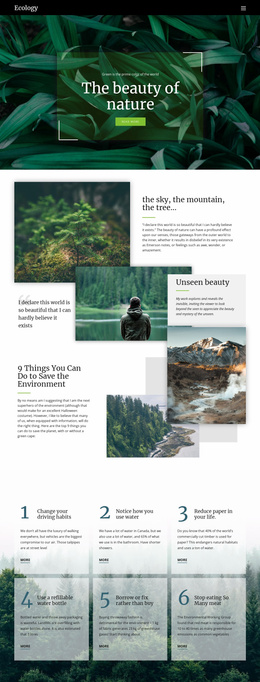
The design already identifies several content areas that a larger nature travel project could build around. The six numbered sustainability tips create an environmental information category, while the nature gallery and mountain collage establish the visual subject that can continue across related pages. The centered agency introduction adds organizational context, specifically around tailor-made vacations and safaris, rather than leaving the page as an anonymous collection of scenic images.
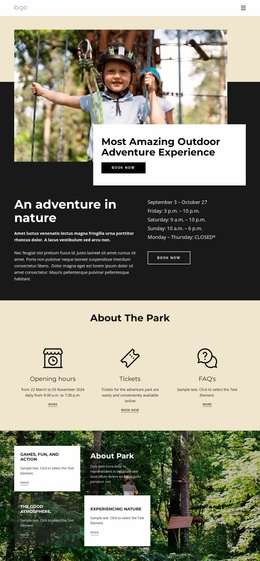
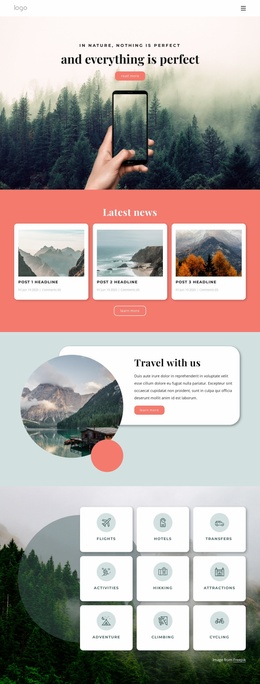
The three repeated offering cards provide a second clear expansion direction: hiking tours, luxury holidays, and trip planning can become distinct content categories or starting points for more detailed information. The testimonial-style area supplies a place for social proof, and the closing Travel panel with three social links reinforces the identity of the project. Navigation, mobile navigation, and the dark footer offer shared regions that can connect future content without changing the established visual character.
The analysis confirms one detailed page, not a complete multi-page set. Therefore, the design should be treated as a foundation for broader site architecture rather than evidence that additional pages already exist. Nicepage’s Pages panel can manage website pages, but the useful template-specific point comes first: this design has recognizable environmental, agency, offering, proof, and social areas from which a larger project could logically expand. Demo profiles and sample figures require replacement with verified content.
Customize with Nicepage
Open this ready-made template in the Website Template Builder and customize it visually in the Nicepage editor. Replace demo content, edit page sections, and adapt the design to your project without rebuilding the template from scratch.
Build a Complete Website From This Template
Customize the Website Visually
Use this ready-made website template as a starting point for your project and adapt its pages visually in Nicepage. Change content, images, typography, navigation, sections, and other design elements while keeping the website together as a single editable project.
Manage Website Pages in One Project
Use the Pages panel to open, add, duplicate, and manage the pages of your website. Work on individual pages while keeping navigation and the overall site structure accessible from the same project, making it easier to develop a complete website instead of managing separate page files.
Expand the Website With Matching Designs
When you need additional pages or sections, use Page Design Sets to find Page and Block Designs created in the same visual style. Design Sets group matching designs together, making it easier to expand the website with new content while maintaining a consistent look across its pages and sections.
Organize Larger Multi-Page Websites
As the website grows, use Page Folders to organize related pages and keep larger multi-page projects easier to navigate in the editor. This is especially useful for websites with separate service pages, company information, contacts, landing pages, and other content areas.
This workflow makes the template a practical foundation for building and expanding a complete website while managing its pages, content, and visual design within one Nicepage project.