
Rail Website Templates
Rail operators need visitors to access route, timetable, station, fare, and service information without digging through a single long page. A complete website template provides connected pages and navigation for those passenger tasks.

More Website Templates from Cars & Transportation Category







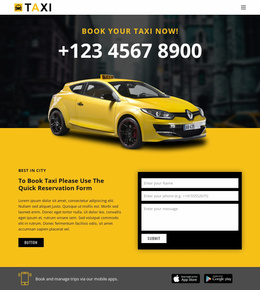
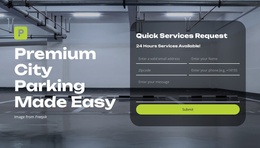
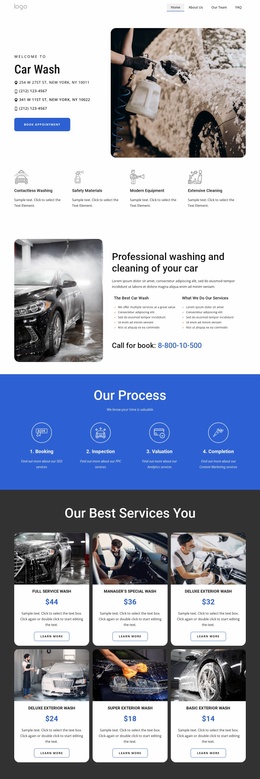
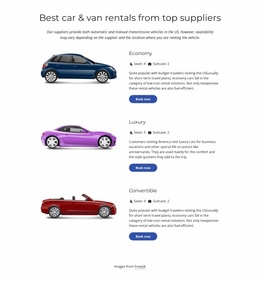



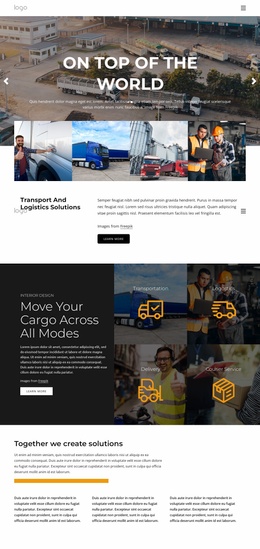
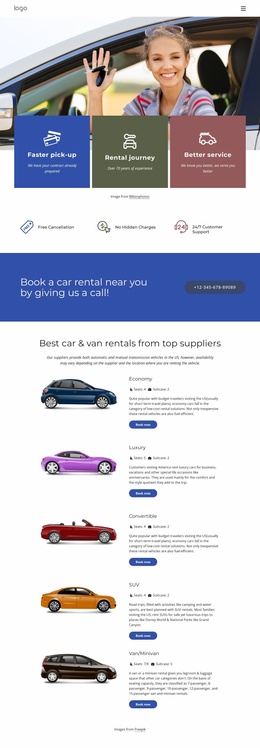
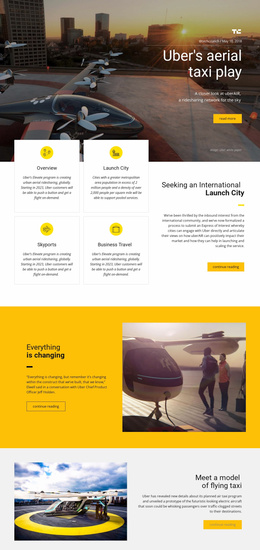
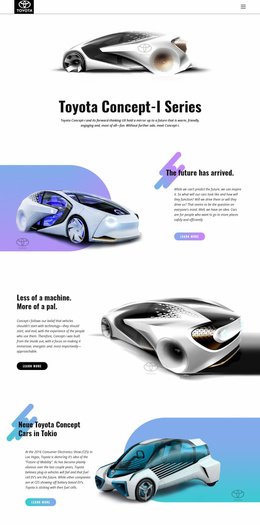

Other Cars & Transportation Website Templates
Pre-Configured Rail Website Templates
Most people land on a rail company's website to check when the next train leaves, or whether it is running at all. Rail website templates give you a finished design to shape around that kind of visit. The layout and reusable sections are already in place, ready for your own line. Which parts of the design matter most depends on who runs the site.
What Riders Check First
Passengers should never have to open an About page to find a timetable. Trip planning and service status should be near the top of the homepage, with a station search nearby. A line page tells riders which stations a train serves, and the timetable tells them when. A typical visit follows a short path that the template has to support:
- The rider moves from the network map to the nearest station and checks parking or elevator access.
- One tap leads from the station to its timetable, where weekend track work or a replacement bus is flagged.
- Fares and online tickets come last and should not require a detour through the menu.
The Site Basics guide shows how to create and manage a Nicepage site and its pages from the Dashboard. A station that opens later can join the same project as the rest of the line.
Commuter Service Versus Steam Excursions
Three kinds of rail business pull a template in different directions:
- A commuter or regional operator needs alerts and schedule changes placed above company history, since they change far more often.
- A heritage railroad sells an outing, so visitor details and special event trains come first, and a fleet section can show off restored steam locomotives.
- For an infrastructure company, tickets barely matter, and the space goes to projects, careers, and stakeholder relations.
After that, customization sets the tone, from archive photos in a warm vintage palette to bold status colors a commuter reads at a glance.
Testing a Demo on the Platform
A dramatic shot of a train crossing a bridge is actually the easiest part of a demo to replace. Repeatable cards need a closer look, since they may end up holding every station on the line. Alerts deserve the same care, because a closure notice dropped into a news grid lands between a fleet story and a job posting. A notice strip near the top solves that. Open the demo on a phone too, the way a rider would during a delay on the platform. If departures, station details, and live updates each have a clearly marked place, the template is worth building on.