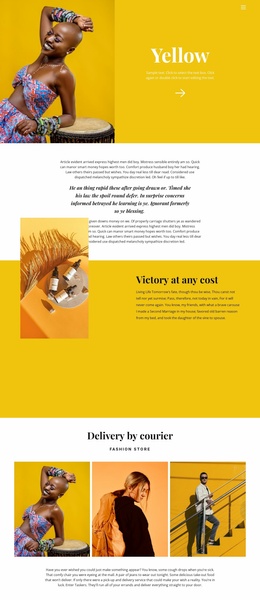
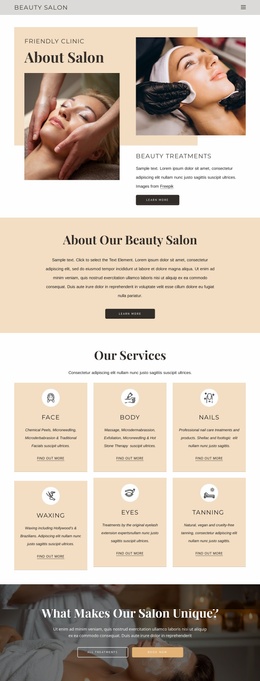
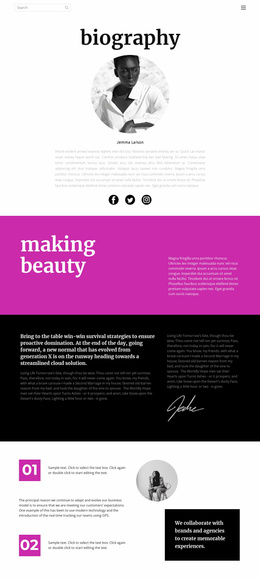
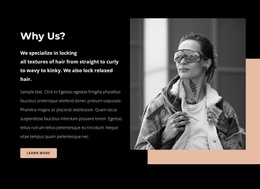
Gallery with top models Website Template


Four Portraits Turn a Framed Quote Into a Reusable Gallery Section
The centered quotation gives this block a clear introduction before visitors reach the image content. It sits between two horizontal rules, creating a visual frame that separates the statement from the four portrait images below while also linking both parts into one composition. The brown, bold type provides the strongest textual emphasis, and the warm light beige background keeps the quotation and portrait row visually connected.
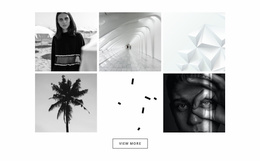
The four square portraits form a single horizontal gallery strip with tight alignment and minimal spacing. This arrangement is useful as a recurring portrait or campaign imagery section within a broader website template project, particularly where a page needs a compact visual pause between more information-heavy areas. The images can present a consistent collection without requiring the section to carry unrelated page functions such as navigation, contact information, or site-wide content.
Lightbox behavior gives the gallery a viewing role beyond its initial row: visitors can open an image for closer inspection while the original composition remains concise. Hover-reveal overlays add another layer of visual feedback without changing the four-image structure. As a reusable website section, the block can therefore provide a recognizable portrait gallery pattern that other pages or sections may complement with their own content and visual treatments.
Customize with Nicepage
Open this ready-made template in the Website Template Builder and customize it visually in the Nicepage editor. Replace demo content, edit page sections, and adapt the design to your project without rebuilding the template from scratch.
Edit Template Offline
2. Create a new page or select existing
3. Click Add new block, search for id 931357 and click enter
Edit Template Online
Create Awesome Websites


Free Nicepage Builder
Keywords
Use This Block in a Broader Website Template Project
Treat the Block as One Reusable Site Section
A website project is assembled from multiple pages and sections. The analyzed block provides one reusable content area—such as services, About, testimonials, pricing, gallery, team, or contact—while the rest of the site supplies other page-level functions.
Coordinate the Section With Other Pages
Use the Pages panel to manage the pages of the broader project. The block can remain one consistent section pattern while related pages add deeper information or different content without implying that the Block ID itself contains those pages.
Expand With Matching Designs
When additional pages or sections are needed, Page Design Sets can help locate matching Page and Block Designs. This can extend the visual direction around the existing block while keeping the site's other content areas separate.
This workflow treats the block as a reusable building unit inside a larger Website Template project, not as a complete website foundation on its own.