
Kindergarten WordPress Themes
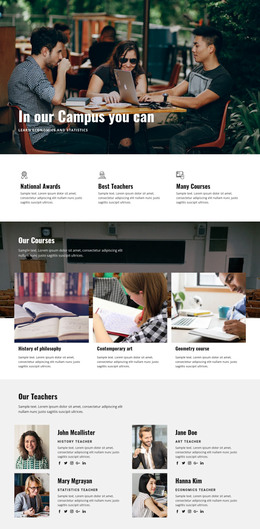
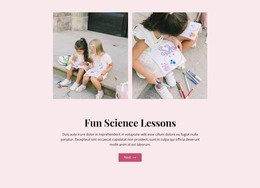
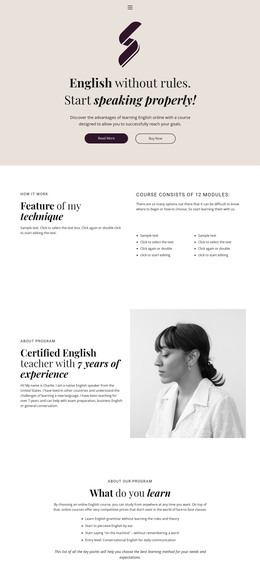
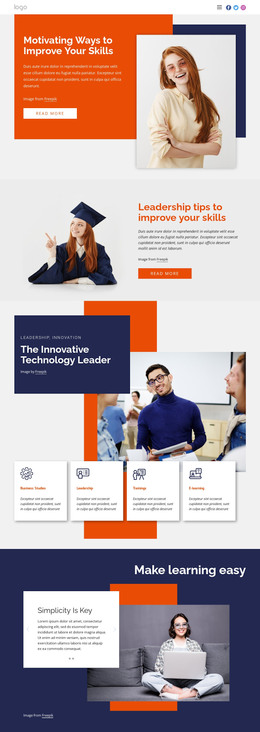
Kindergarten staff often revise teacher profiles, meal menus, schedules, classroom news, and parent notices after launch. A WordPress workflow can keep those routine content changes separate from broader theme and project-level decisions.
More WordPress Themes from Education Category
-

-
-
-
-
-
-
-
-
-
-
-
-
-
-
-
-
-
-
-
-
-
Free Website Builder SoftwareDownload
-
-


























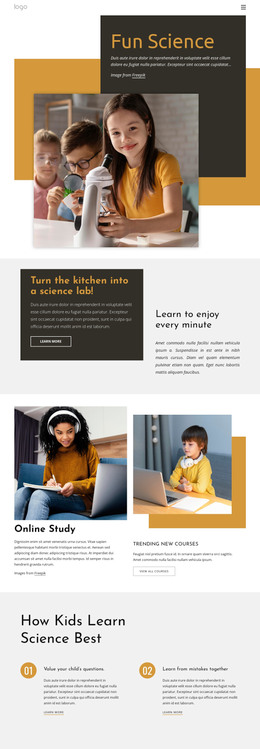

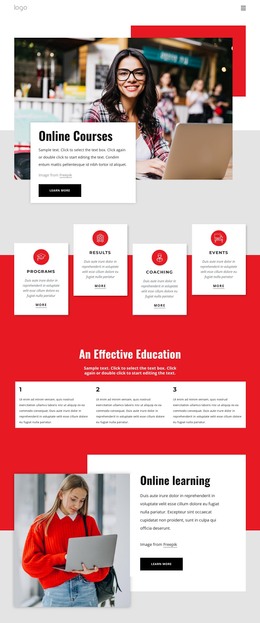

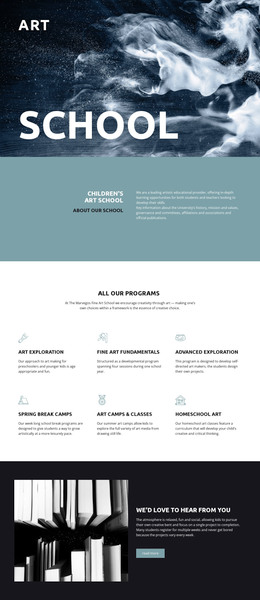
Other Education WordPress Themes
Flexible Kindergarten WordPress Themes for Ongoing School Updates
A kindergarten site is never quite finished, and it's rarely because of the design. The lunch menu changes, a teacher leaves in March, an open day moves to Saturday, and someone has to publish it that same afternoon. Kindergarten WordPress Themes keep those edits within the CMS, where an approved staff member signs in, rewrites a few lines, and publishes, while the theme keeps the school's look intact.
What School Staff Publish Themselves
The material that moves during a school year is fairly predictable:
- announcements and classroom news;
- open days, holidays, and other dated events;
- staff introductions when someone joins or changes group;
- lunch menus and short notices for parents.
All of that belongs in Posts, where a new entry appears in the blog list, the archive, and the site's own search without anyone having to rebuild anything. Pages hold what should not move: Programs, Teachers, Admissions, and Contact keep their layouts for years, while the theme's Blog and Post templates give every announcement the same familiar look.
Nicepage builds the theme in its Desktop Application, and the usual route is to export it, activate it in WordPress, then install the Editor Plugin and import the content. Site Style takes over from there, handling the palette, typography, and shared parts of the theme within WordPress.
Access Levels Inside WordPress
Not everyone who updates a school site needs the keys to its design. A director may well need all of them, while a teacher posting classroom news between lessons needs one corner of the CMS. Nicepage User Roles give collaborators permissions that fit their roles, including limited editing for people who only touch content; the WordPress User Roles documentation lists what each one can do. The practical gain is that a routine notice cannot rearrange a layout everyone shares.
Design Stays, News Changes
Larger structural work goes back to the desktop project, while the everyday layer stays in WordPress, which for a preschool is usually the comfortable split. The site's look and feel stay put throughout the academic year, while the news and staff list move at the pace the term sets. September is the obvious test when intake details, a new group, and the calendar all change in the same week or two.
A theme earns its place when publishing a Tuesday announcement leaves the rest of the site exactly as it was, and when the person doing it never has to open a design tool.